Free
Free
- 1 promotion
- Spend promotions
- 7-day analytics and optimization
BOGO, spend tiers, free gifts and discount stacking in one app.
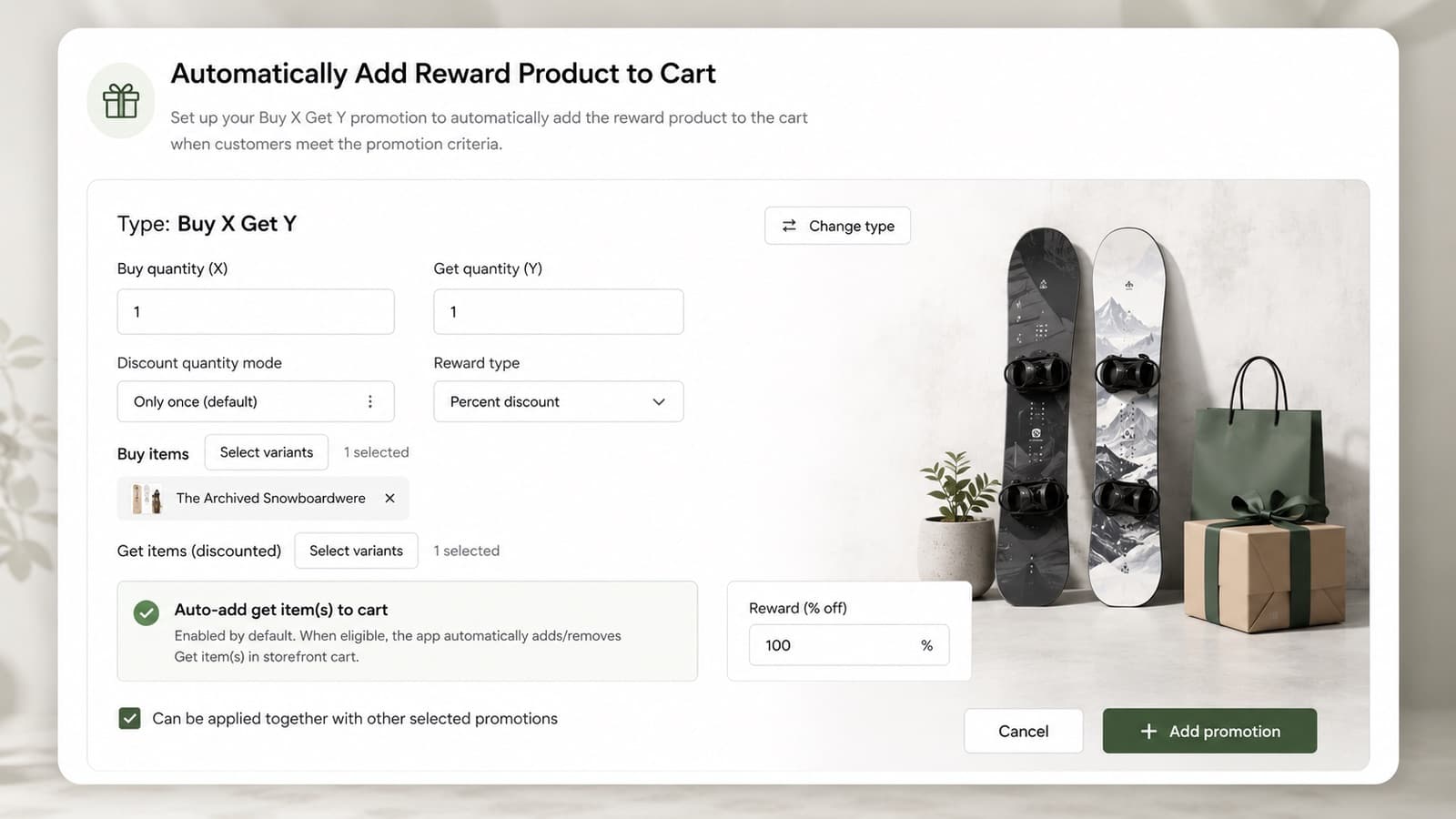
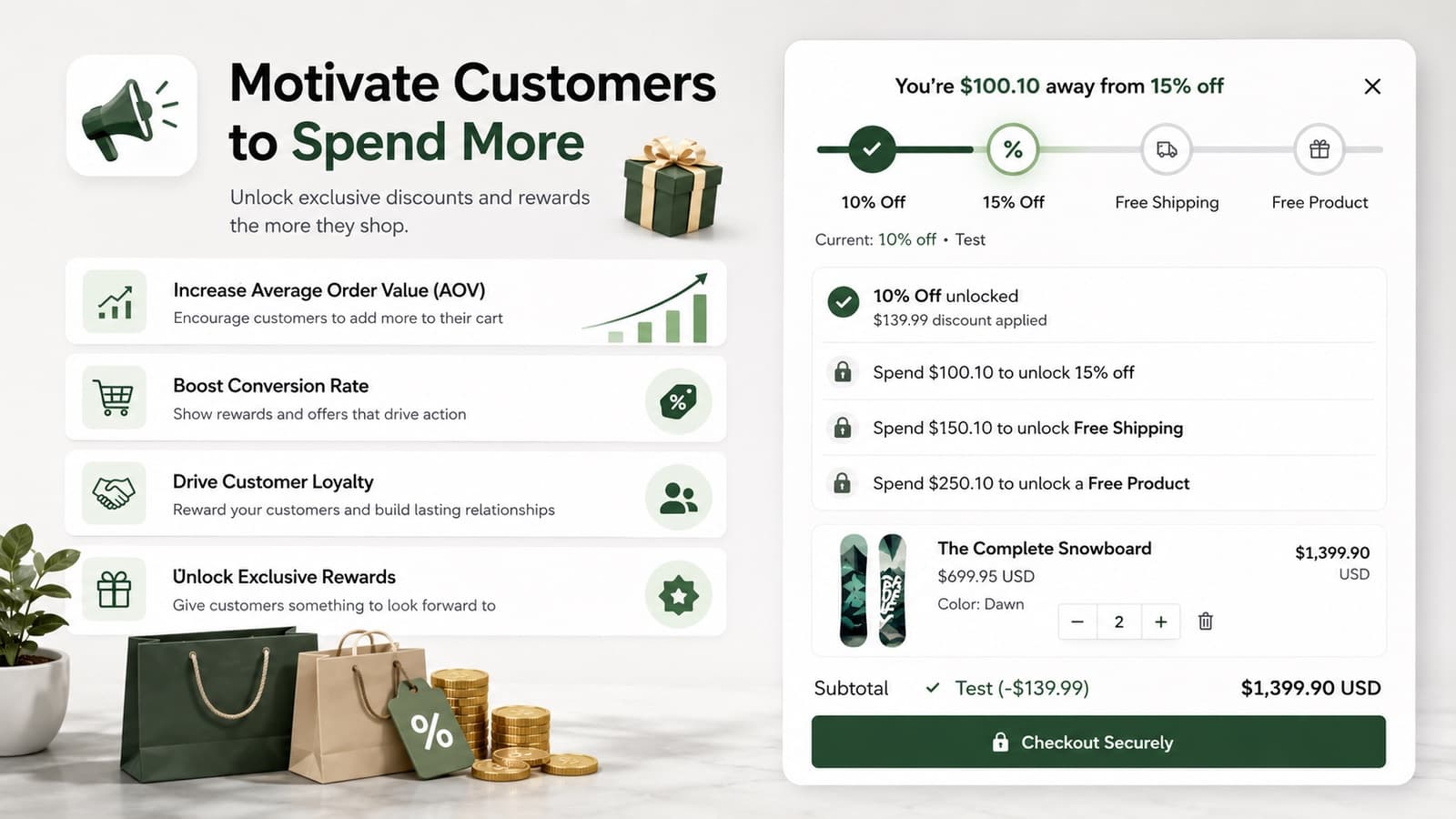
CartGift builds automatic discount strategies on Shopify Functions: spend more, buy X get Y, quantity tiers and VIP offers, with gifts added to the cart for the shopper and a progress bar that shows what is left to unlock.
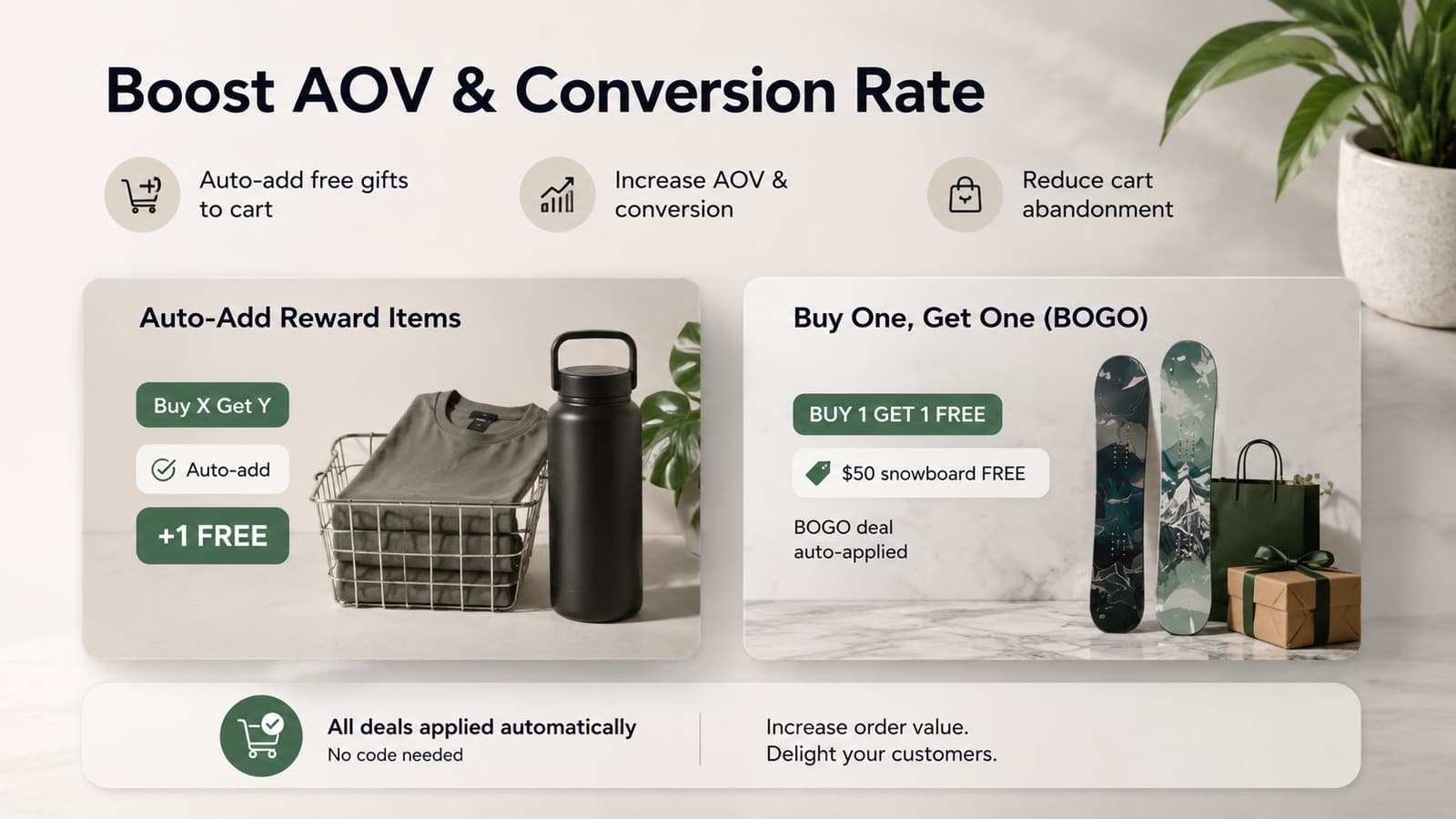
Screens from the Shopify App Store listing.
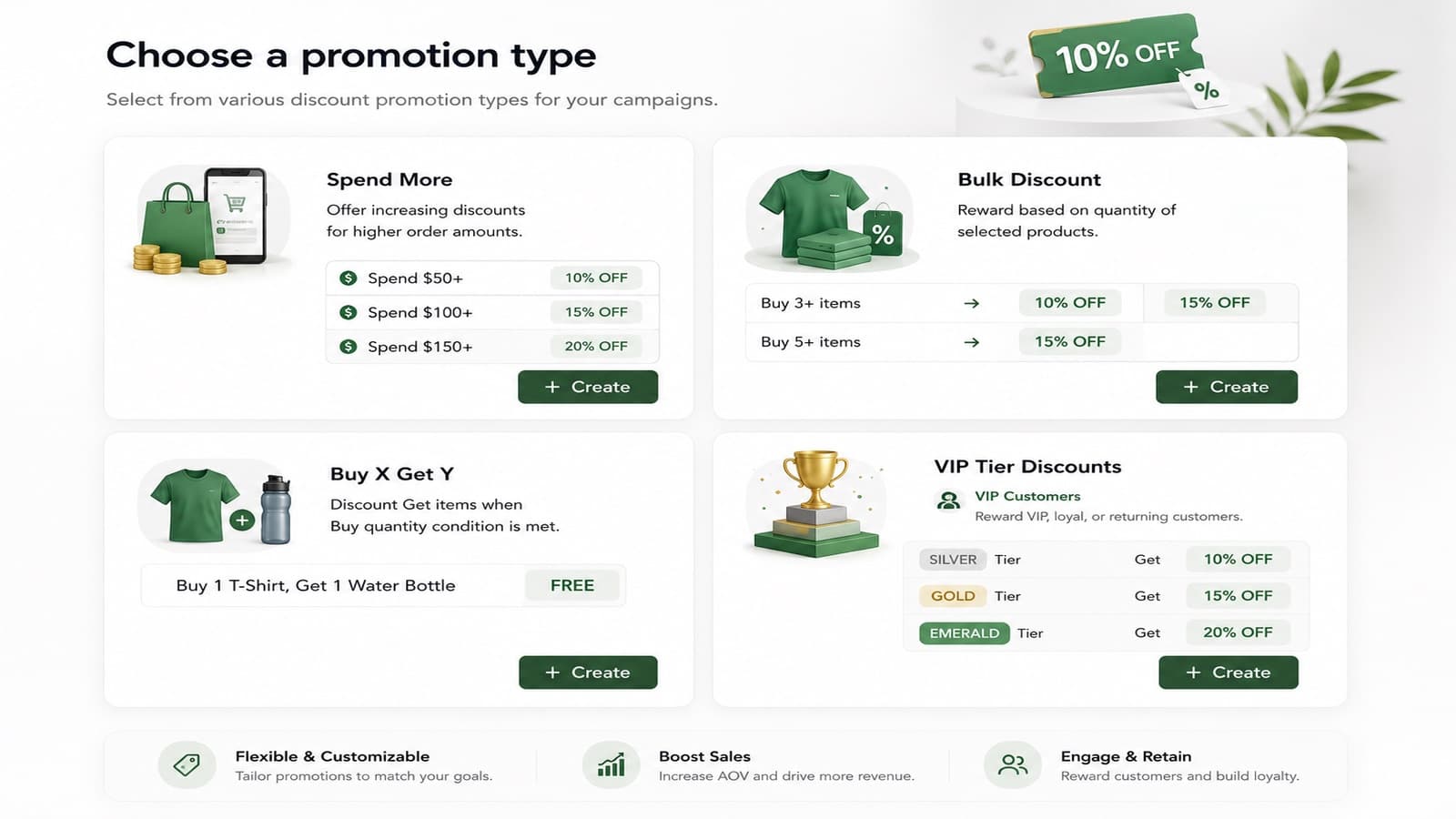
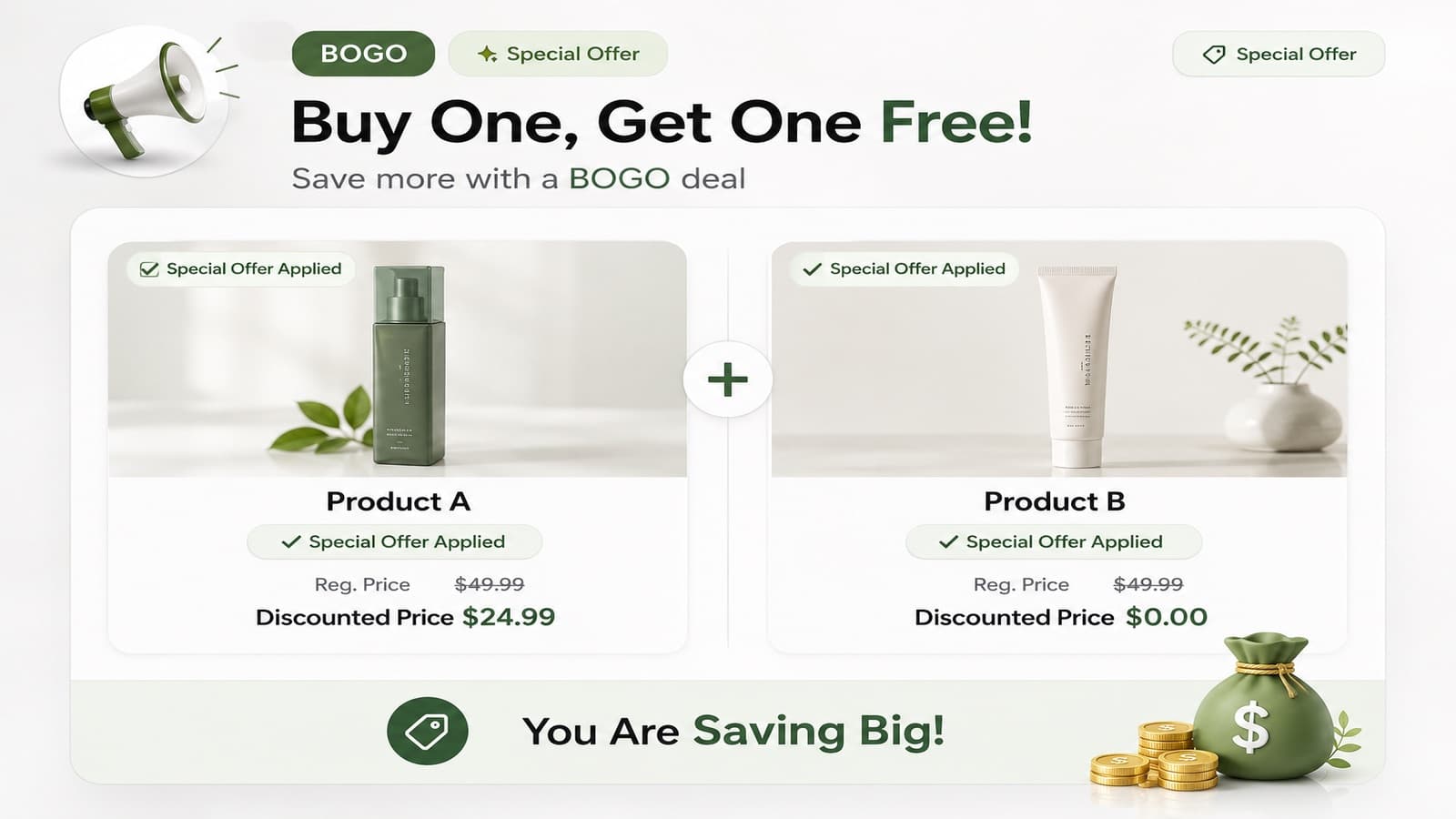
Everything is set up from the Shopify admin. Read the documentation for step-by-step guides.
Spend more, Buy X Get Y, quantity tiers and customer offers for VIP, new and returning shoppers.
When a cart qualifies, the gift product goes into the cart on its own.
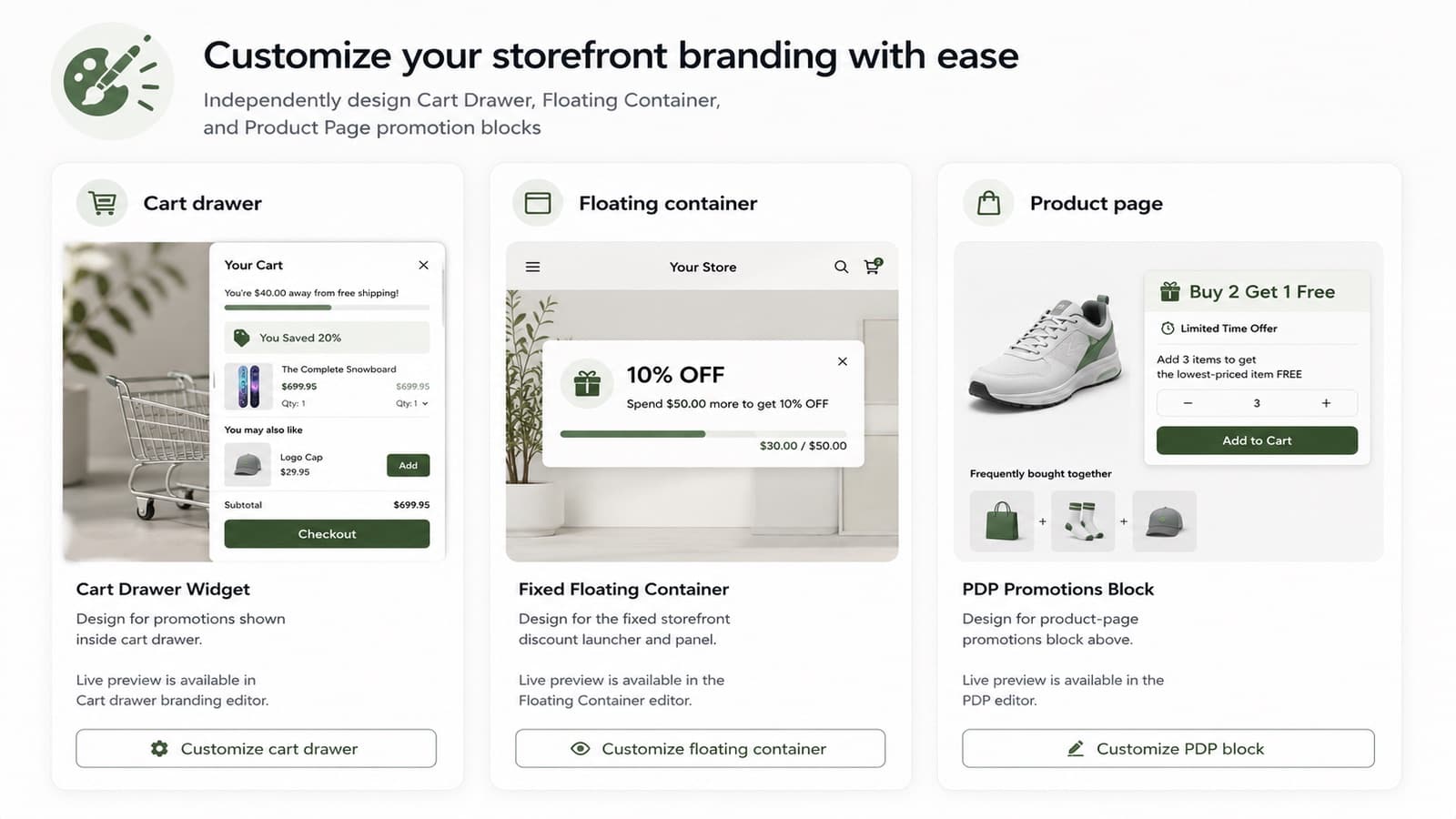
The cart drawer, cart page and product page show how close the shopper is to the next reward.
Choose for every promotion whether it combines with product, order and shipping discounts.
Colors, labels and messages for the cart drawer, the floating bar and the product page block.
Discounts are calculated by Shopify at checkout, not by scripts in your theme.
Test subtotals, products and customer types before a strategy goes live.
Orders, revenue, discount cost and net revenue for every promotion, with tips to improve them.
Billed in USD through Shopify.
Free
$14.99 / month
7-day free trial
$39.99 / month
7-day free trial
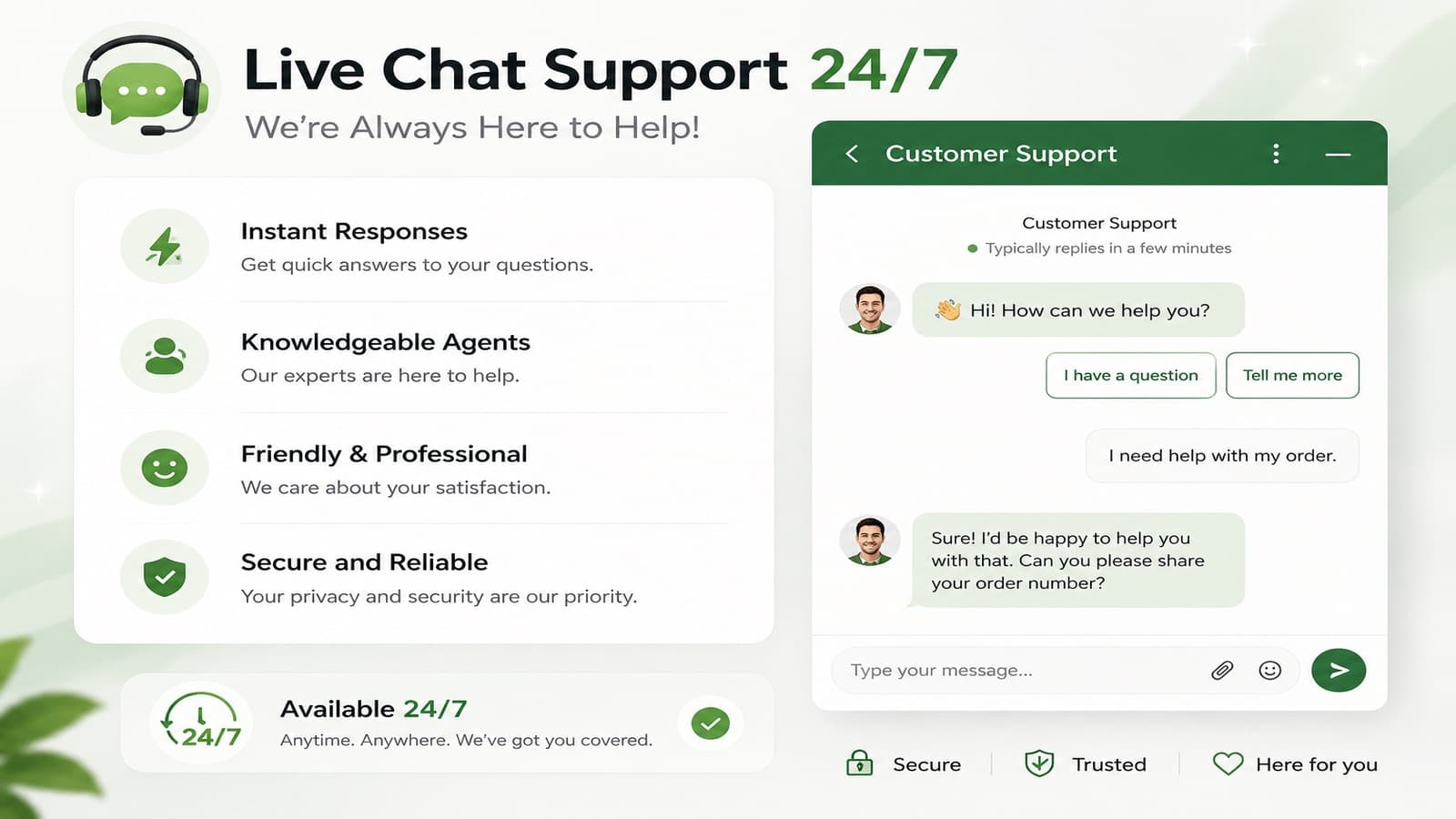
Write to us with your store and what you want to set up. The team that builds the app answers.