CartGift documentation
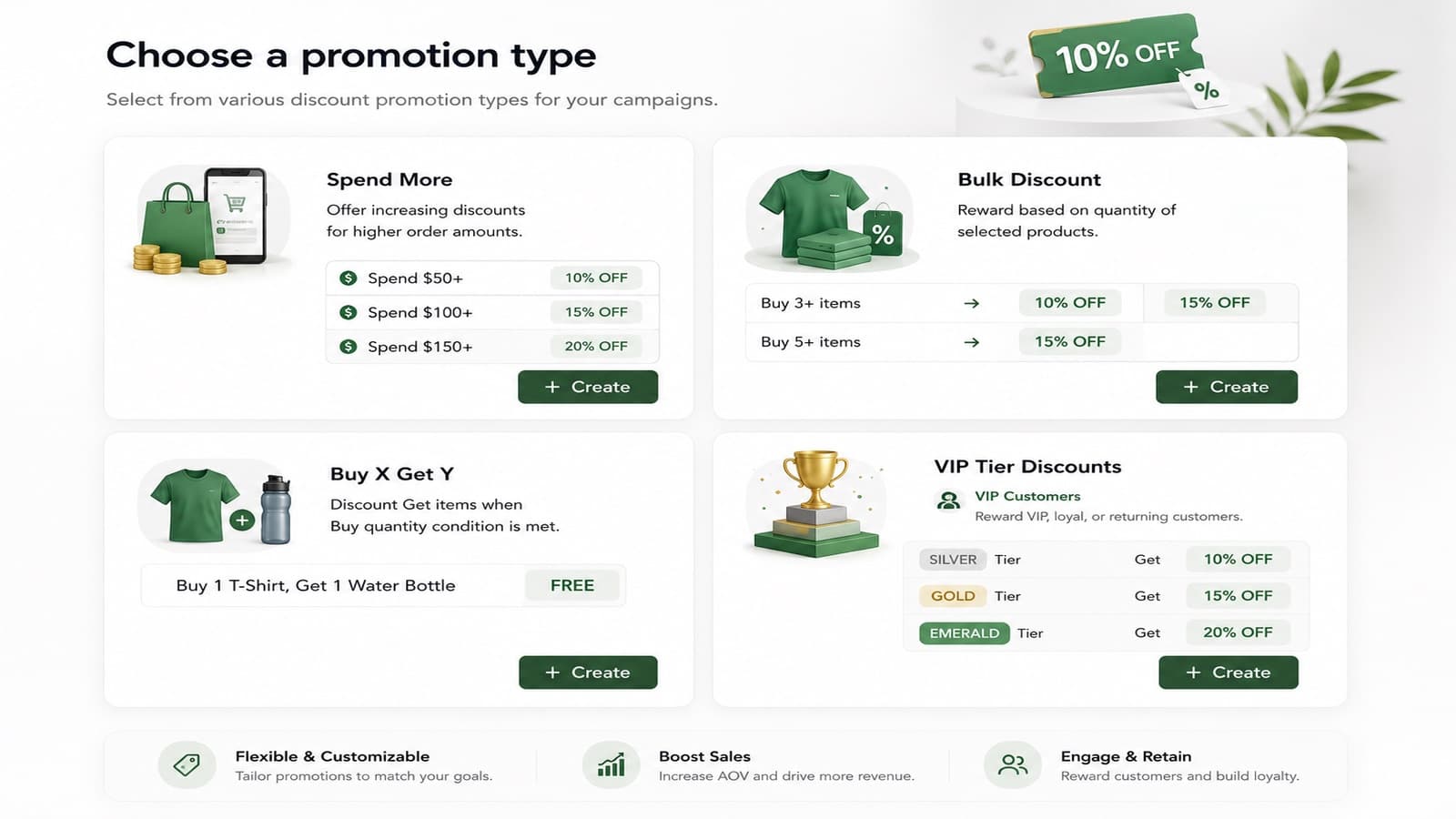
CartGift: BOGO ‑ Discounts builds automatic discounts for your Shopify store: spend more and save, buy X get Y, quantity tiers and offers for VIP, new or returning customers. Gift products go into the cart for the shopper, and a progress bar shows how close they are to the next reward.
Discounts are calculated by Shopify Functions at checkout, so the price a shopper pays always comes from Shopify. The storefront widgets are theme app blocks: they work with Online Store 2.0 themes and leave no code behind if you uninstall the app.
Start here
Install and set upPick a plan, create your first strategy and turn on the widgets.Promotion typesSpend more, quantity tiers, Buy X Get Y and customer offers.Strategies and combinationsPriority, stacking and which strategy is live.Storefront widgets and brandingCart drawer, floating bar, cart page and product page.
Key terms
| Term | Meaning |
|---|---|
| Strategy | A container that holds several promotions. Only one strategy is live at a time. |
| Promotion | One discount rule: Spend more, Quantity, Buy X Get Y or Customer. |
| Tier | One threshold inside a promotion, for example Buy 5+ → 20% off. |
| Combinations | Which other discount classes a promotion can stack with: product, order and shipping. |
Requirements
- A Shopify store with the Online Store sales channel and an Online Store 2.0 theme for the storefront widgets.
- Install from the Shopify App Store.