
Ani
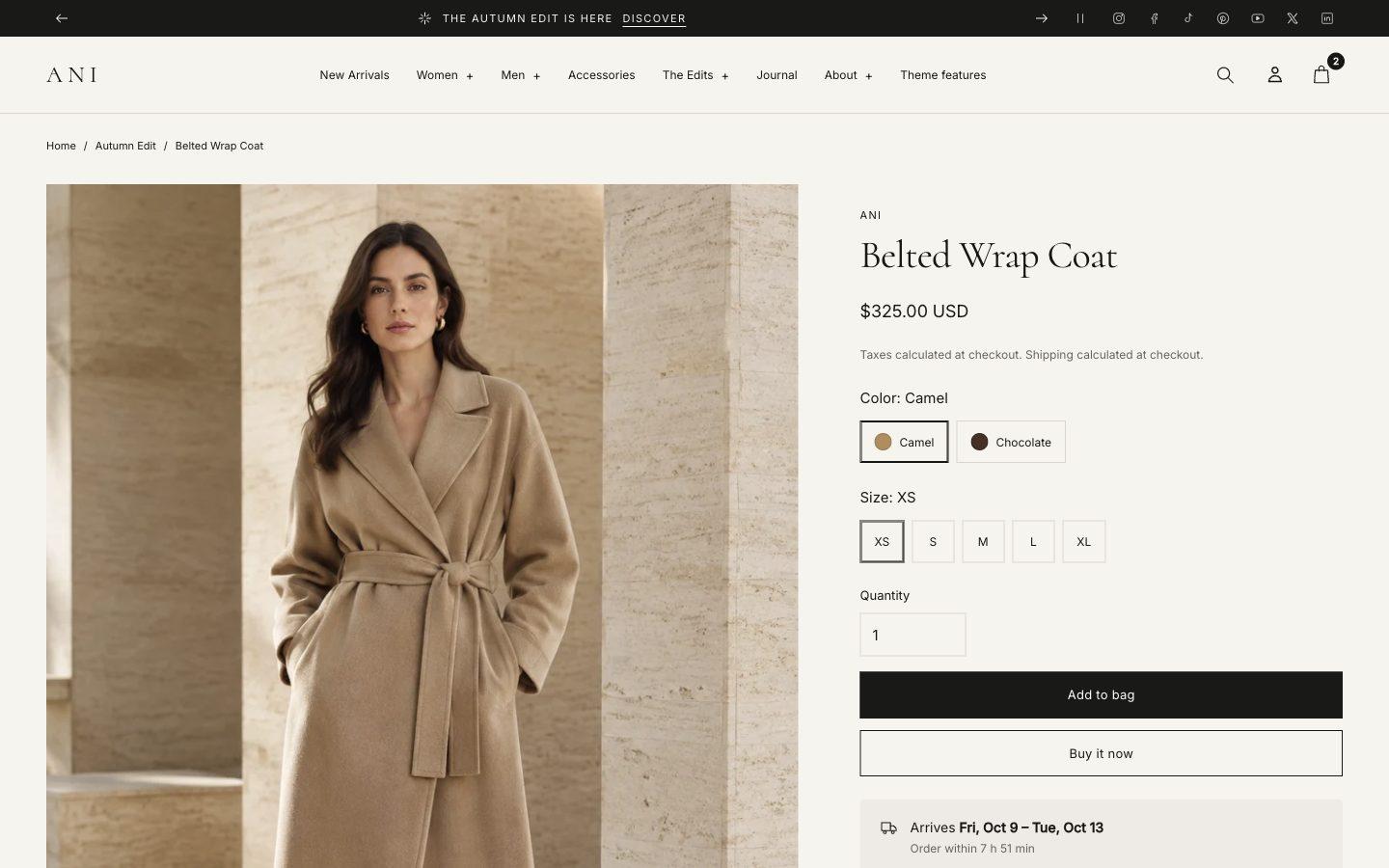
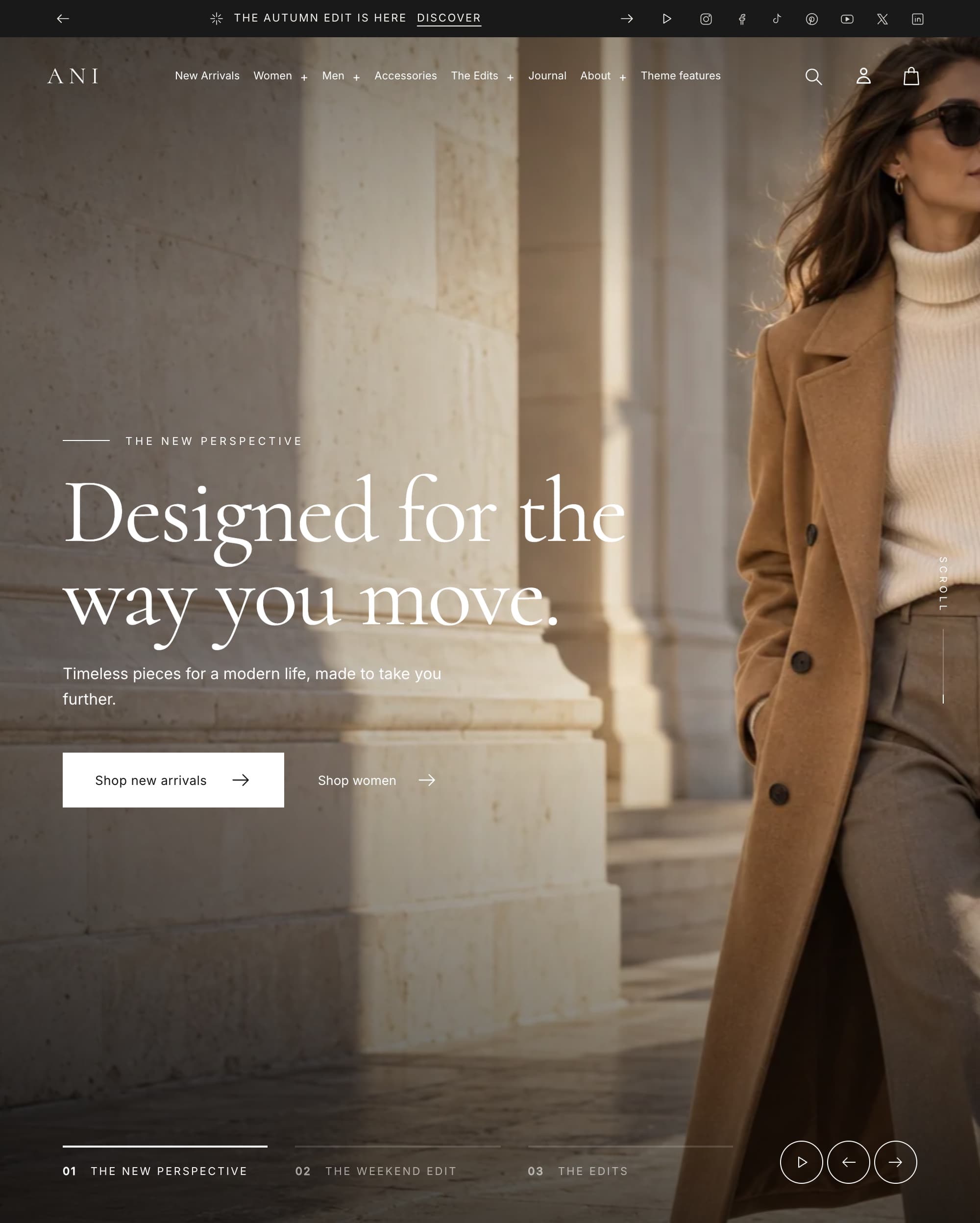
Warm ivory pages, a contrast serif and a full-screen slideshow for collections that are best told through photography.
- Mood
- Editorial, light
- Best for
- Clothing, shoes, accessories
An editorial Shopify theme for brands that sell through photography and detail. Three styles for fashion, jewelry and electronics, forty-five sections and the selling tools a growing store needs, all edited in the Shopify theme editor.

Each style is a complete theme with its own fonts, colours, buttons and homepage. Upload the one that fits your store, then adjust anything in Theme settings.


Warm ivory pages, a contrast serif and a full-screen slideshow for collections that are best told through photography.


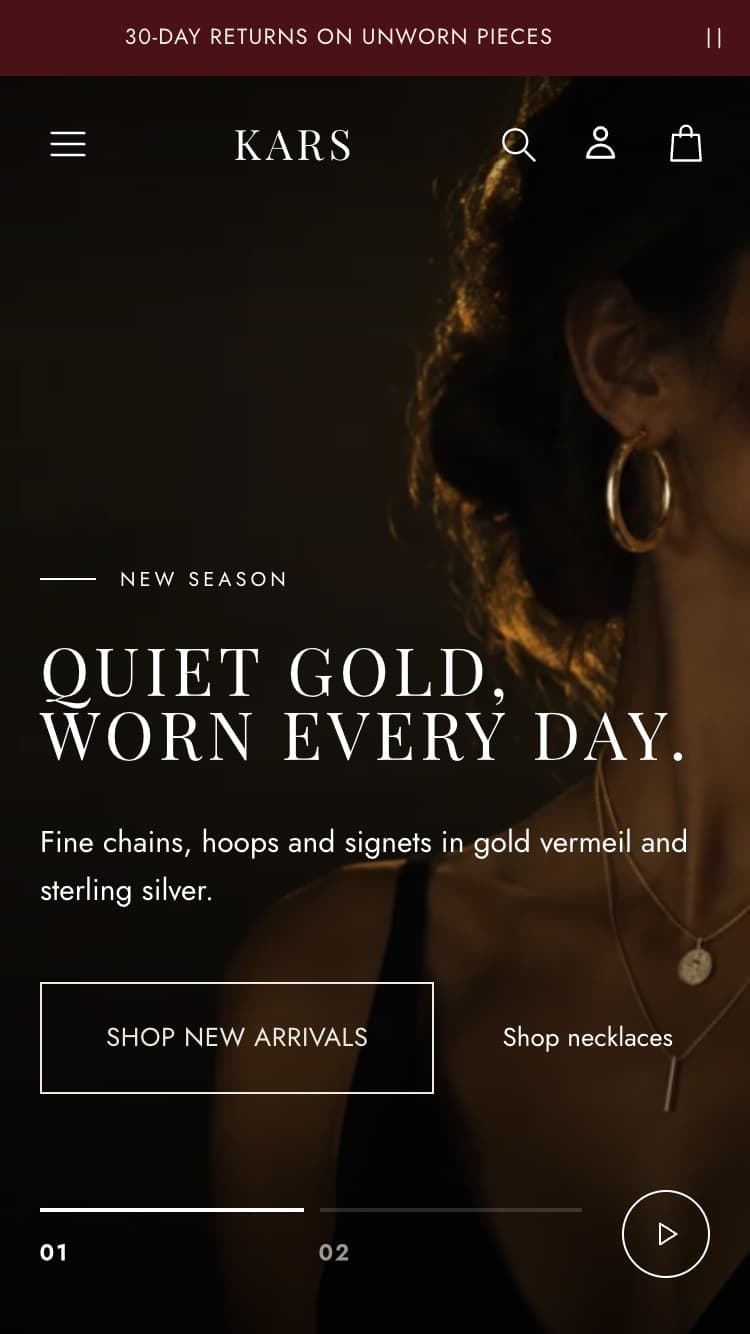
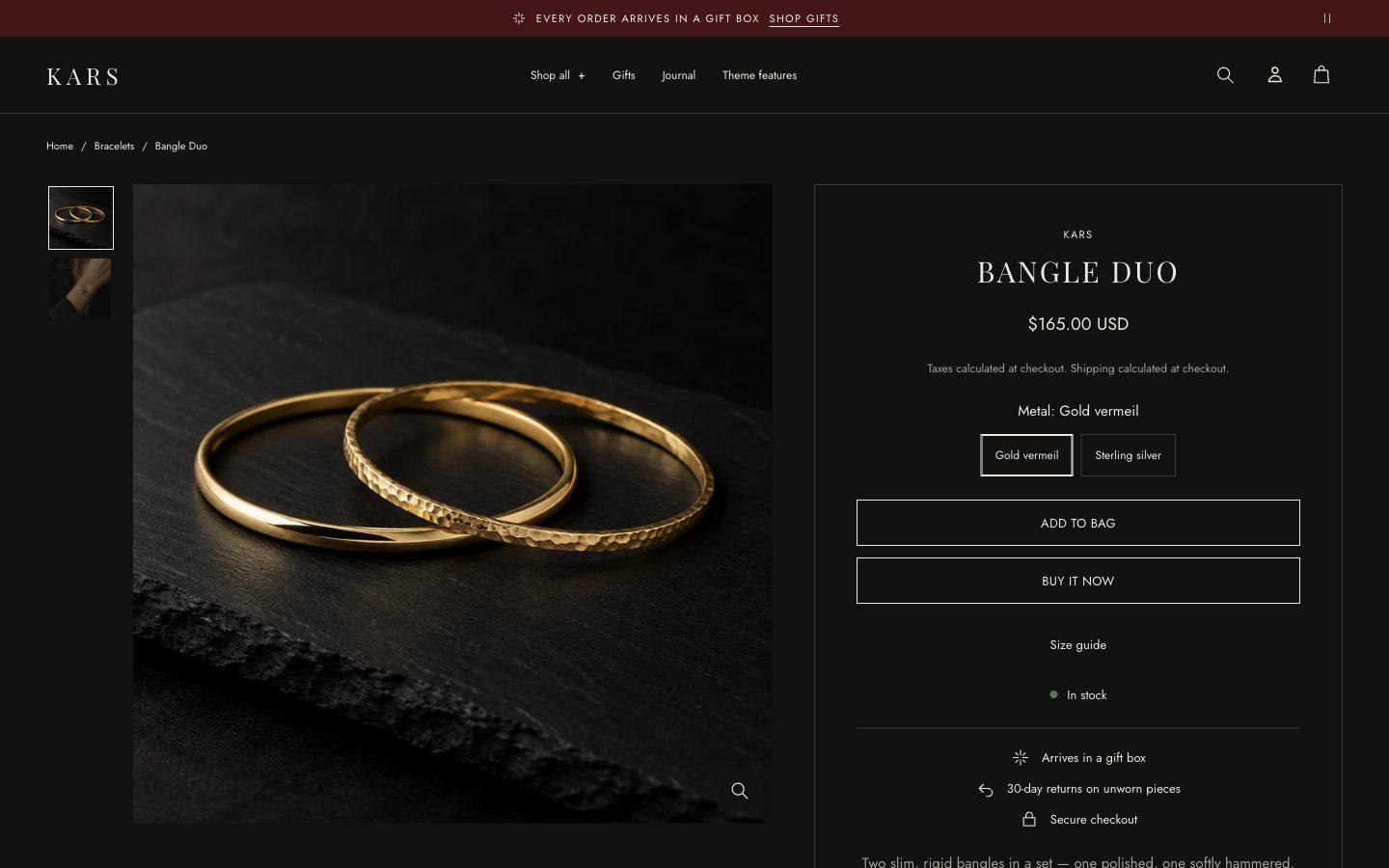
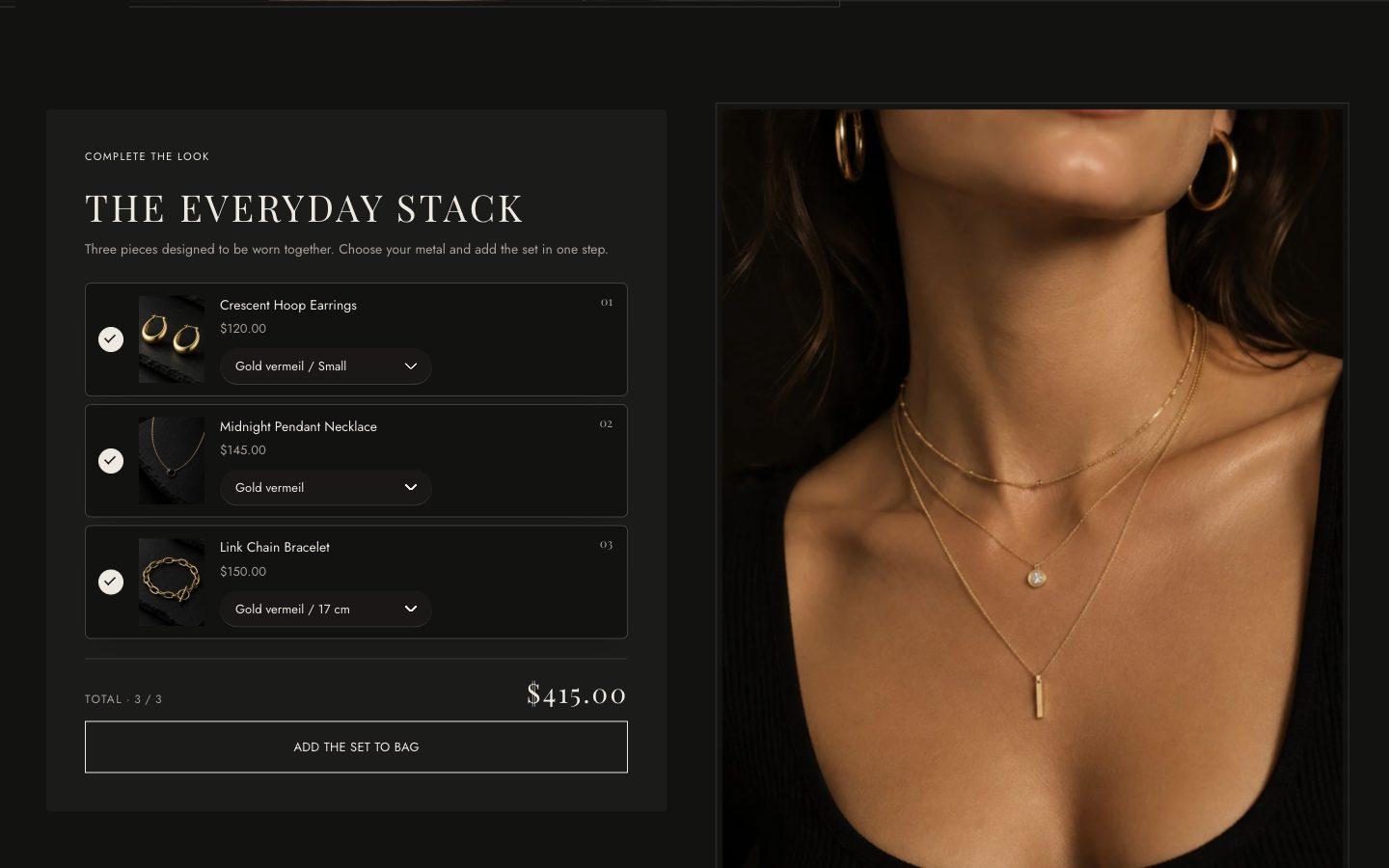
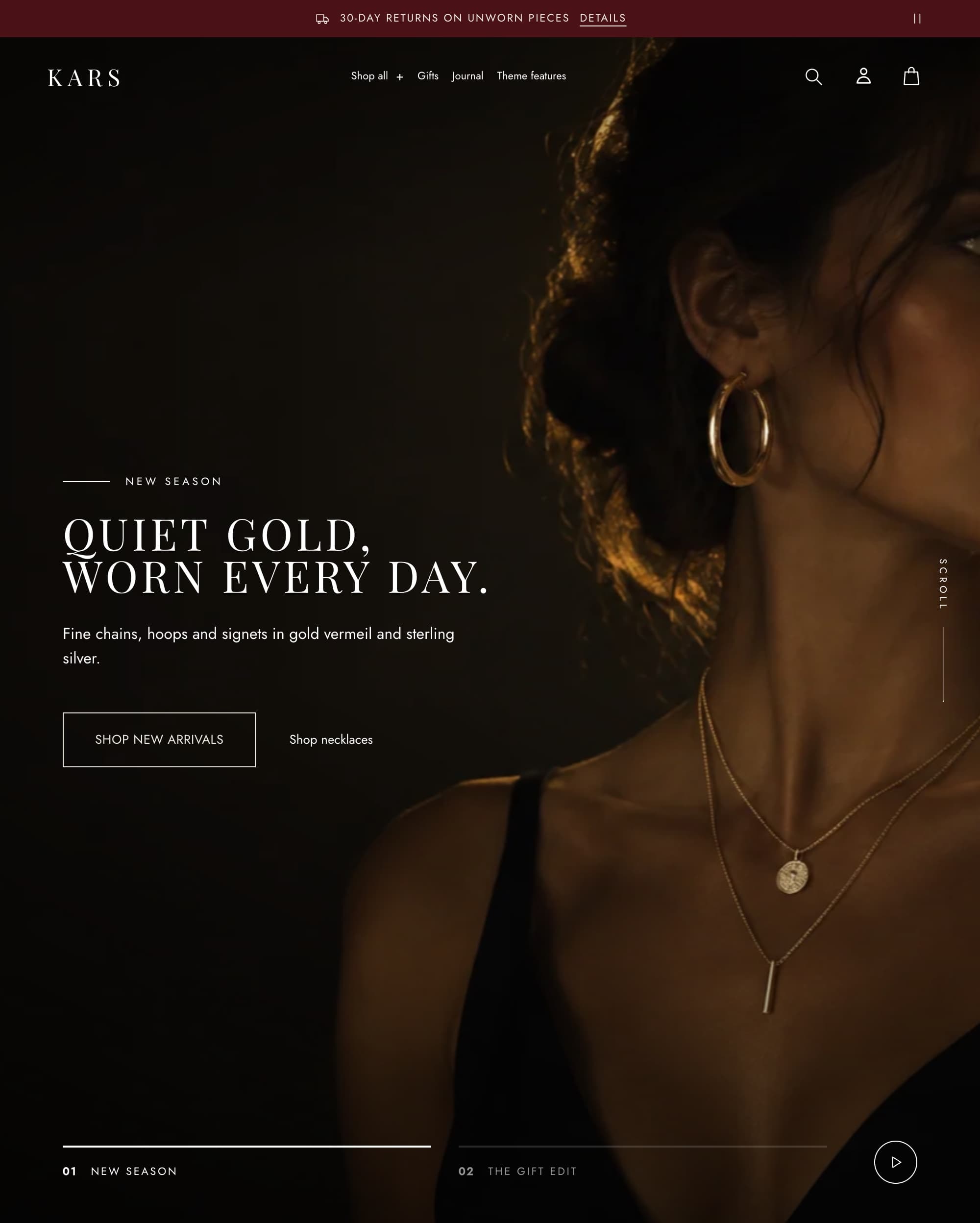
A dark, low-lit style with uppercase serif headings and outlined buttons, made for small products and close-up photos.


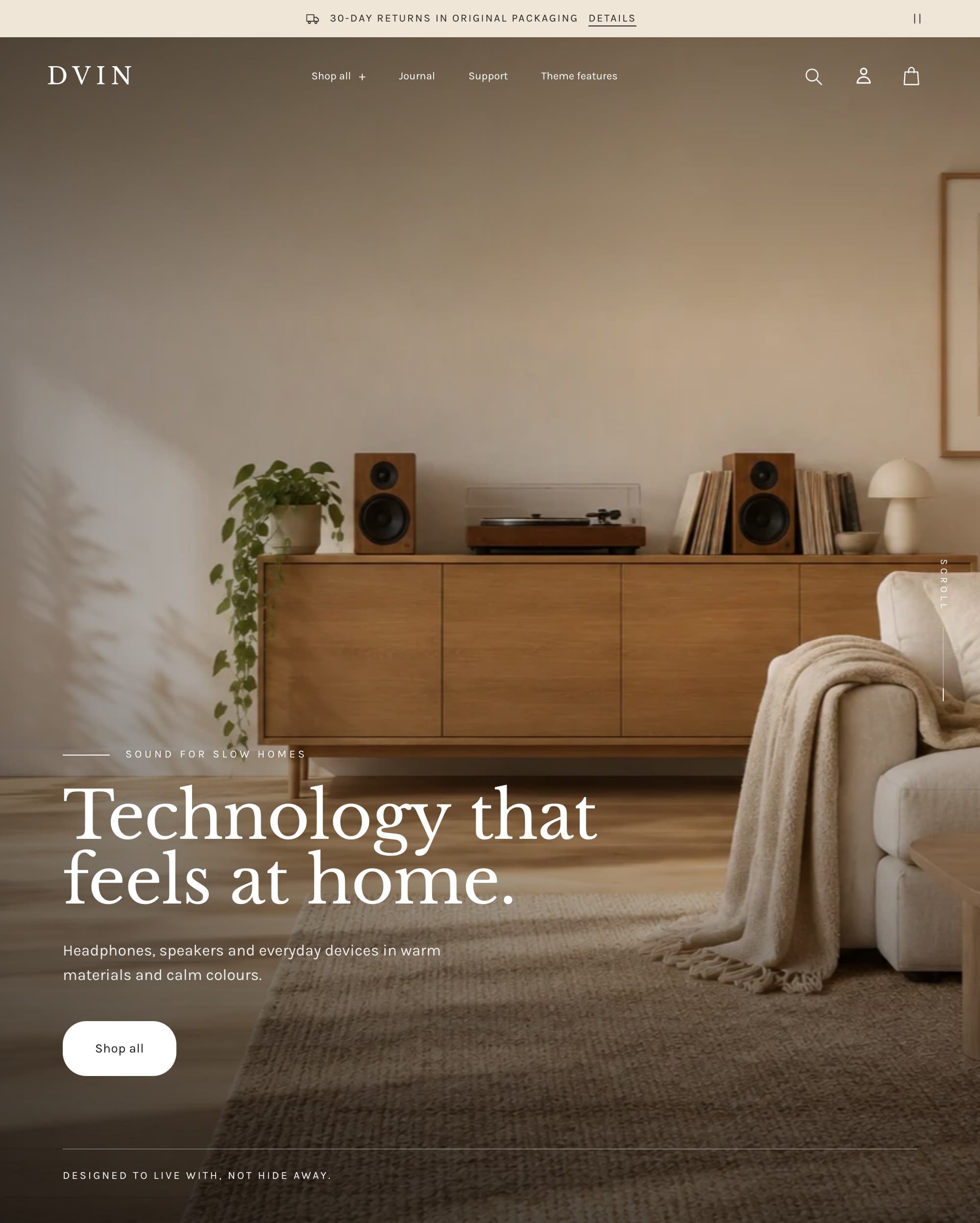
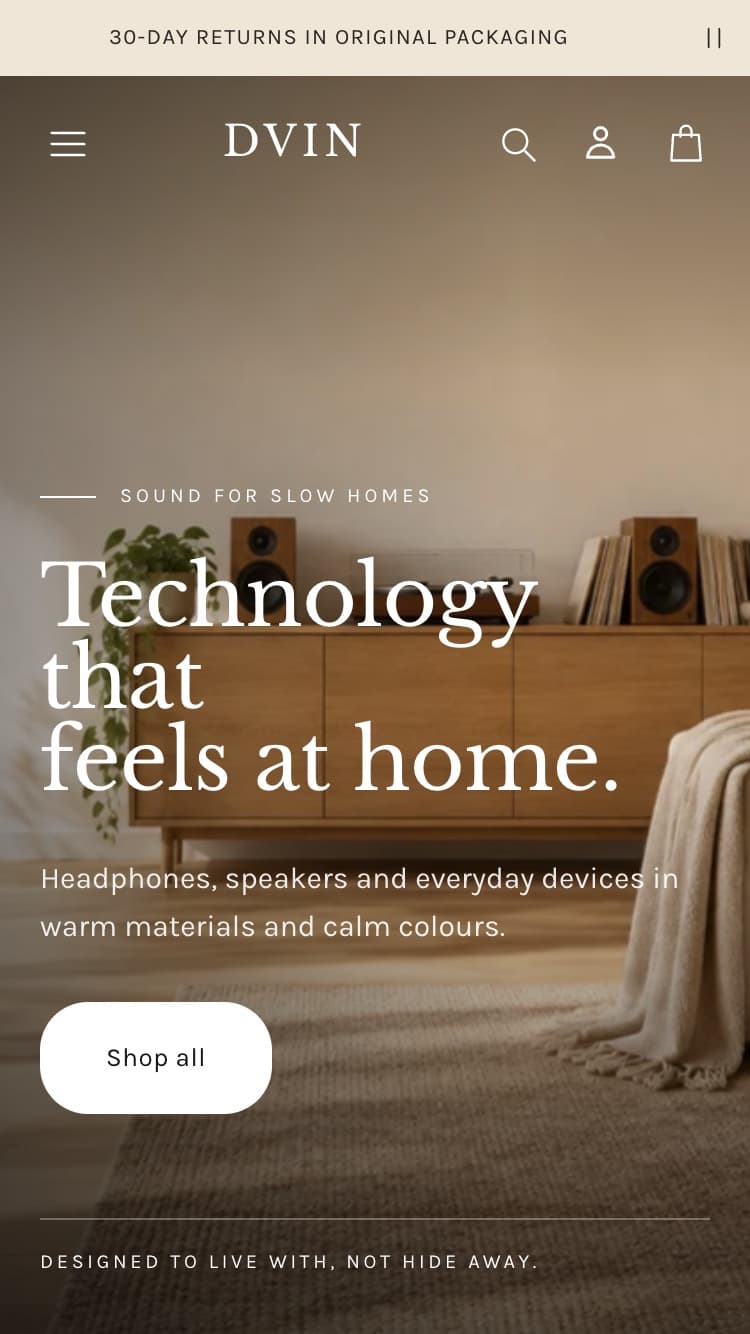
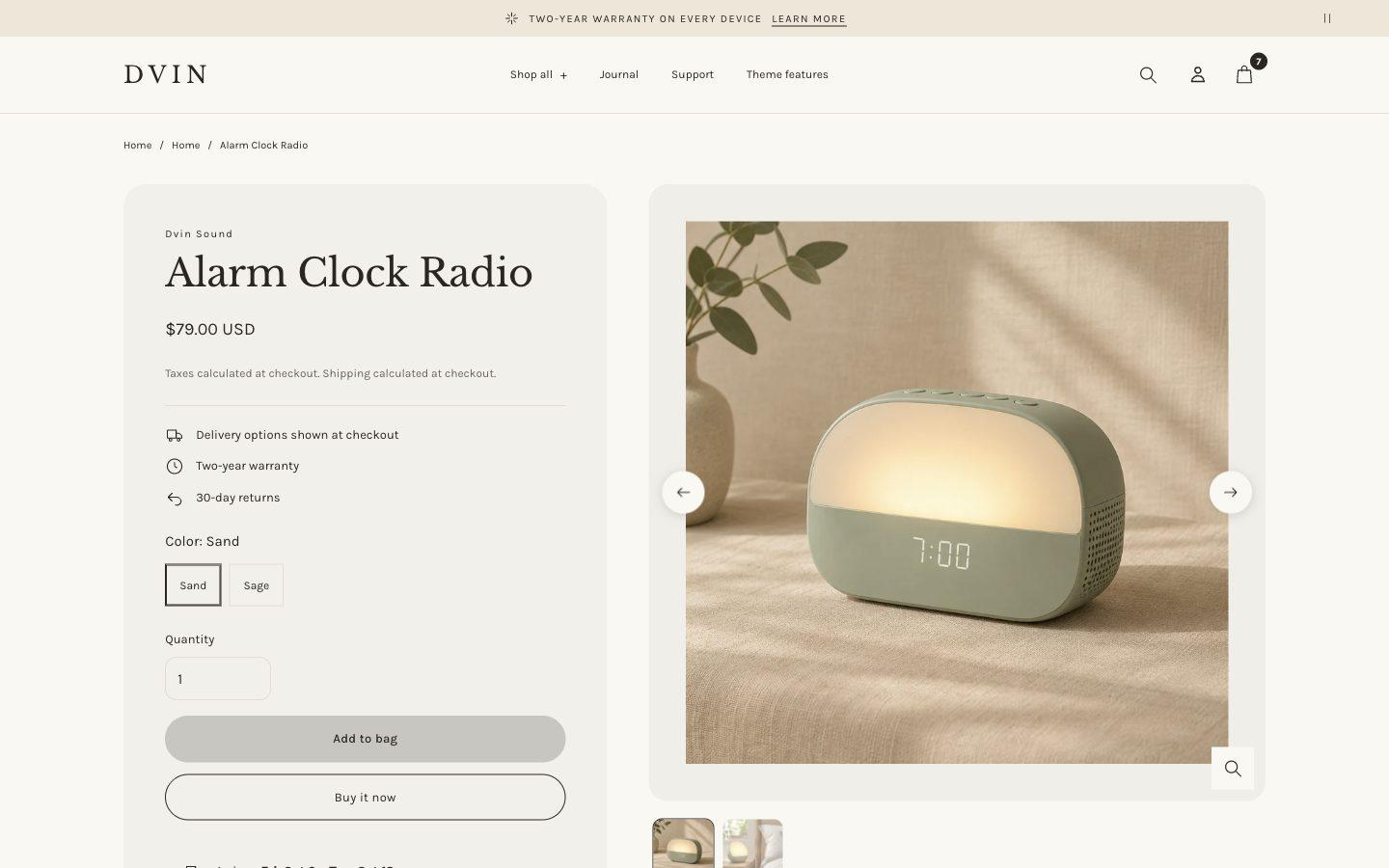
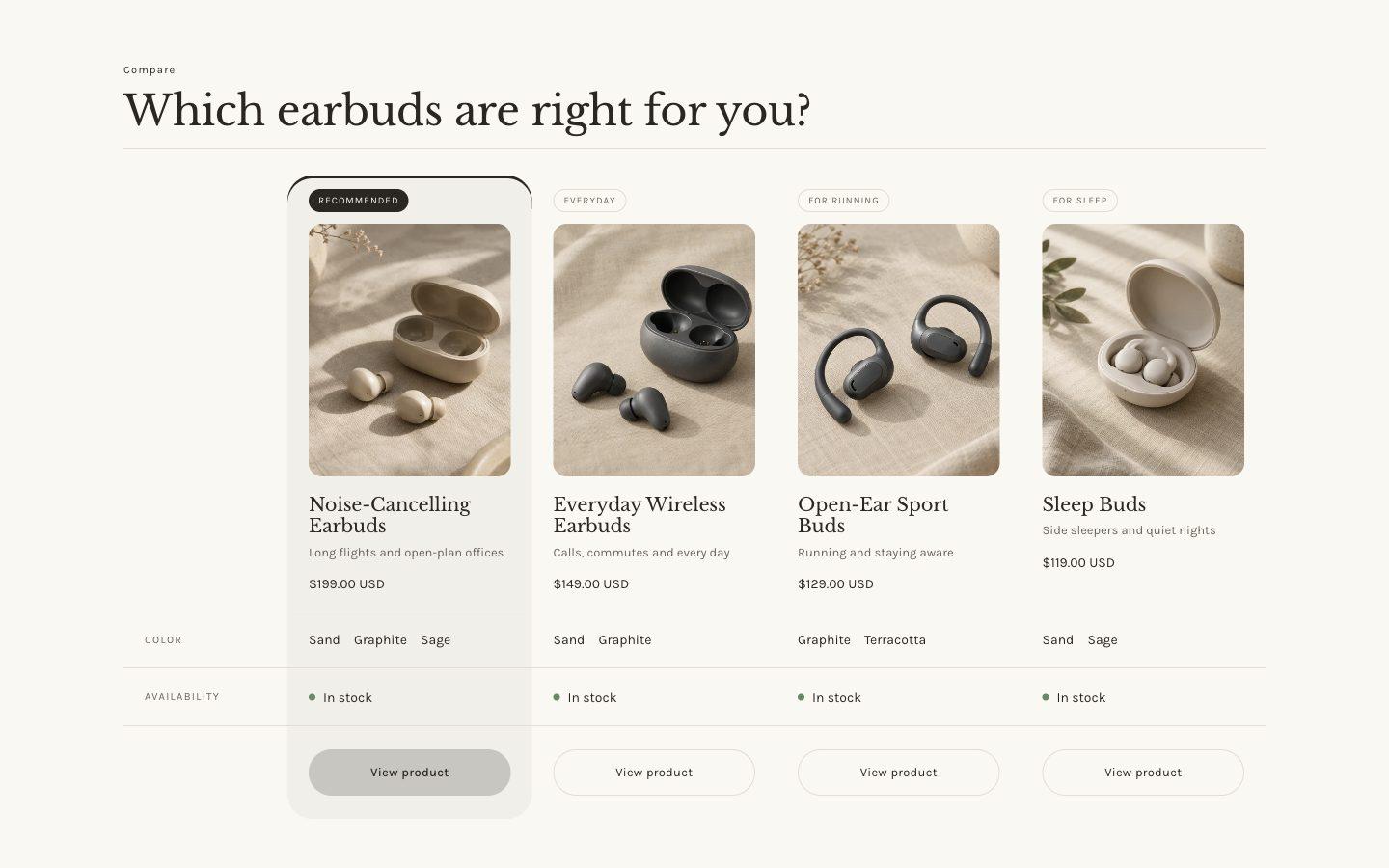
Soft neutrals, rounded buttons and room for specifications, comparisons and product finders for considered purchases.
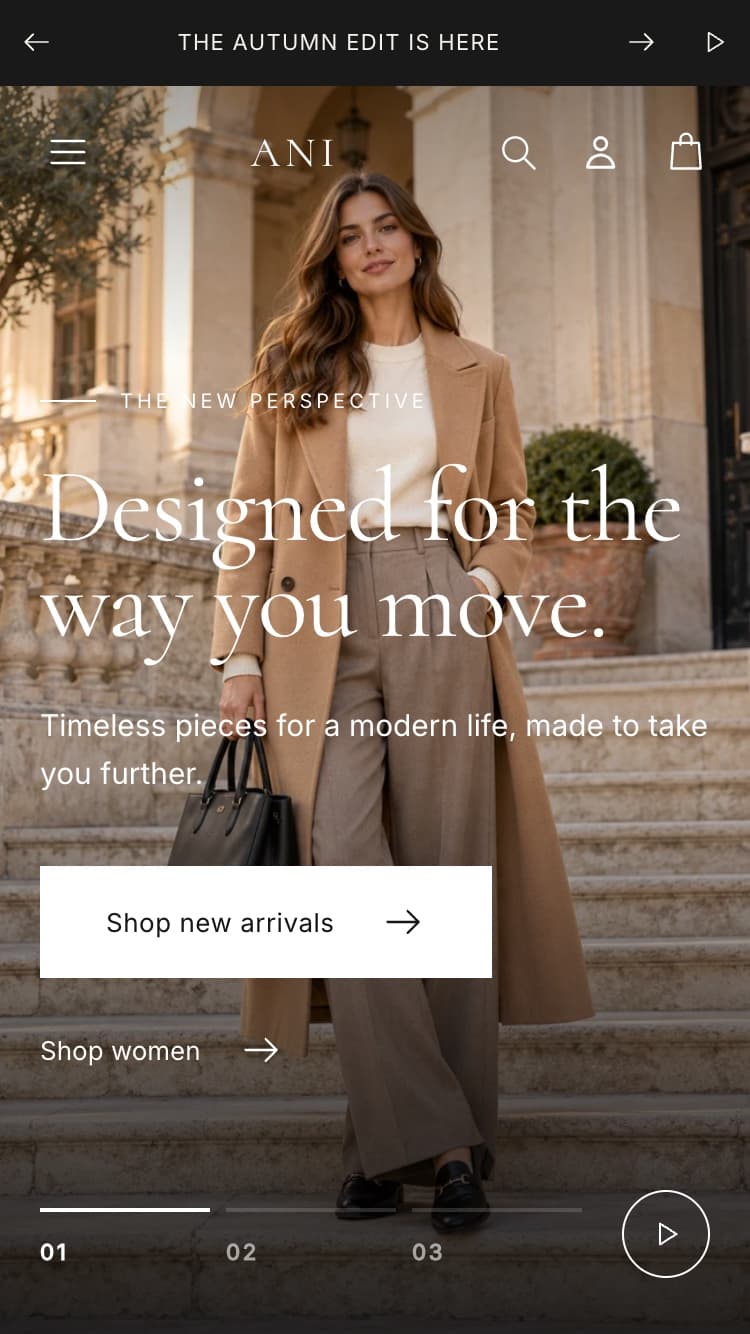
Screens from the three demo stores: the same theme code, set up for a different kind of store.


Ani uses Shopify’s own product, cart and filter data, so everything a shopper sees is real and up to date.
Chapter progress, word-by-word headlines and a transparent header over the first slide.
Collection tiles and featured products in the desktop menu and the mobile drawer.
Options and gallery from every product card, as a bottom sheet on phones.
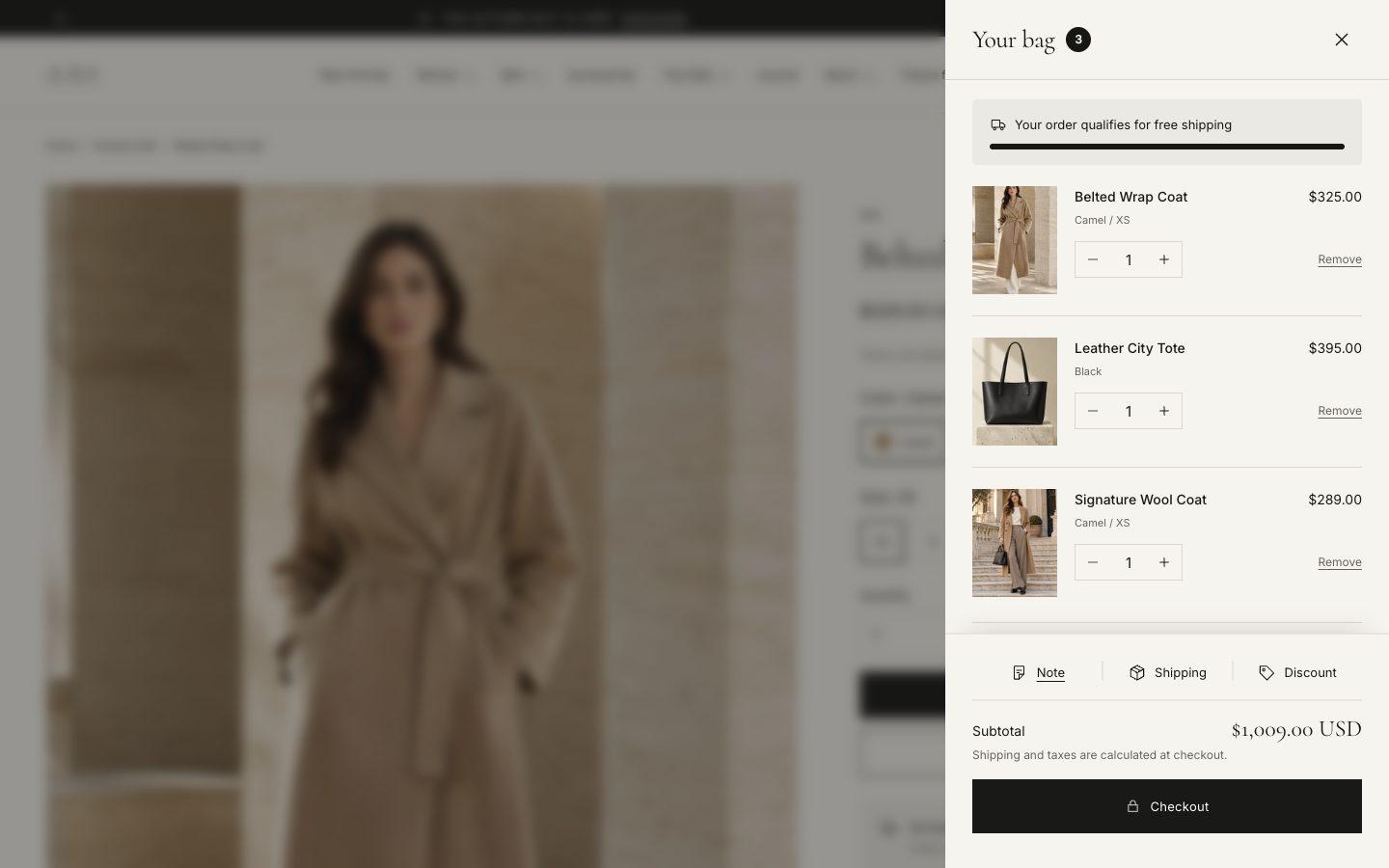
Free shipping progress, discount codes, shipping estimate, order note and suggestions.
Shoppers choose a delivery day in the cart, and it is saved on the order.
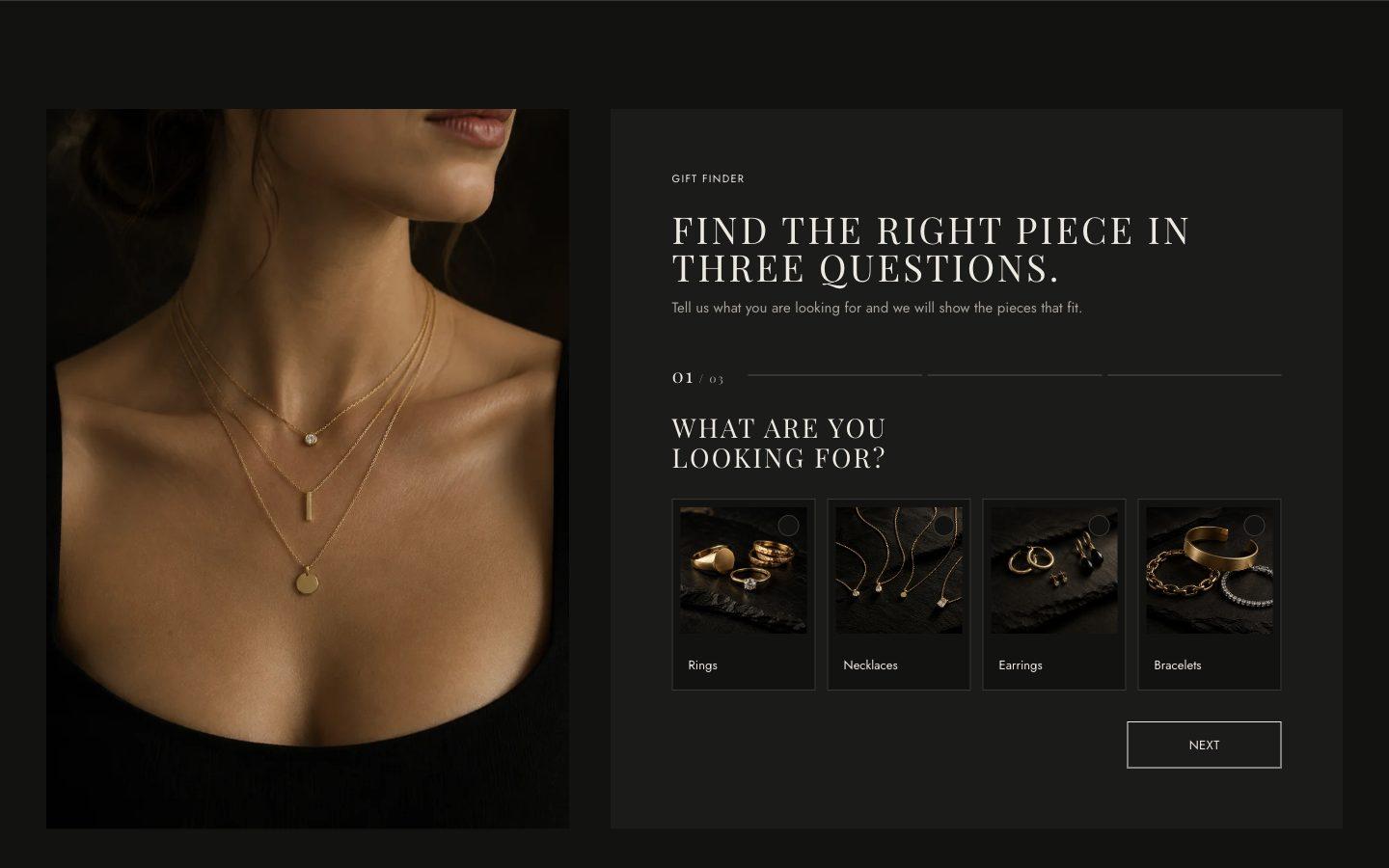
Product finder quiz, product comparison, fit finder and size guide.
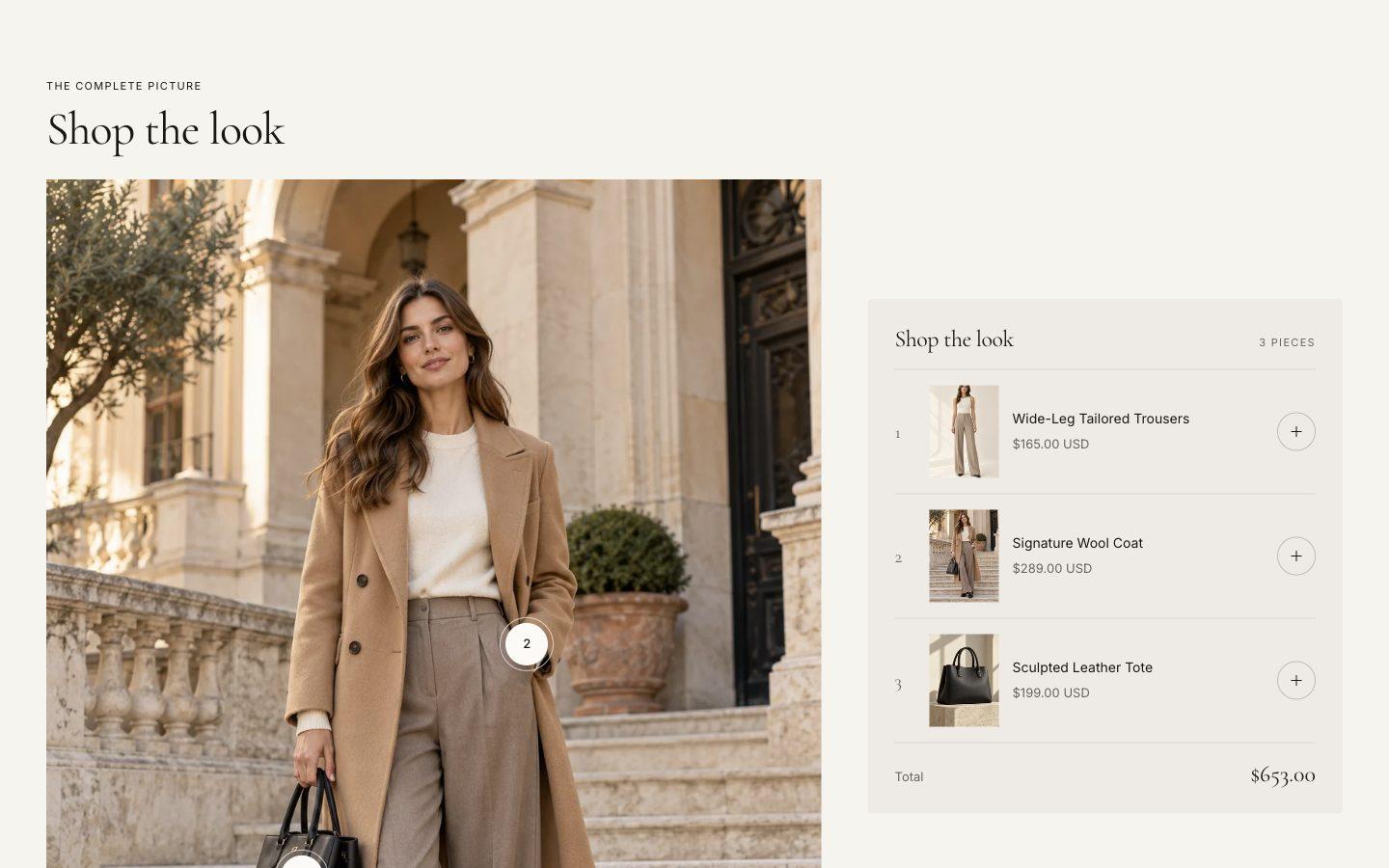
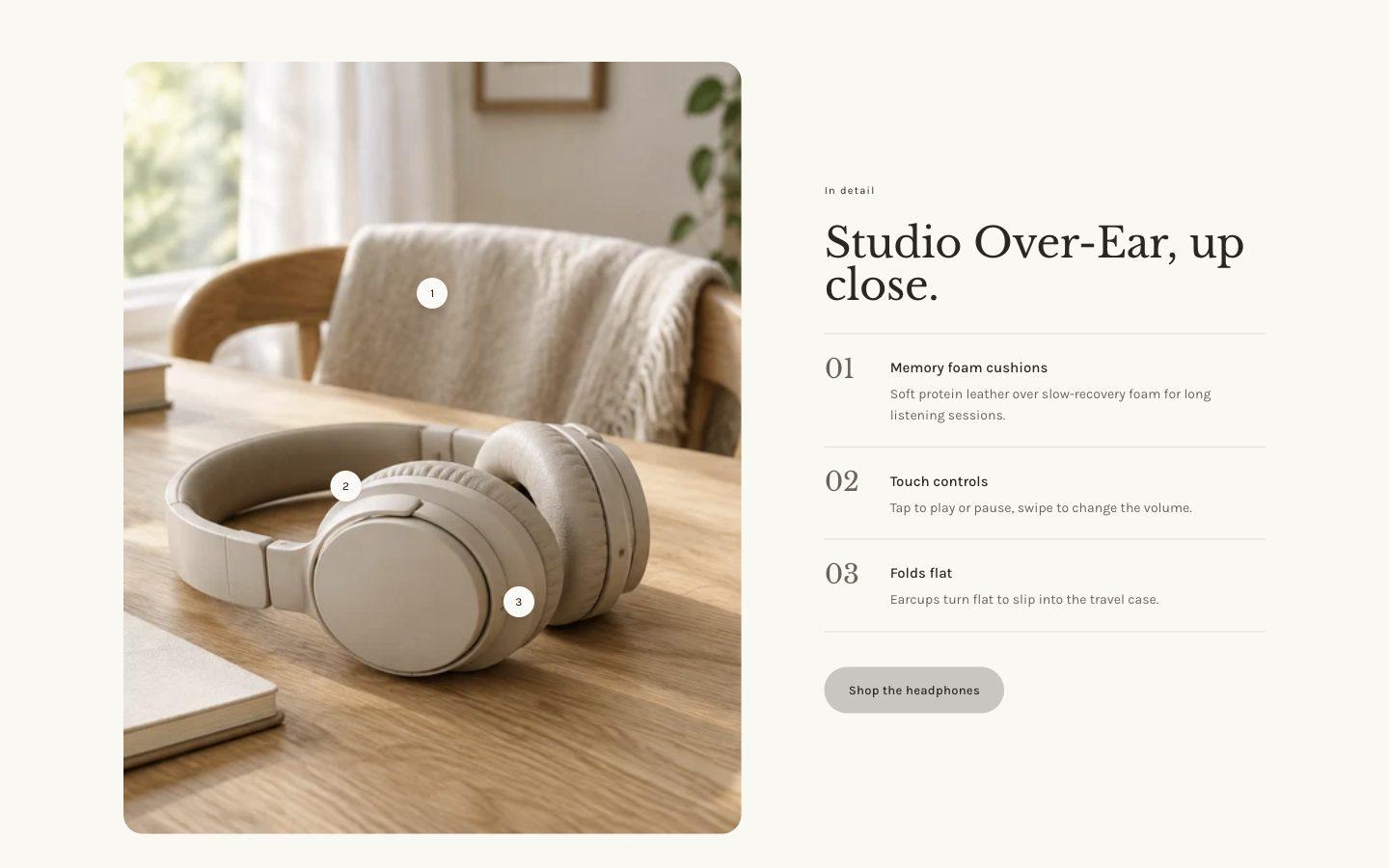
Shop the look, before/after, feature hotspots and shoppable videos.
Announcement bar, sale countdown, sign-up pop-up and product bundles.
Add them to any page in the theme editor. Most share the same controls for colour scheme, width, spacing and sliders, so pages stay consistent.
A Shopify store on any plan. Ani works in the Shopify theme editor; no apps are needed for its features.
Demo photos, products and texts, third-party apps and store setup. You add your own products and images.
The setup guide in the download walks through each step with screenshots.
Etsy sends the files right after payment. They stay in your Etsy purchases.
In Shopify admin open Online Store, then Themes, then Add theme and Upload zip file.
Add your logo, colours, products and photos in the theme editor. No code needed.
Preview it on your own products, then publish when you are happy.
Any of them. The Ani, Kars and Dvin listings contain the same download: all three styles, the setup guide and the licence. Each listing just shows a different style first.
A Shopify store on any plan. Ani is an Online Store 2.0 theme, so you upload the ZIP in Shopify admin and edit everything in the theme editor. The features on this page work without extra apps.
No. The download is the theme, the guide and the licence. You add your own products, photos and texts; the theme is set up so they look right straight away.
One purchase is for one Shopify store. For another store, buy the theme again. The licence PDF in the download has the details.
Yes. Each style is a complete theme file. Upload another ZIP from your download at any time, or change colours and fonts in Theme settings.
Send us a message on Etsy or use the theme support form on this site. We reply within two business days, and the answer comes from the developer who wrote the theme.
We can add sections, connect apps or adapt a style to your brand. Tell us what you need.