Install and connect ClickUp
Most stores finish the setup in a few minutes.
- Install CommerceOps. Open the app from your Shopify admin and complete the welcome screen.
- Connect ClickUp. Authorize the ClickUp workspace where tasks should be created.
- Create an automation. Start from a template or from scratch, then choose the trigger and the ClickUp List.
- Test and publish. Click Test to check the ClickUp task, then activate the automation for live events.
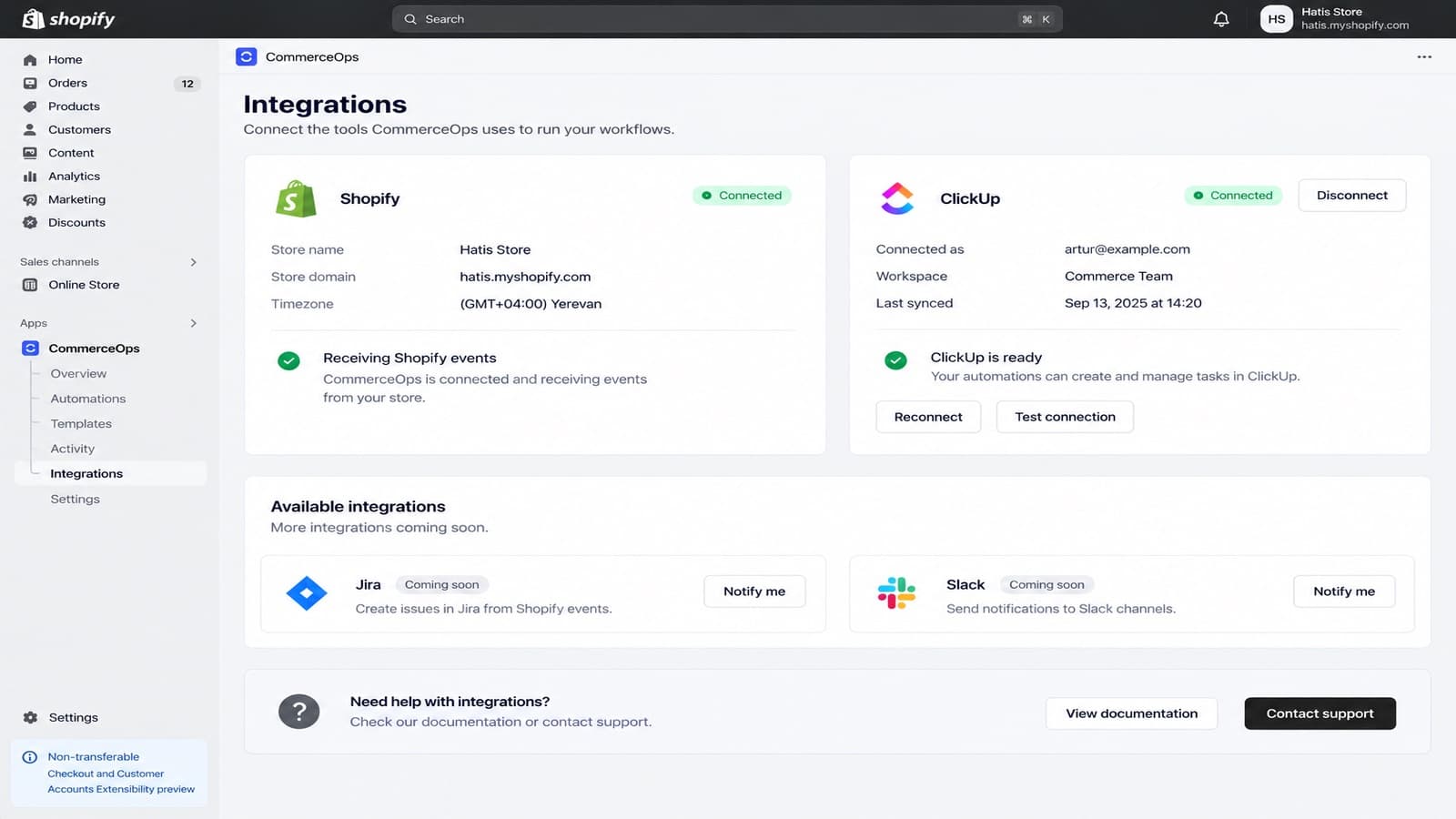
Integrations page
Integrations shows your store and your ClickUp connection: the workspace, who connected it and when it last synced. From there you can Test connection, Reconnect or Disconnect.
Tip
If a Space, Folder or List is missing when you build an automation, open Integrations and refresh the workspace data.