Badge groups
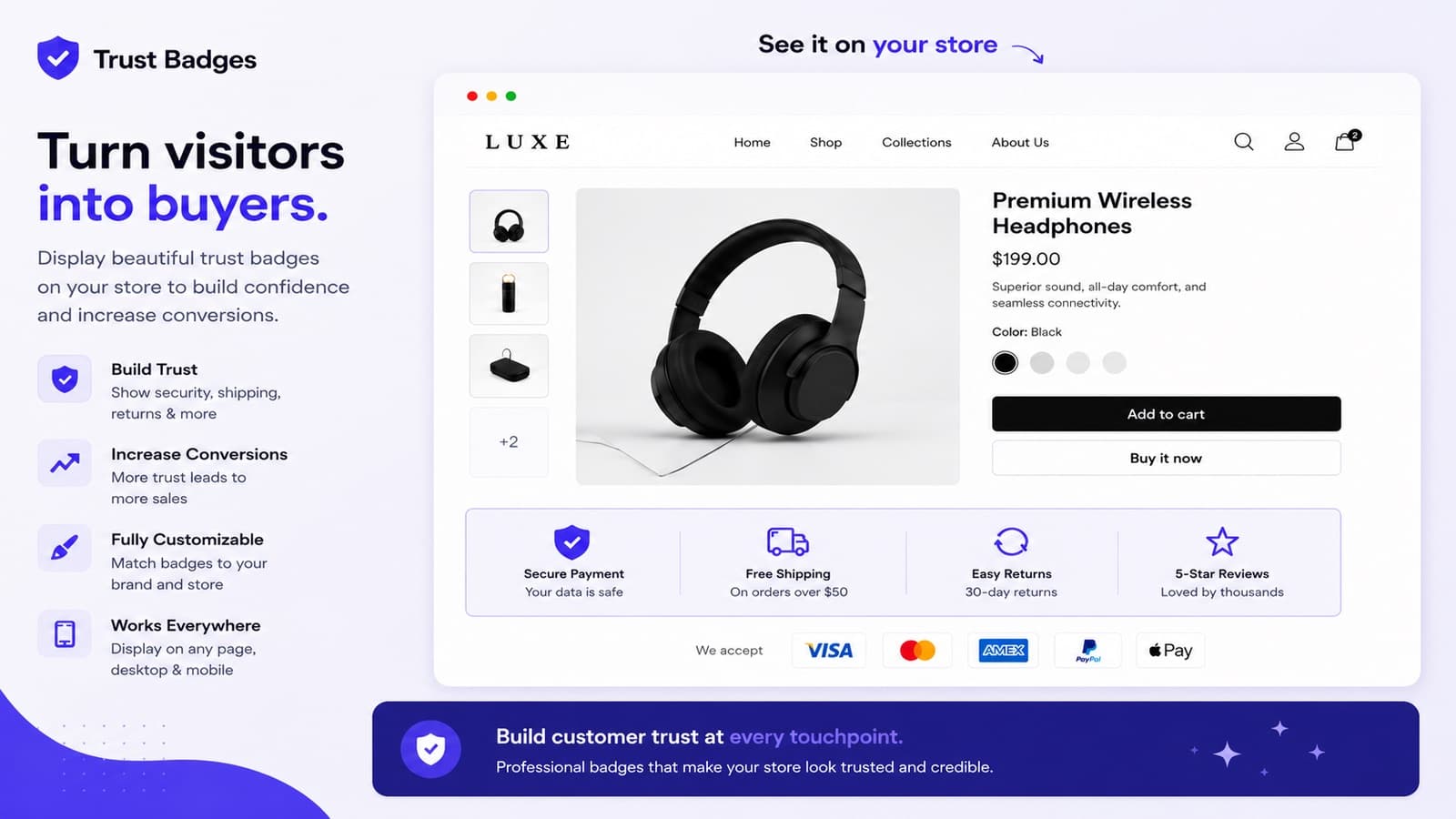
A badge group is a set of badges shown together in one place, for example Free shipping · 30-day returns · Secure checkout under the buy buttons.
Block types
| Block type | Use it for |
|---|---|
| Single banner | One message with a headline, subtext and an optional button. |
| Icon block | Several badges, each with an icon, title and subtitle. |
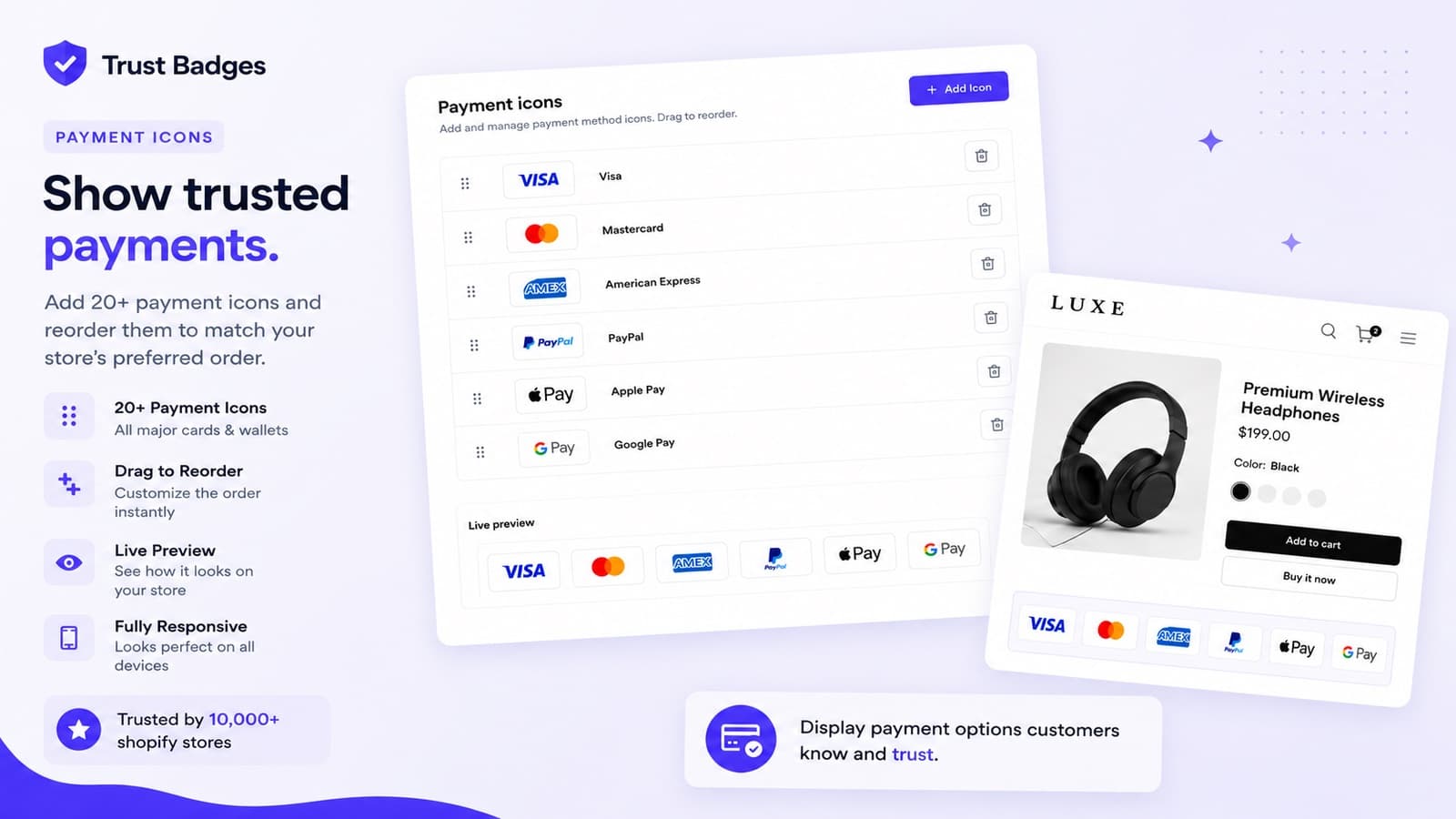
| Payment icons | The payment methods you accept. More than 20 icons, including Visa, Mastercard, Amex, PayPal, Apple Pay, Google Pay, Shop Pay, Klarna and Afterpay. |
| Social & Brand icons | Links to your Instagram, Facebook, TikTok, YouTube and other profiles. |
Badges
Add, remove and drag badges to change their order. For each badge you can:
- pick an icon from the library or upload your own image;
- write a title and subtitle;
- add an action: Link to URL, Open popup or Open drawer with more details;
- show it only in some countries, for example Klarna in Germany or iDEAL in the Netherlands.
Internal name is only shown to you in the admin.
Placement
| Placement | Where it shows |
|---|---|
| Product page | On product pages. Choose Show badges for: all products, specific products, products in some collections or products with some tags. |
| Cart | On the cart page. |
| Homepage | On the home page. |
| Collection page | On collection pages. |
| Floating trust bar | A bar on every page: full width at the top or bottom, or a floating box in a corner. |
| Checkout | Inside Shopify checkout. See Checkout badges. |
Layout and style
- Layout: horizontal row, responsive grid or vertical stack, with columns, gap and padding.
- Icon & text layout: icon beside the text or above it, and how text and items are aligned.
- Colors: background, text, accent or icon, and border.
- Shape: corner radius, border width and shadow.
- Sizes: label font size and icon size.
Every change shows in the preview before you save. Use the menu at the top of a group to Duplicate, Unpublish or Delete it.
Show badges where shoppers decide