Checkout badges
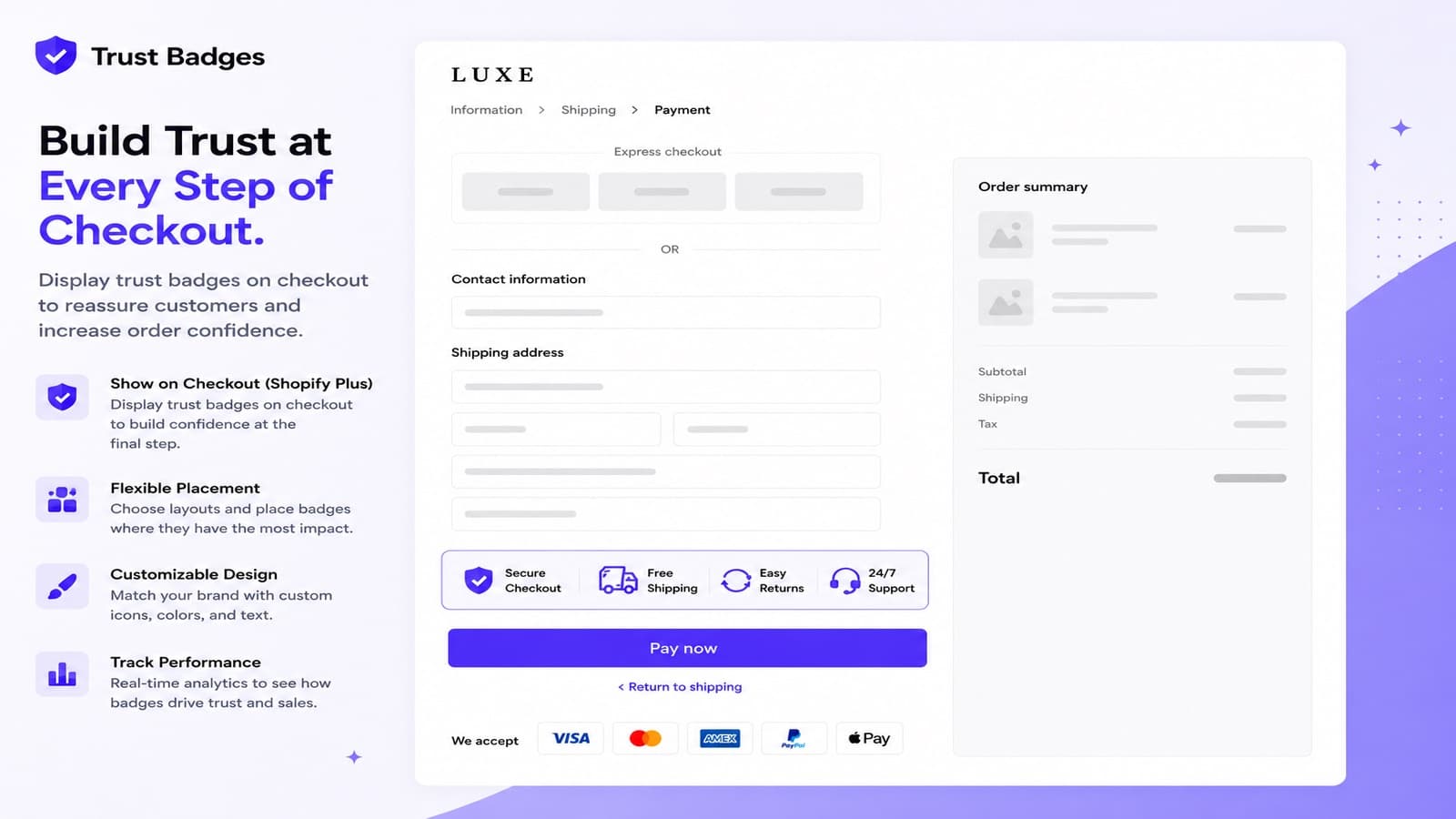
On Shopify Plus, Trustify can show badges inside checkout, where shoppers decide to pay.
Requirements
- A Shopify Plus store.
- The Pro Plus plan: $49.99 a month or $499 a year, with a 7-day free trial. Start it from Billing in the app.
Set it up
- Create a badge group and choose Checkout in Placement. Save.
- Click the link in the placement settings to open Settings › Checkout in your Shopify admin.
- Click Customize, then Add block and choose the Trustify block.
- Save the checkout.
Shopify does not let apps add checkout blocks for you, so this last step is done by hand.
What looks different in checkout
Checkout uses Shopify’s own components, so colors, fonts and spacing follow your checkout branding, not the colors in the badge group. Custom CSS does not apply in checkout. Titles, subtitles and icons are kept.
Note
You can save a checkout badge group on any plan. It only shows in checkout while the store is on Shopify Plus with the Pro Plus plan.