Promotion types
Add a promotion from Configure › Add promotion, choose its type, fill in the fields and click Save.
Spend more
The discount depends on the cart subtotal.
- Choose the trigger: Minimum subtotal or Range subtotal.
- Choose the reward: Percent off, Fixed amount off, Free shipping or Free product.
- Set combinations if needed, then save.
Examples: spend $100 and get 10% off; spend $200 and get free shipping; spend $80–$149 and get $10 off.
Quantity discount
The discount grows with the number of items.
- Choose Single variant quantity or Group variant quantity.
- Add tiers, for example Buy 2+ → 10% and Buy 5+ → 30%.
- Select the products the tiers apply to, then save.
Each tier needs a quantity of at least 1, a valid percentage, and a quantity no other tier uses. Make the first tier easy to reach and the later ones more generous.
Buy X Get Y
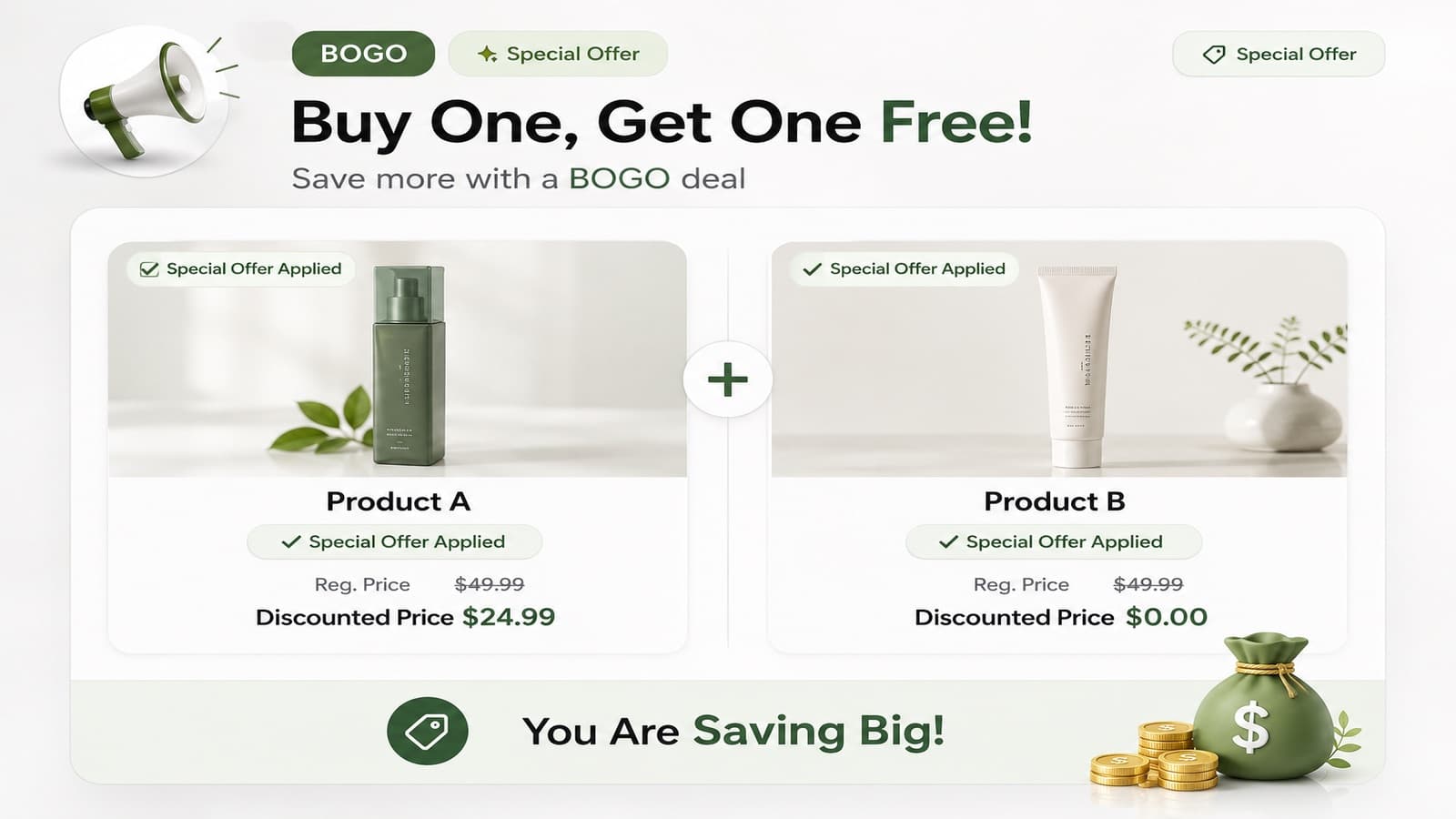
Use it for BOGO offers, cross-sells and bundles.
- Set how many to buy (X) and how many the shopper gets (Y).
- Select the products to buy and the products to get.
- Choose Percent off or Fixed amount off for the Y products.
- Turn on auto add to put the Y product into the cart when the offer is unlocked.
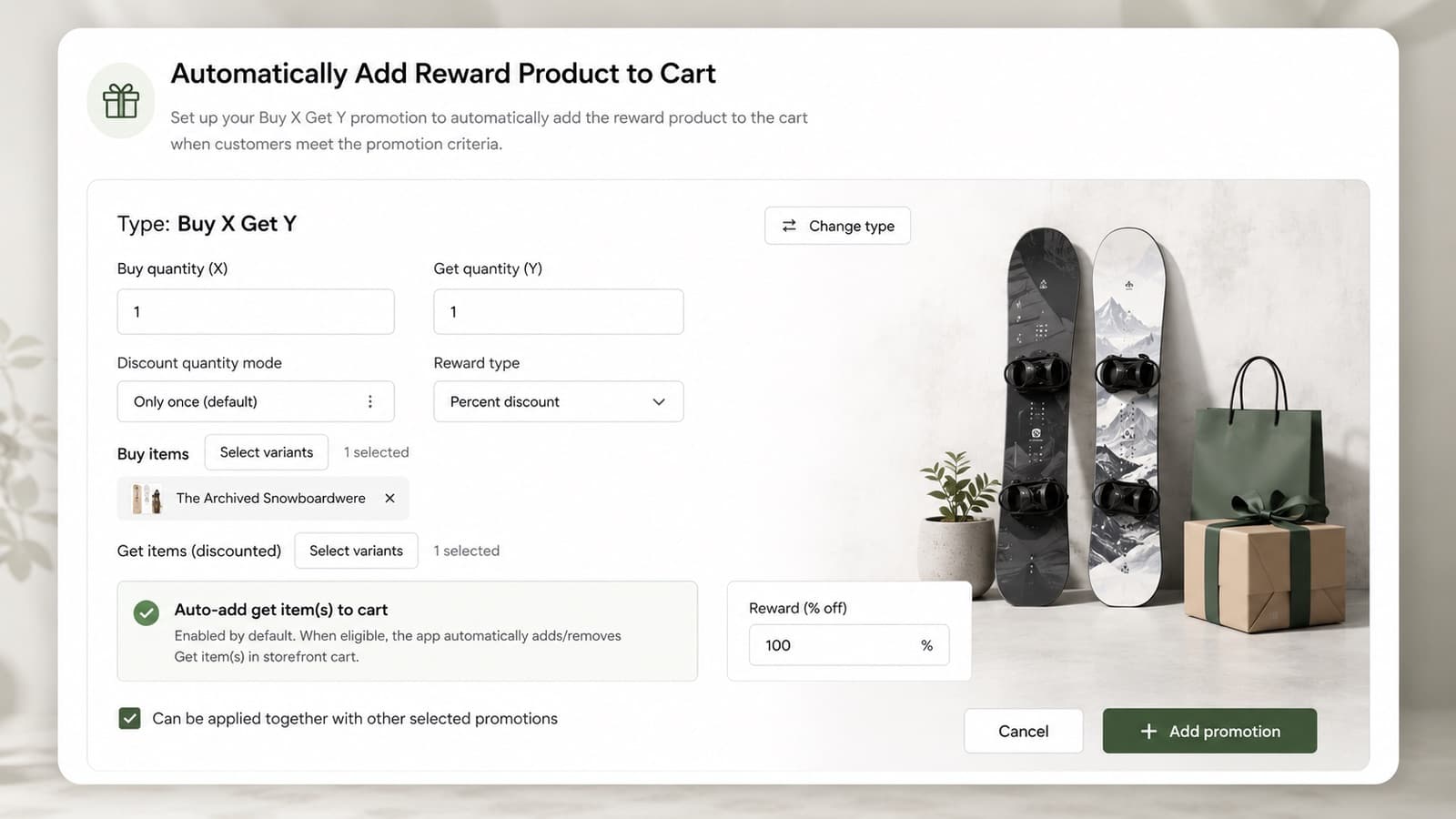
Say “Free” in your messages only when the discount is 100%.
Customer
Offers for a group of customers: VIP tier, New customer or Returning customer.
- Choose the customer type and set the discount.
- Turn on Show in storefront if shoppers should see the offer.
VIP tiers are created in Settings and given to customers on the Customers page. See Customers, simulator and analytics.