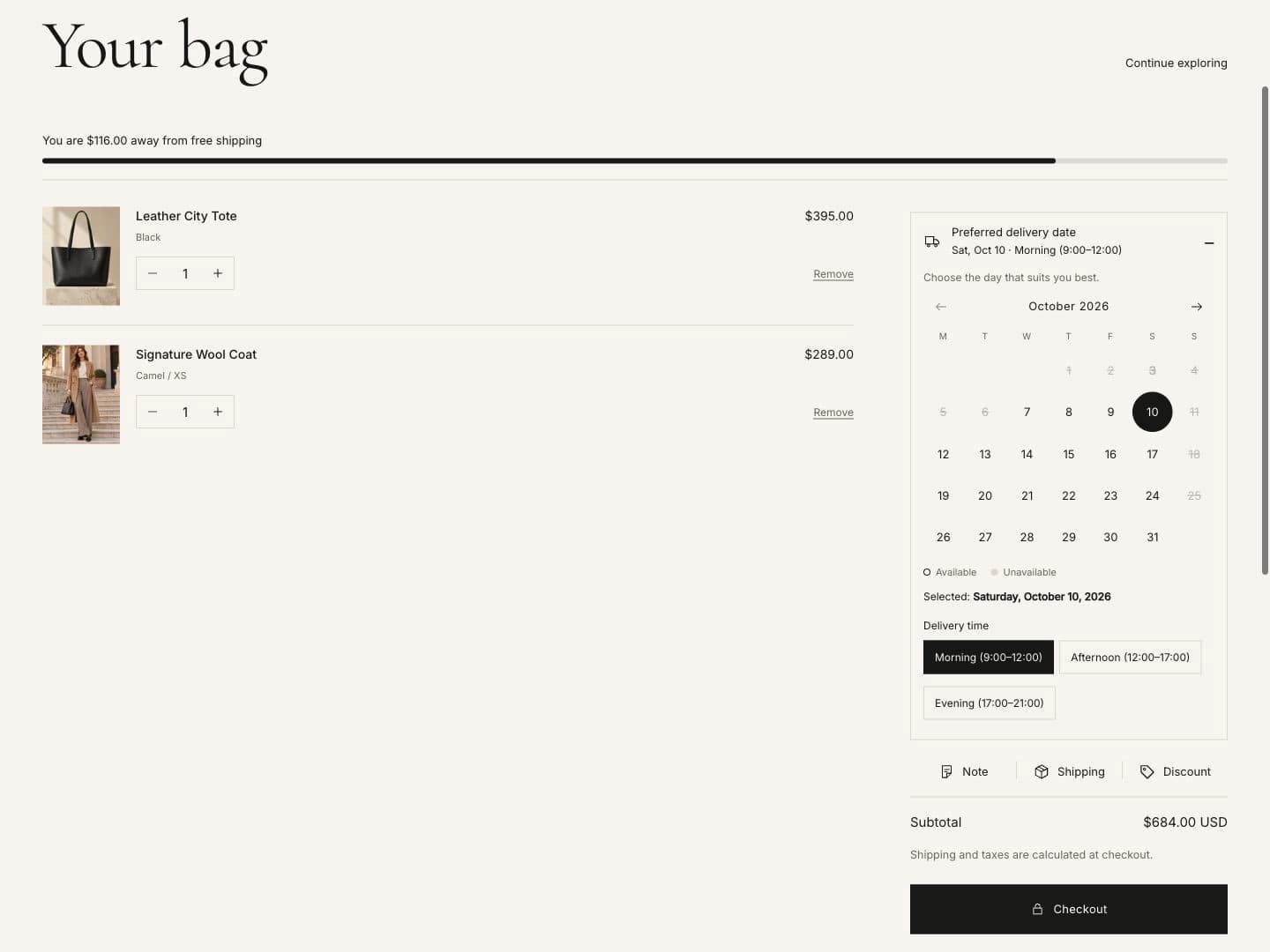
Cart
Cart settings are in Theme settings › Cart.
| Setting | What it does |
|---|---|
| Cart behavior | Drawer opens a side panel when a product is added; Page goes to the cart page. |
| Enable order note | Customers can add a note to the order. |
| Enable shipping estimate | Customers can enter an address and see your shipping rates. |
| Enable discount codes | Customers can apply and remove discount codes. Shopify checks each code. |
| Show accelerated checkout buttons in cart | Shows Shop Pay, Apple Pay and other express checkout buttons. |
| Empty cart button link | Where the button in an empty cart leads. |
Cart drawer
The drawer shows the item count, line items with quantity and remove, a pinned subtotal and checkout button.
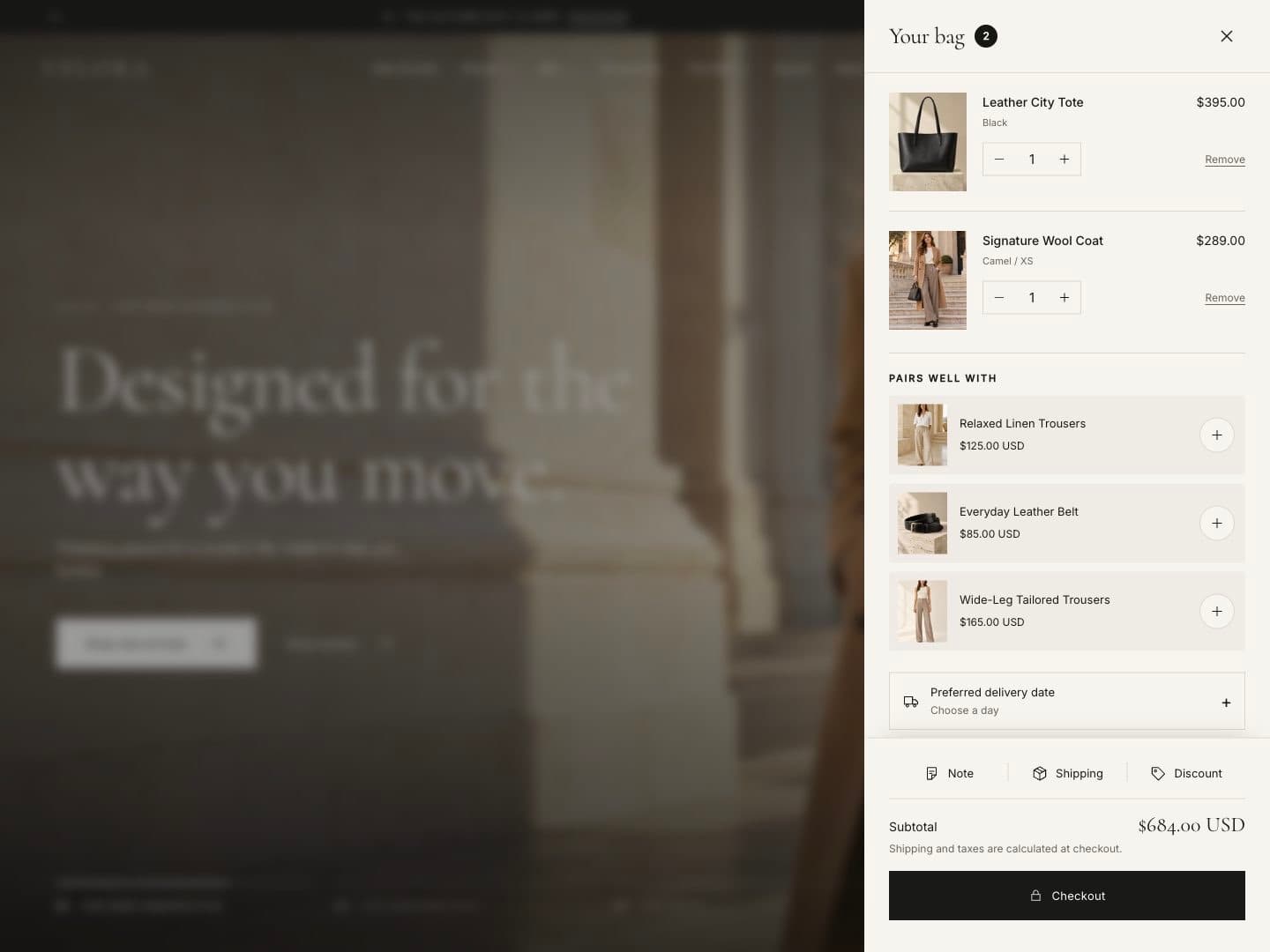
In the theme editor, open the Cart drawer section to turn on Show product recommendations and set their heading. Recommendations come from Shopify; products already in the cart are skipped. Products with one variant are added in one tap; others open quick add.
Note, shipping and discount tools
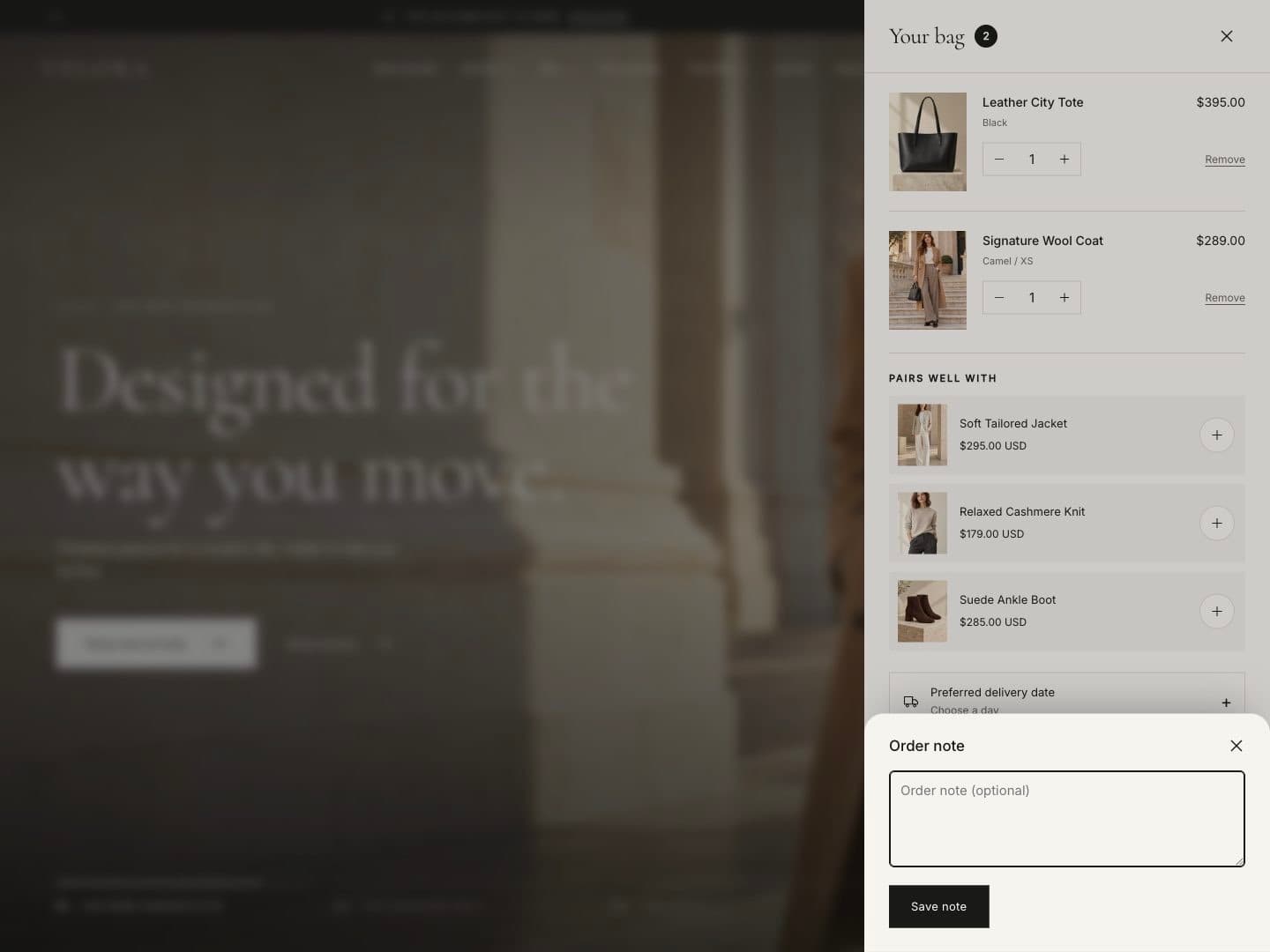
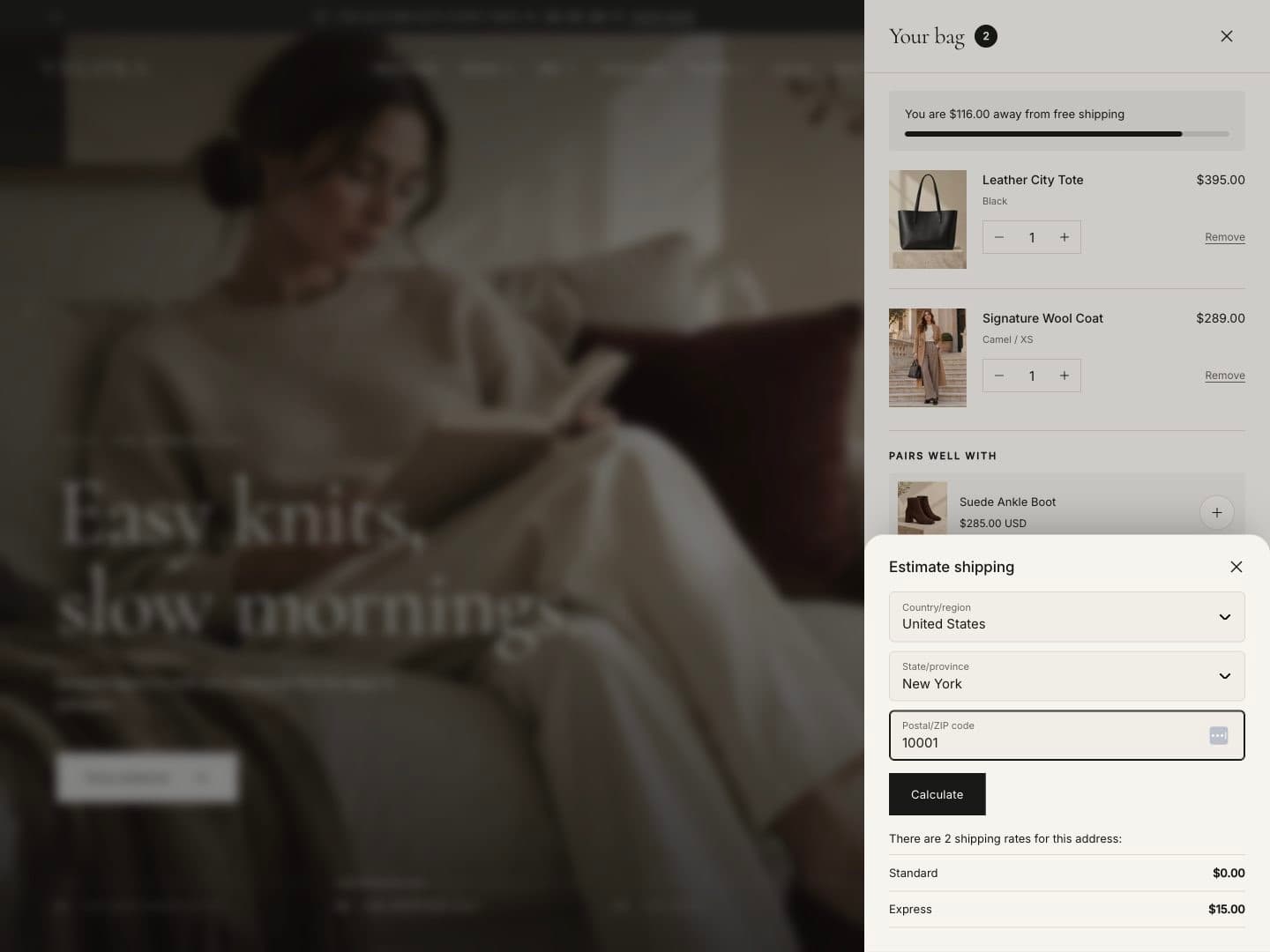
Above the subtotal, Note, Shipping and Discount buttons open a small panel (a bottom sheet on phones):
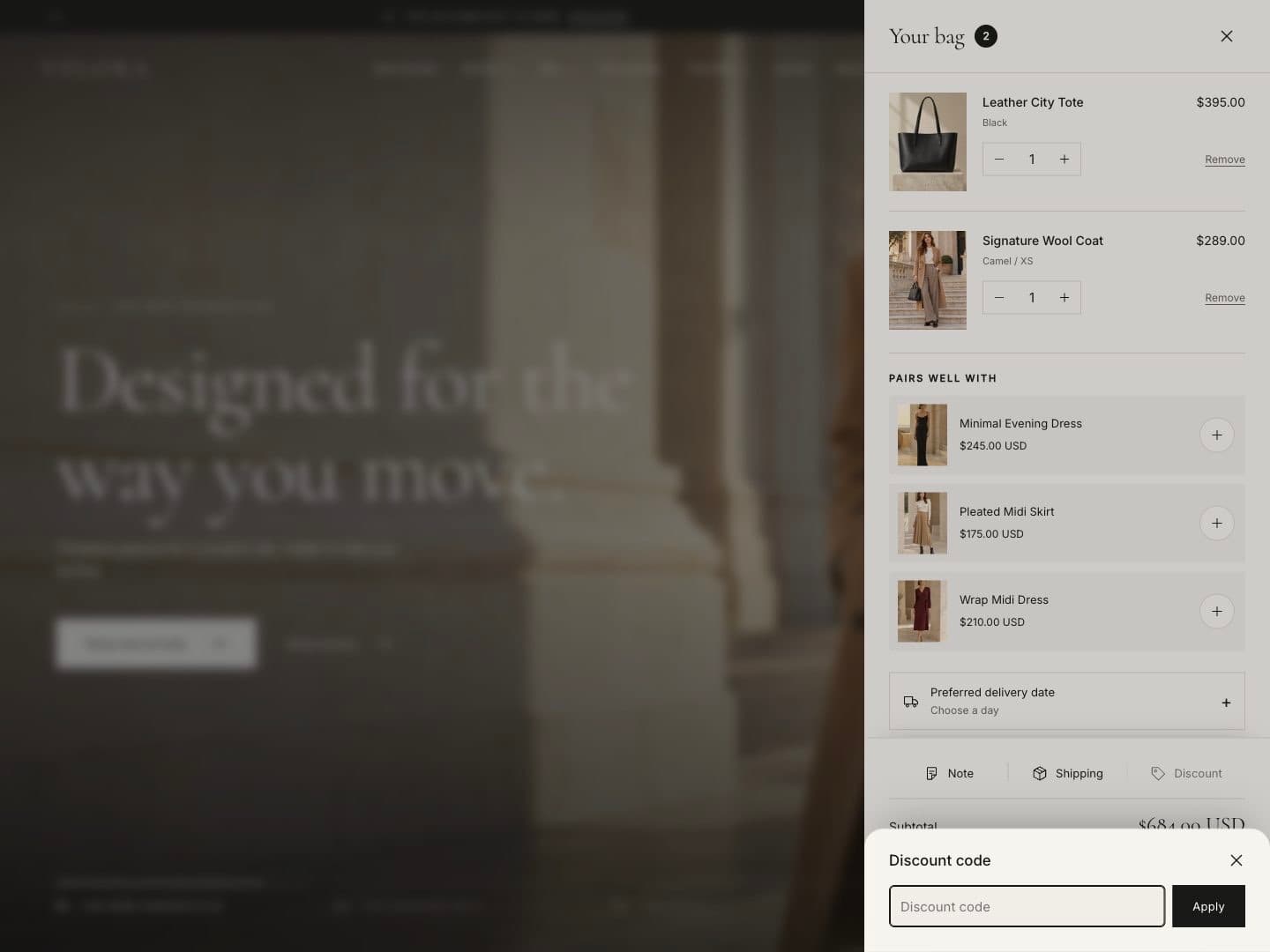
- Discount: applied codes show as removable chips. Codes that Shopify rejects show an error and are not kept.
- Shipping: uses your shipping countries and regions and lists Shopify’s real rates for the entered address.
- Note: saved to the cart and shown on the order.
Free shipping progress
Enter your threshold in Free shipping minimum (store currency). The cart shows how much more the customer needs to spend.
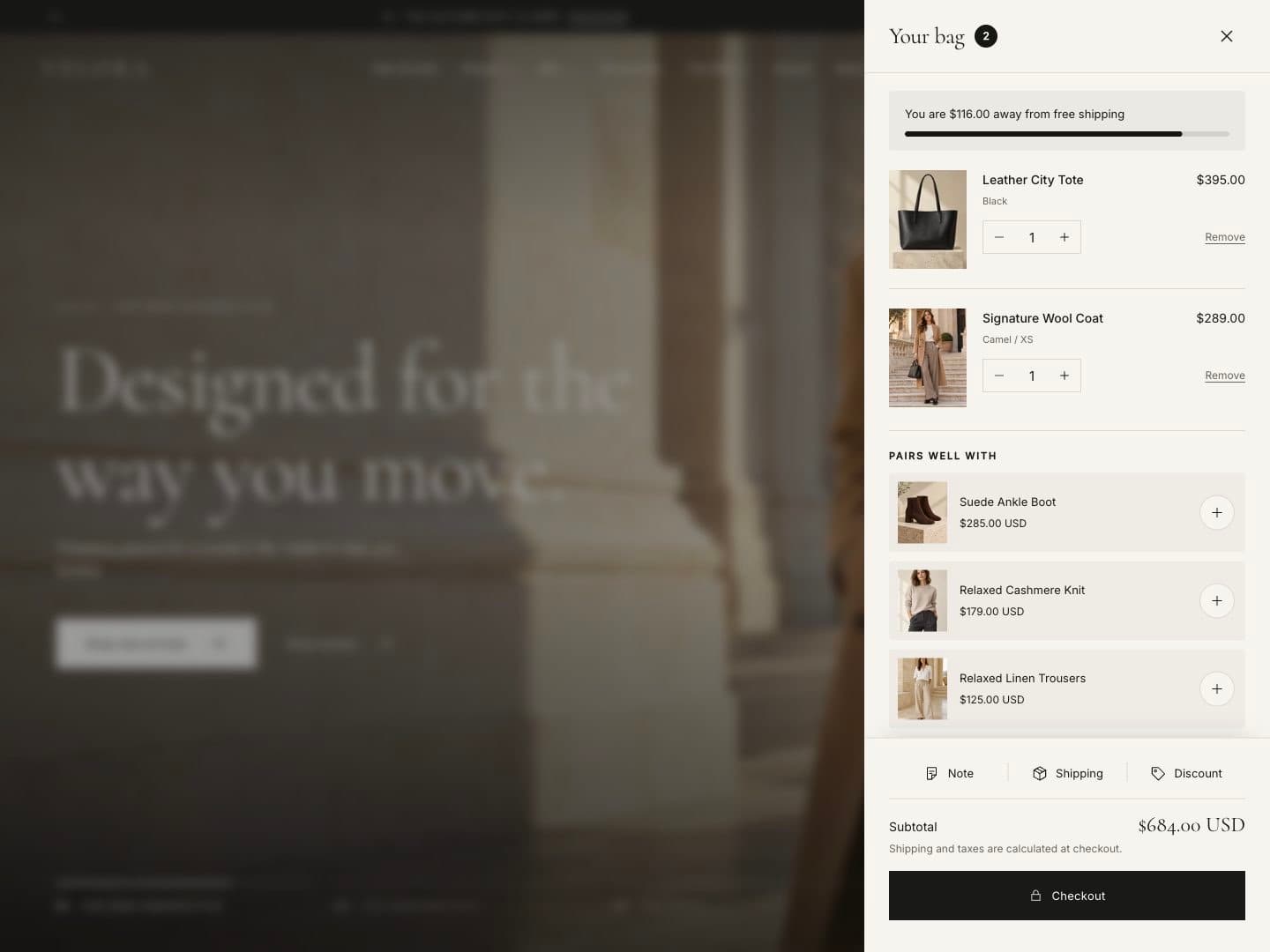
The threshold must match a free shipping rate in Settings › Shipping and delivery — the bar only shows progress, it does not create the rate. It is shown only when the customer shops in your store currency.
Delivery date
Customers can choose a preferred delivery day in the cart. See Preferred delivery date.