Floating controls and footer
Floating controls
Instead of a fixed header, Adaptive keeps a small bar of controls floating at the bottom of the screen, with the logo at the top of the page. The bar holds Home, Shop (your main menu), Search, Ask, the customer account and the Cart.
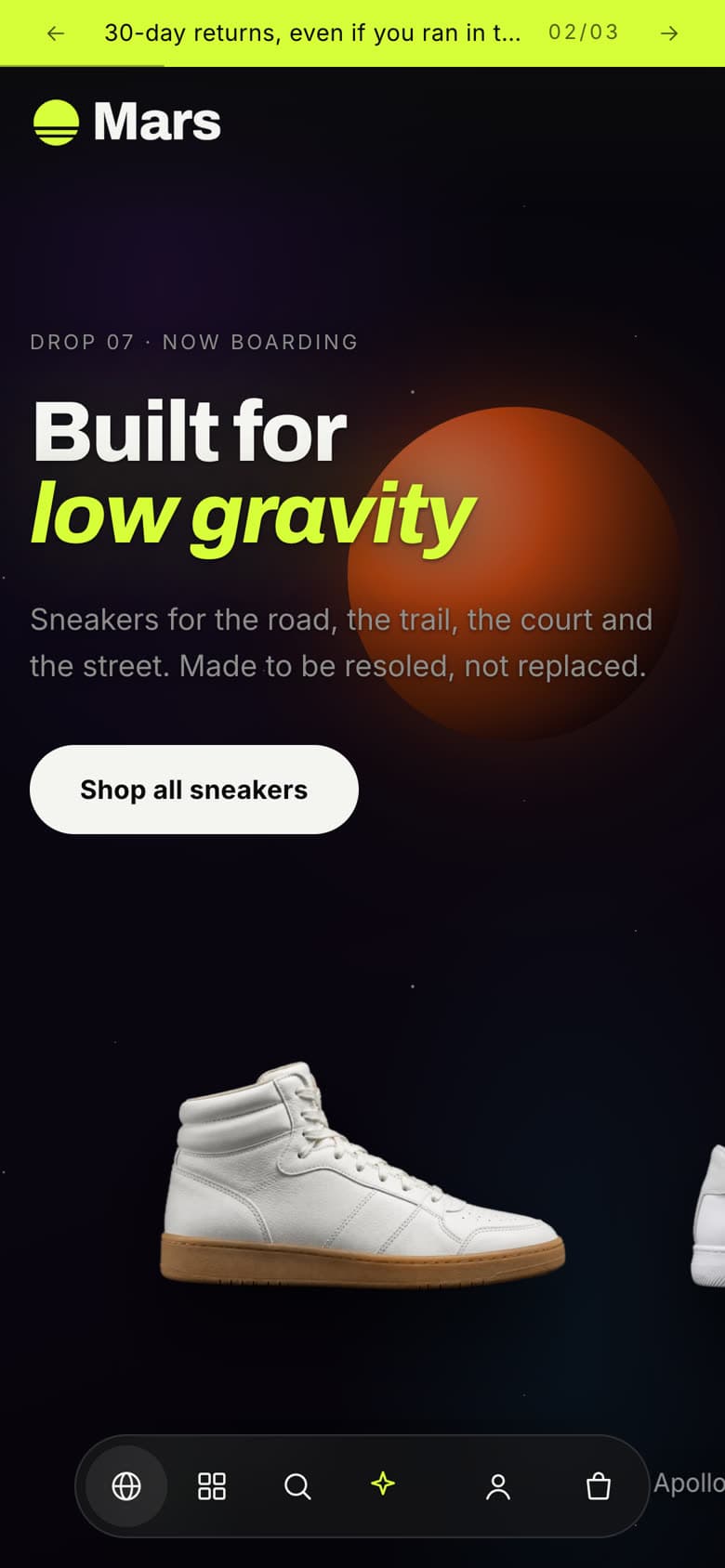
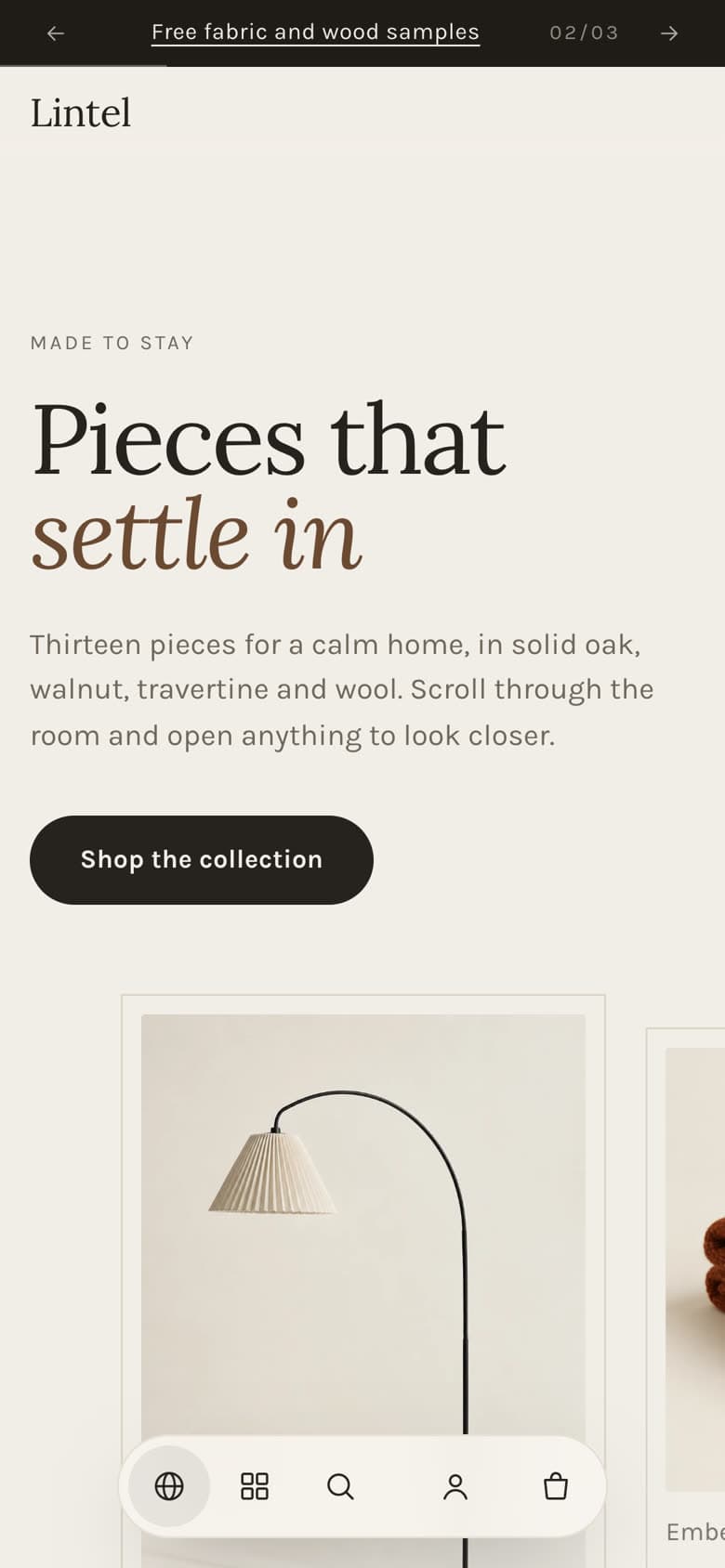
Open Header group › Floating controls in the theme editor:
| Setting | What it does |
|---|---|
| Menu | The menu shown in the Shop panel, and at the top of the page with Navigation style: Classic. |
| Customer account menu | Links shown in the account menu for signed-in customers. |
| Status message | A short line in the corner, for example a shipping promise. |
Search opens the command menu; Ask opens it in discovery mode (when Enable command menu is on in Theme settings › Navigation). See Discovery.
Announcement bar
Add Announcement blocks with text and an optional link. Turn on Rotate announcements and set Change every (3 to 10 seconds) to cycle through them.
Footer
| Setting | What it does |
|---|---|
| Menu blocks | Up to four columns of links, each with a heading. |
| Brand text | A short line under the store name. |
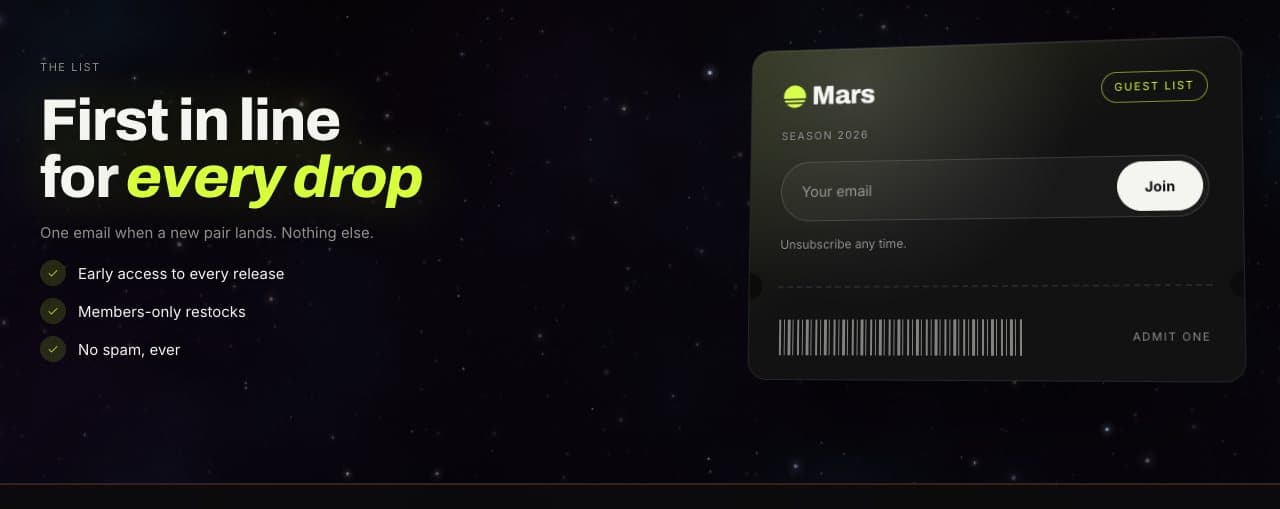
| Newsletter heading, text, Show newsletter sign-up | The sign-up form in the footer. Hide when the page has an email signup avoids asking twice. |
| Show recently viewed products | Products the visitor opened, stored only in their browser. Needs Remember recently viewed products in theme settings. |
| Show Follow on Shop | Requires Shop Pay. |
| Show large store name, Horizon glow | The store name across the full width, with a glowing curved horizon behind it. |
| Show payment icons, Show policy links | Payment methods and links to your policies. |
Email signup popup
In Overlays › Email signup popup:
- Show on: all pages or the home page only.
- Open: after a delay, after scrolling a set depth, or when the visitor is about to leave.
- Show again after: days before the popup returns to a visitor who closed it. Visitors who sign up never see it again.
- Content: image, badge, heading, text, button, note and decline link, plus a separate heading and text shown after signup.