Presets: Mars, Lumière, Lintel
A preset is a starting point: fonts, colors, theme settings and the sections on each page. Every section and setting is available in every preset, so you can start from one and take anything from the others.
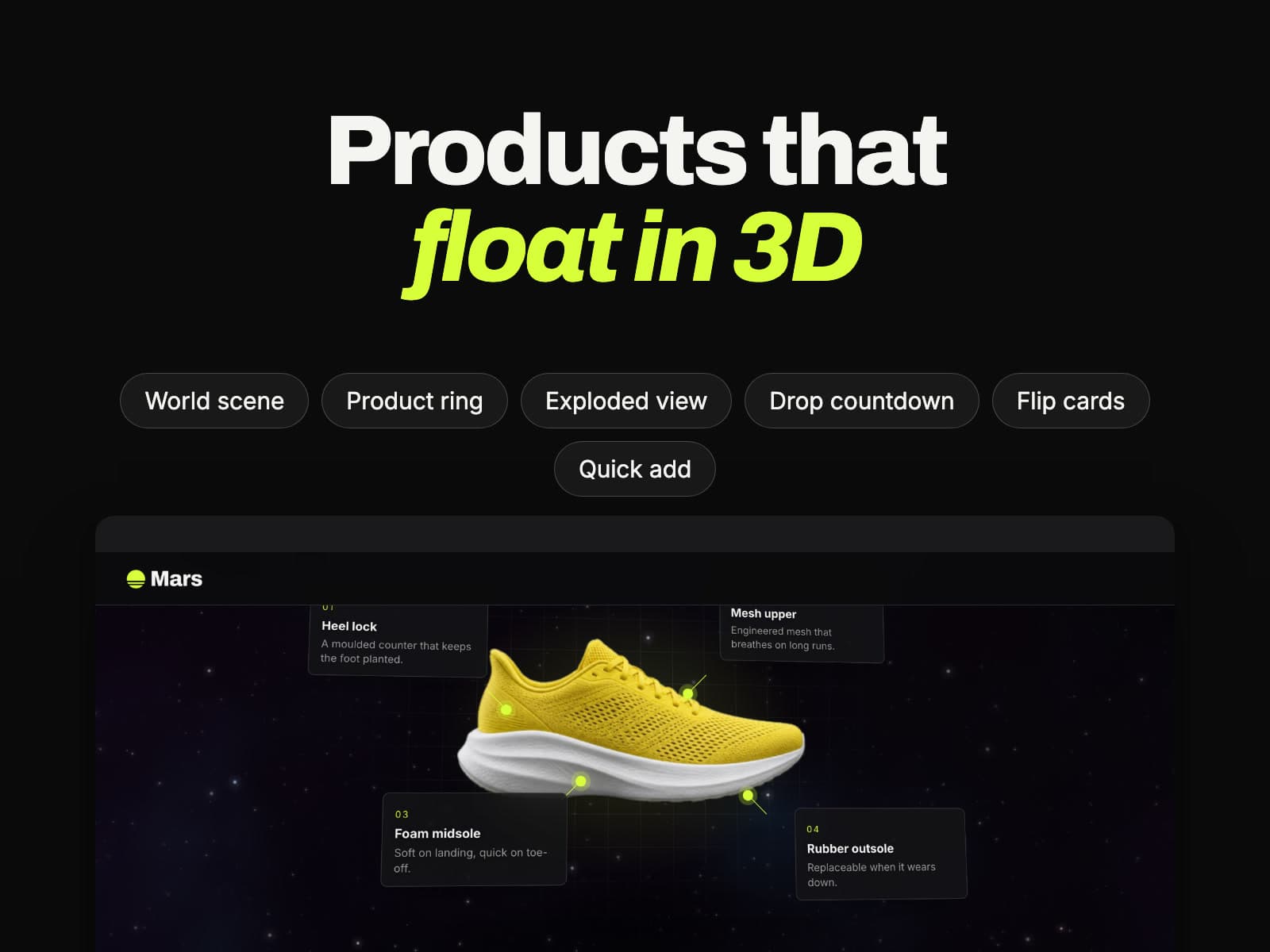
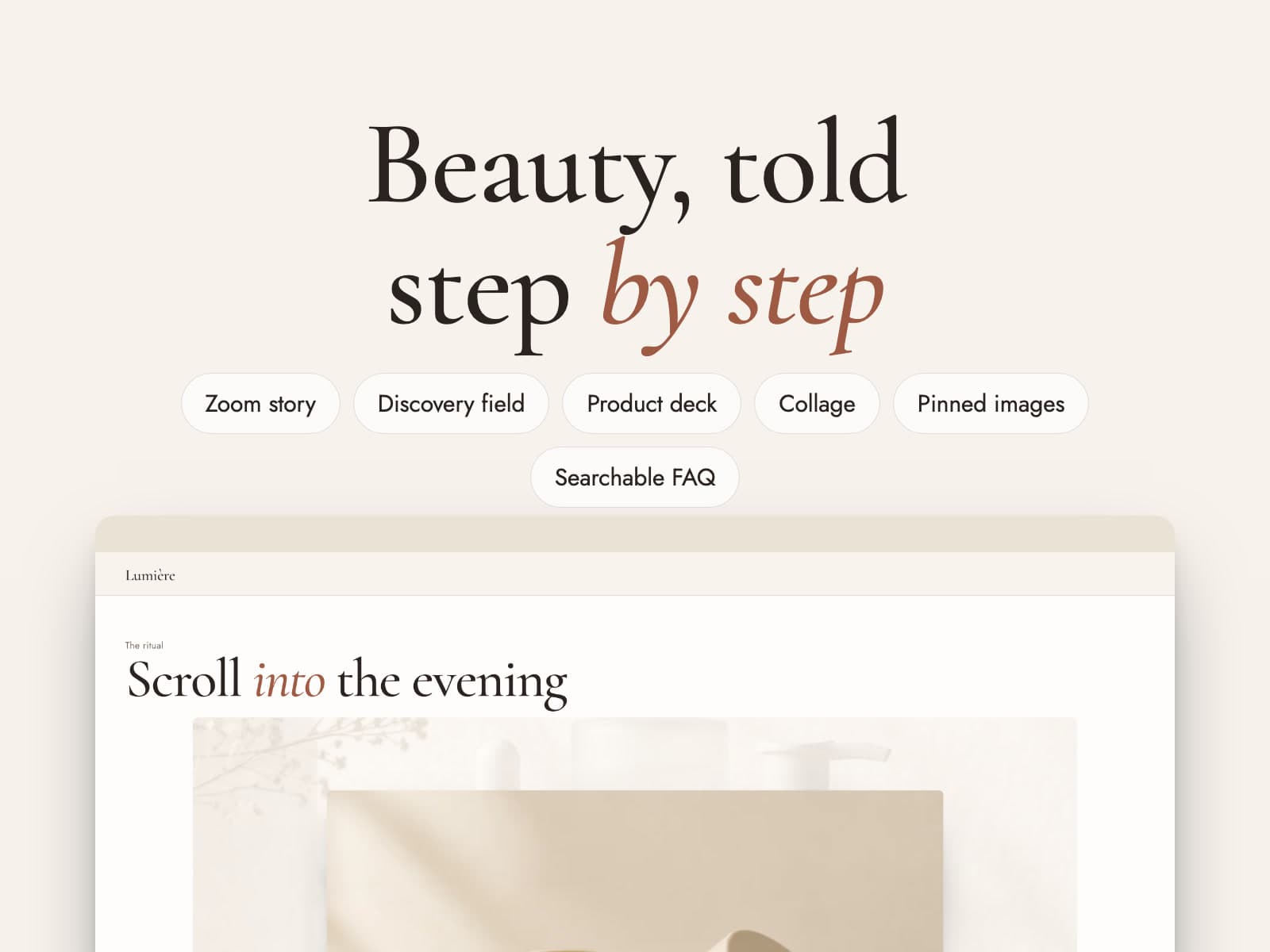
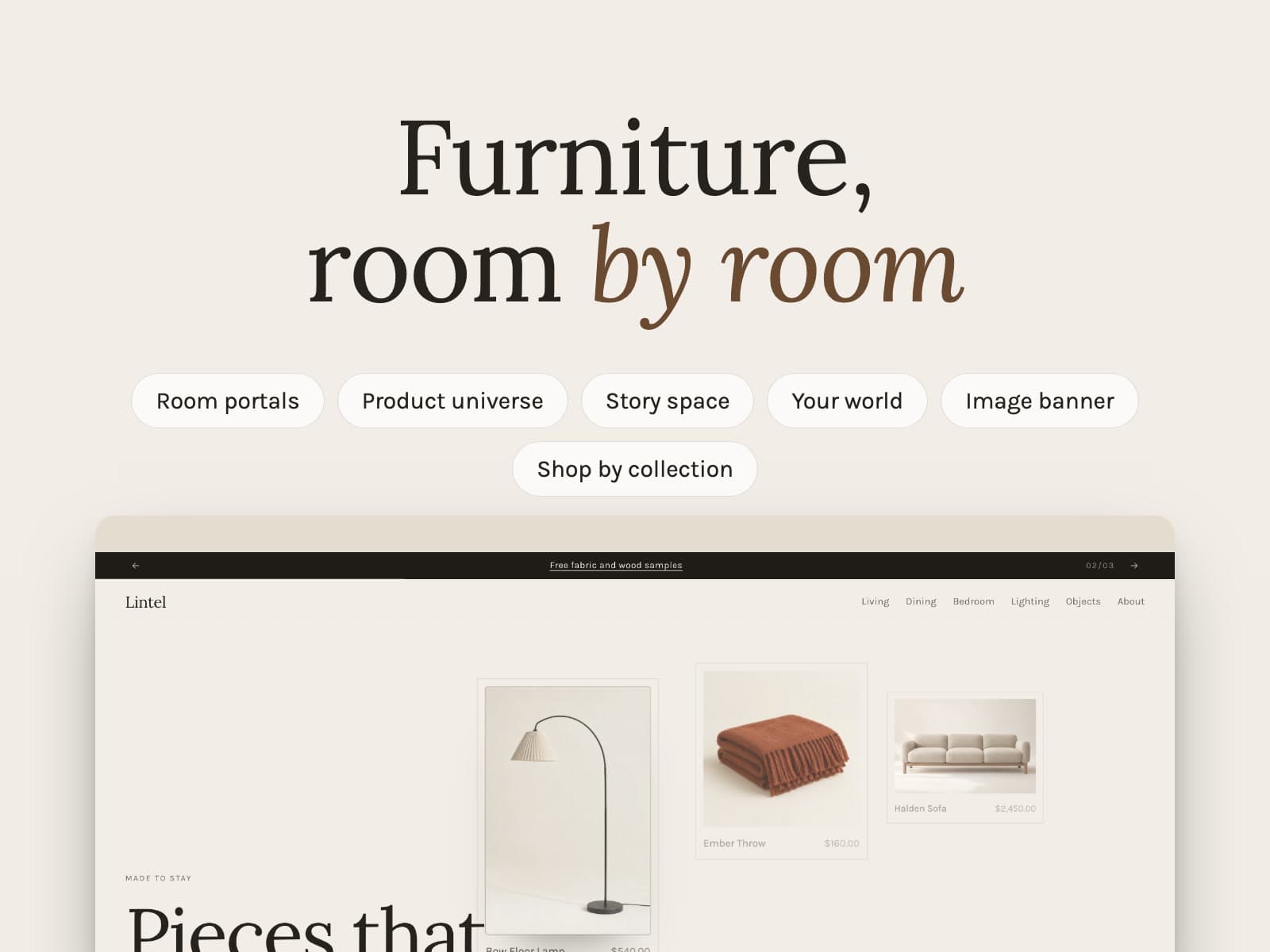
| Mars | Lumière | Lintel | |
|---|---|---|---|
| Made for | Sneakers, streetwear and product drops | Beauty and skincare | Furniture and homeware |
| Fonts | Archivo and Inter | Cormorant Garamond and Jost | Lora and Karla |
| Colors | Near-black with a lime accent | Ivory with a terracotta accent | Stone with a walnut accent |
| Spatial mode | 3D | 3D | 2.5D |
| World background | Deep space | Light field | Plain |
| Navigation | Hybrid | Hybrid | Classic |
| Product objects | Floating | On a plinth | Framed |
| Cart | Cart space (drawer) | Cart space (drawer) | Cart page |
| Home page | World scene, ring, exploded view, drop countdown, flip cards, featured product | World scene, collage, zoom story, image with text, discovery field, product deck | World scene, portals, image banner, product universe, story space, your world |
Change the preset
- In the theme editor, open Theme settings.
- Open Theme style and choose a preset.
- Review the result and click Save.
Important
Switching presets replaces your theme settings (fonts, colors and every setting in Theme settings). Your sections and their content stay as they are. Duplicate the theme first if you want to keep your current settings.