Content sections
Add these sections from Add section on any page. Every section has a Color scheme setting. For the spatial sections, see Signature sections.
Images and stories
| Section | Use it for | Setup notes |
|---|---|---|
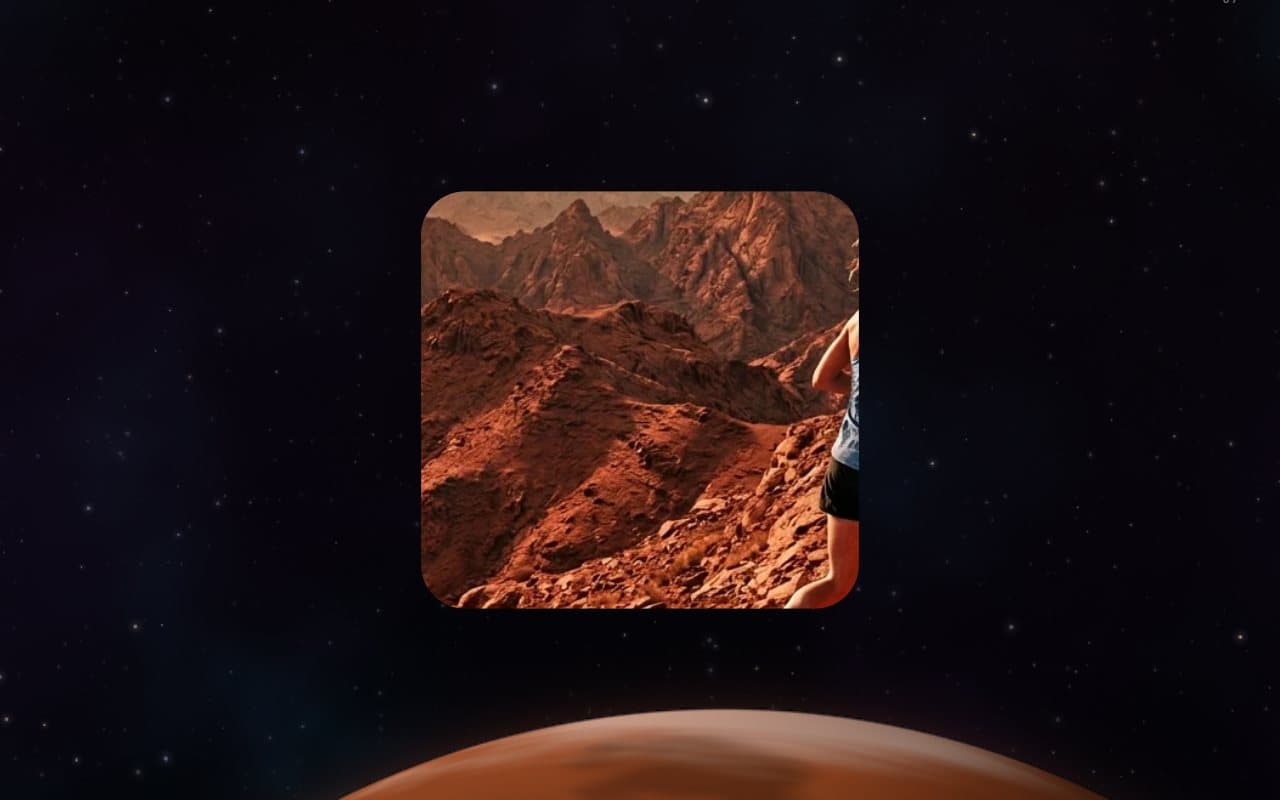
| Image banner | A full-width photo with a heading and buttons. | Effect: Window opens the photo from a small frame to full screen as visitors scroll; Still keeps it fixed. Optional mobile image, overlay opacity, height (small to full screen), content position and a second button. |
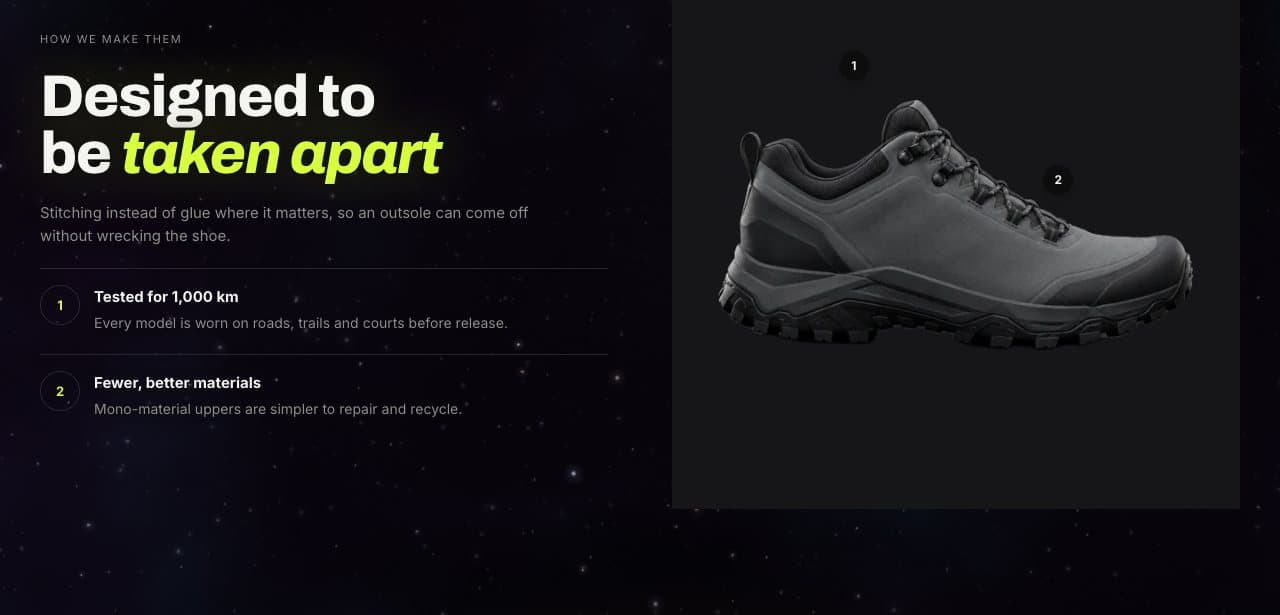
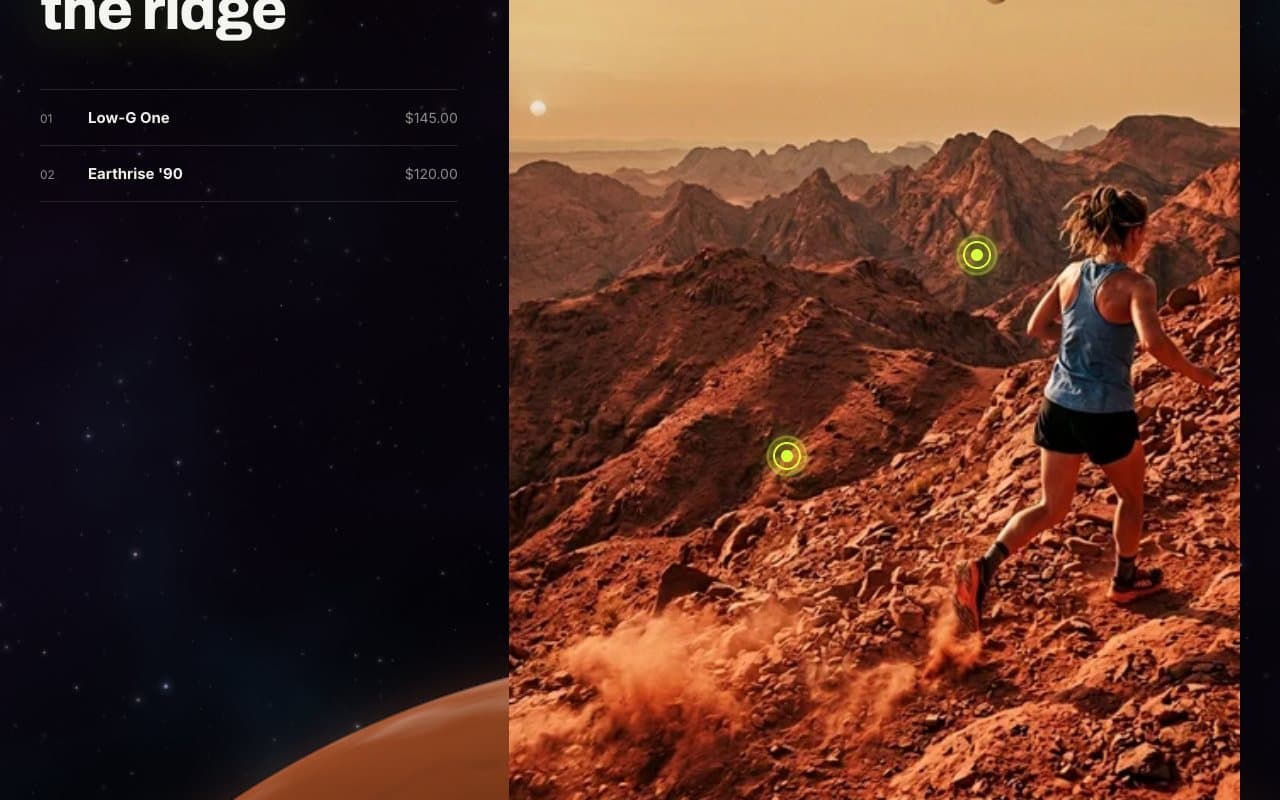
| Image with text | A photo beside your text. | Up to four Key point blocks. With Show numbered pins on the image, each point gets a pin you place with Pin across and Pin down; hovering a pin or its point lights up both. Uses the product image when you pick a product and no image. |
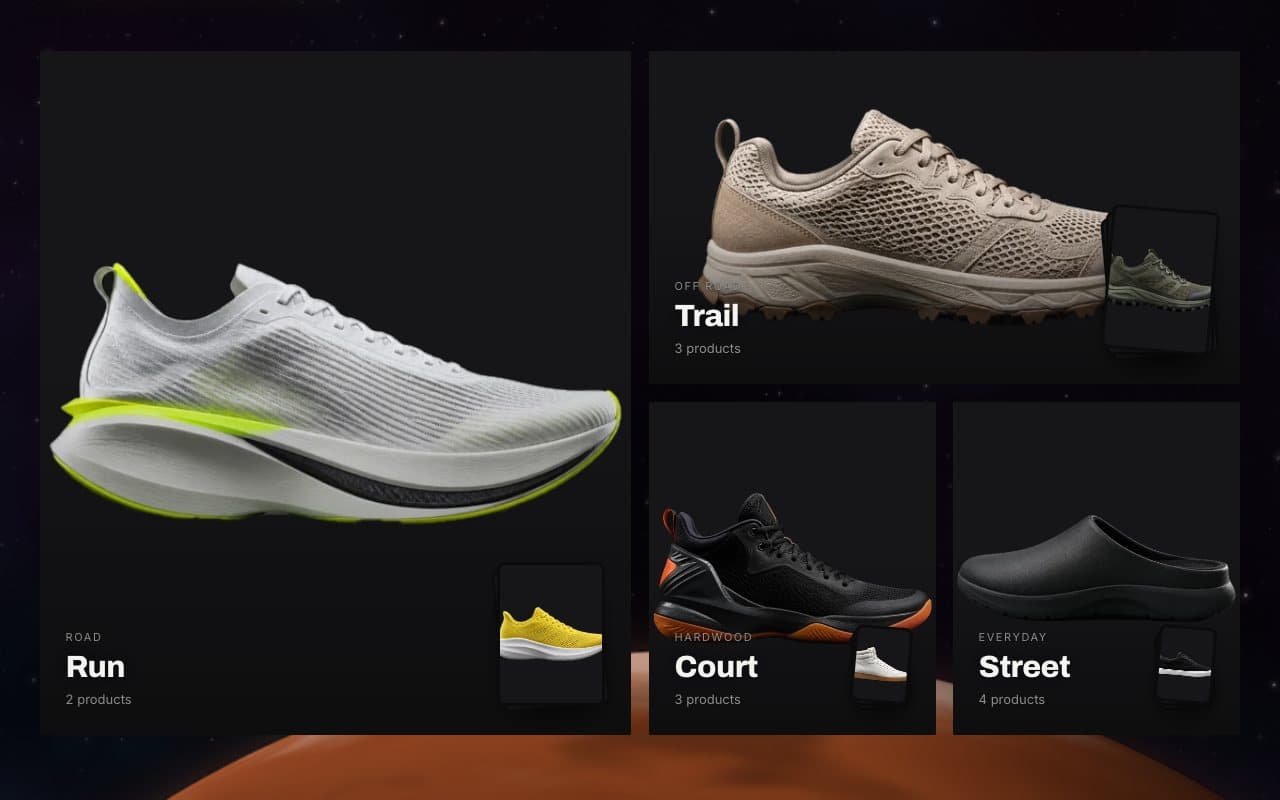
| Collage | Tiles of collections, products and images. | Up to five blocks. Peek inside collections shows a small stack of a collection’s products that fans out on hover. |
| Shop the look | One photo with product hotspots. | Up to six Product hotspot blocks with a horizontal and vertical position. Show “Add the look” adds every product in one click when the look has two or more single-variant products in stock. |
| Rich text | Headings, text and buttons. | Reveal: Read along lights the words up in order as visitors scroll. |
| Video | An uploaded video, or a YouTube or Vimeo link. | Add Chapter blocks (start time like 1:20 and a title) to jump to moments of an uploaded video. YouTube and Vimeo load only after the shopper presses play. Add a cover image and a description for screen readers. |
Selling and launches
| Section | Use it for | Setup notes |
|---|---|---|
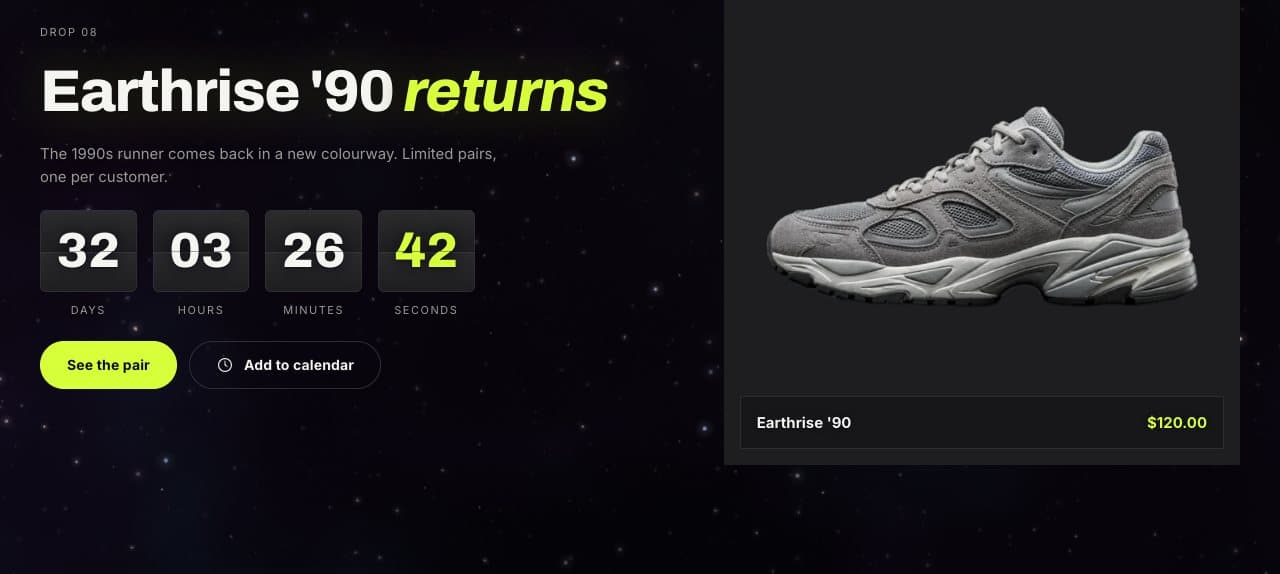
| Drop countdown | A launch with a split-flap clock. | End date (YYYY-MM-DD) and End time (24-hour, store time zone). Show “Add to calendar” lets shoppers save the drop with a reminder 15 minutes before. Set the text shown after the end, a featured product or image, and a button. |
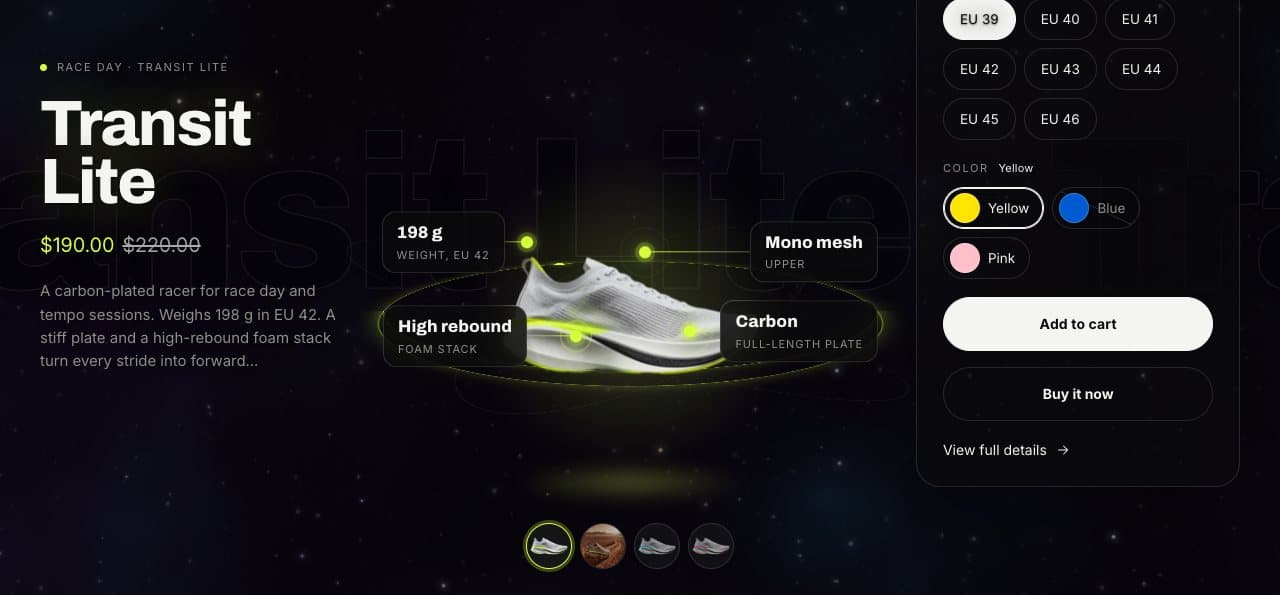
| Featured product | One product on a lit stage. | Up to four Highlight blocks (value and label, placed on the image). Options for description, name band, quantity and dynamic checkout buttons. |
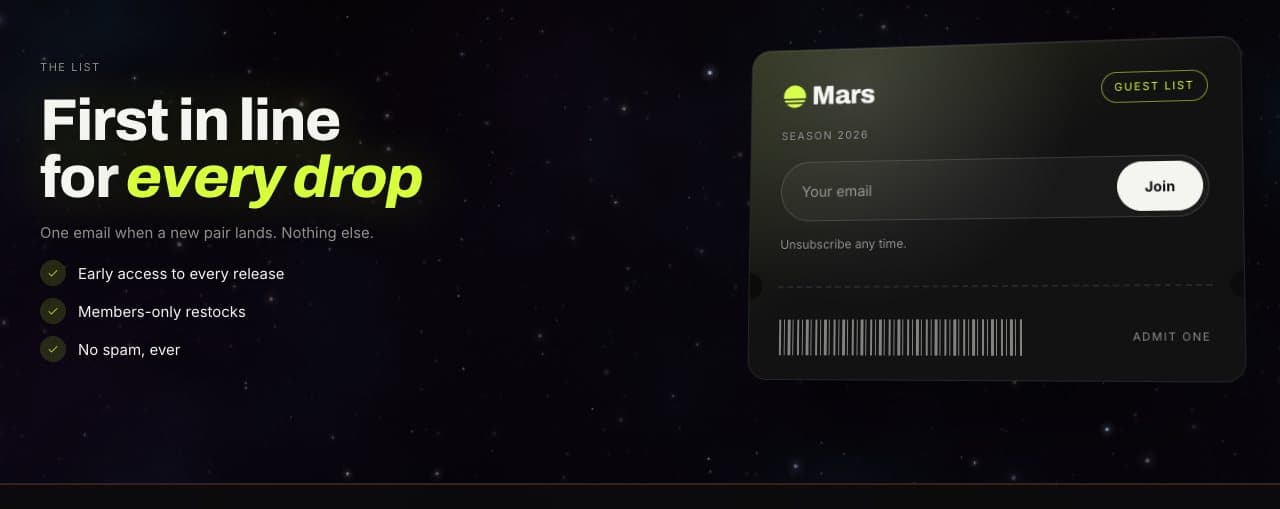
| Email signup | A sign-up form. | Layout: Pass shows a ticket-style card with Member perks beside it (one per line); Minimal is a simple form. |
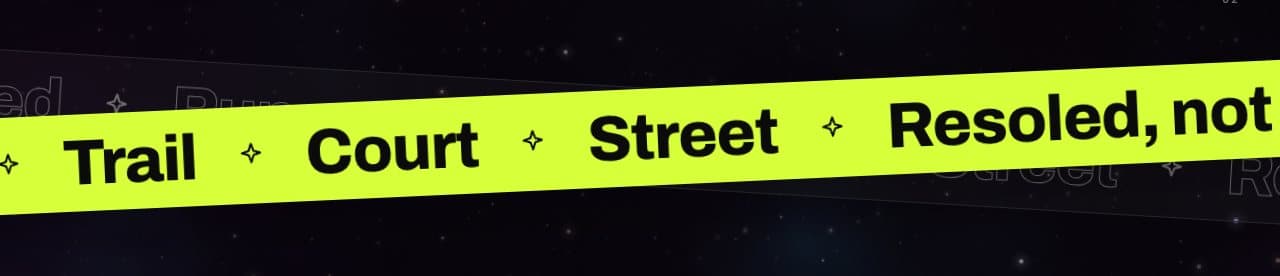
| Scrolling text | Short messages that run across the page. | Up to ten Text blocks with optional links. Shape: flat, ribbon or crossed tapes. React to scrolling speeds the text up while the page scrolls and runs it backwards when scrolling up. |
Information
| Section | Use it for | Setup notes |
|---|---|---|
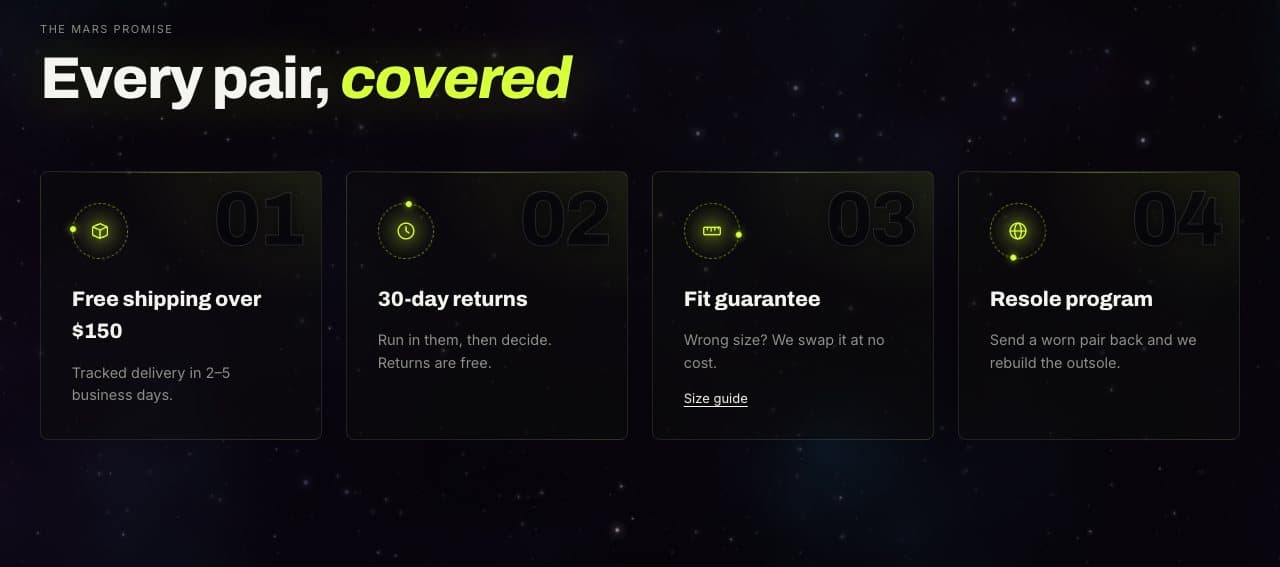
| Multicolumn | Benefits, steps or guarantees. | Up to eight Column blocks with an icon or image, title, text and link. Style: Journey (a line that fills as the page scrolls), Plain, Cards or Orbit. |
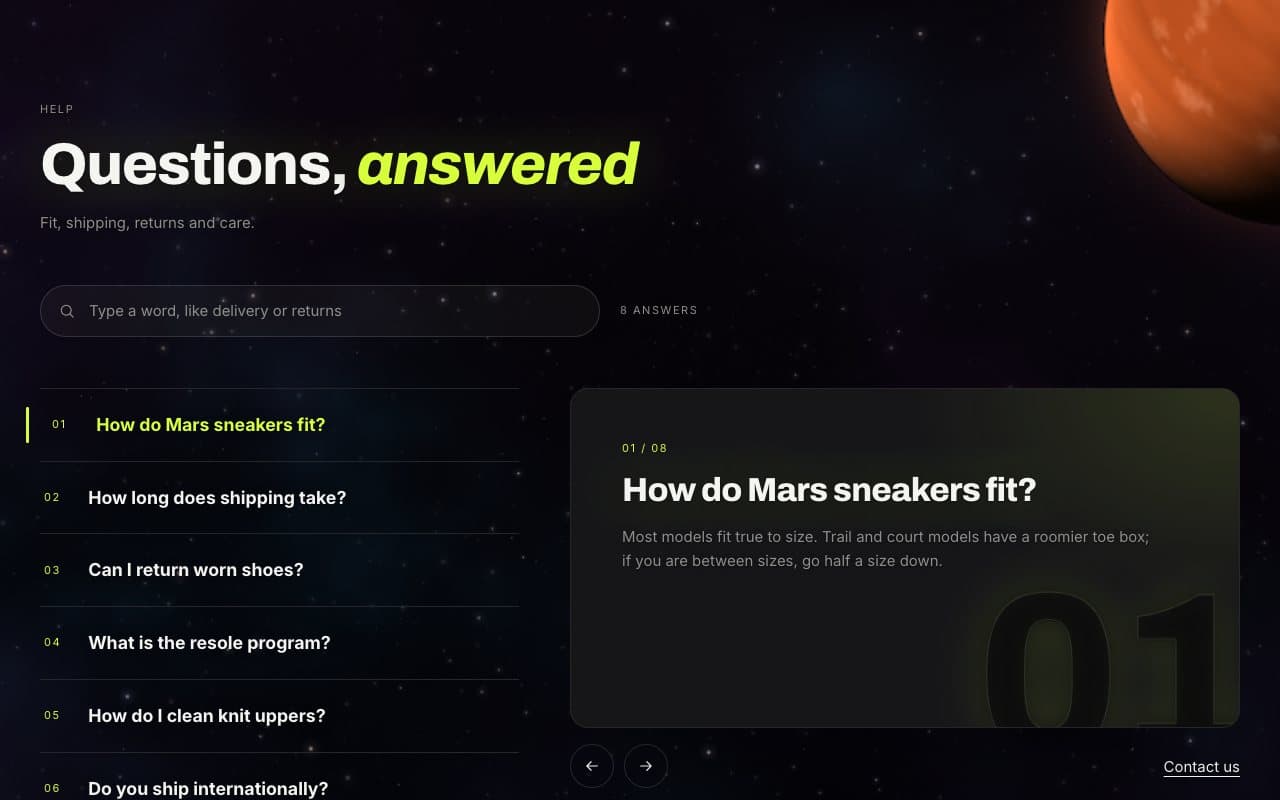
| Collapsible content | Questions and answers. | Up to sixteen Row blocks; content can come from a page. Layout: Finder, heading beside rows or heading above rows. Show question search narrows the list as shoppers type. |
| Contact form | A contact form on any page. | Messages arrive at your store’s contact email. |
| Custom Liquid | Your own code or an app snippet. | Optional full width and section spacing. |
| Apps | App blocks from your installed apps. | Add the app block inside the section. |