Signature sections
These sections are built around depth and motion. Each one also works as a calm layout in Spatial mode: 2D and for visitors who prefer reduced motion. Headings that say “wrap words in italics” highlight those words in the accent color.
World scene
The hero of the home page: a space the shopper looks into, with products, collections, images and text floating at their own depth and following the pointer.
| Setting | What it does |
|---|---|
| Eyebrow, Title, Subtitle, Button | The text and the main button. |
| Scene type | Corridor moves forward through objects, Orbit places objects around the brand, Field is a wide plane to explore. |
| Camera intensity, Animation intensity | How much the view and the objects move, from 0 to 10. |
| Object density | Airy, Balanced or Dense. |
| Products from, Number of products, Destinations | Fill the scene automatically from a collection and a list of collections. |
Blocks (up to 24): Brand object (logo or store name with a tagline, once), Product, Collection, Image, Text, Button, Custom object (image with a label and link) and app blocks. Most blocks have a Size and a Depth (Near, Middle, Far).
Product ring
A collection or a hand-picked list of products turns as a ring. Shoppers drag it or use the arrows; the product in front shows its name and price.
Settings: Collection or Products (used instead of the collection), Products in the ring (5 to 16), Turn slowly until someone interacts, kicker, heading and text.
Exploded view
One product comes apart as the page scrolls, with a callout for each part. Choose a Product, or an Image to override it — a cut-out on a plain background works best. Add up to six Part blocks, each with a title, text and a pin position (left to right and top to bottom, in %).
Flip cards
Cards that turn over on hover or tap to show what is inside. Up to eight blocks: Collection, Product or Card. Each has an image override, kicker, title, detail line, text, details (one per line) and a button label.
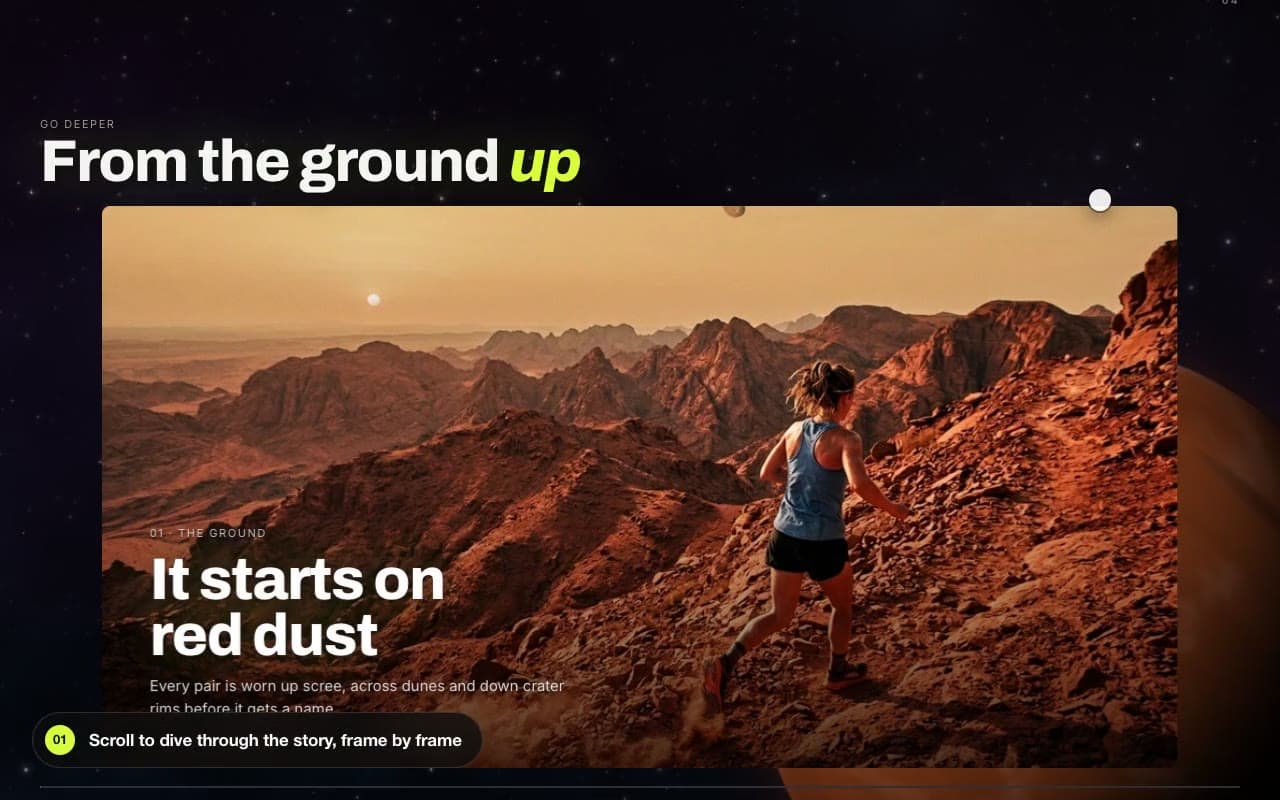
Zoom story
Scrolling dives through each picture into the next one. Add up to six Frame blocks (image, kicker, heading, text, link) and a Product block to end on. With reduced motion, the frames are shown one after another.
Discovery field
A search line where shoppers describe what they need in plain words. Set the kicker, heading, placeholder and Suggested prompts (one per line), and choose Single line or Large stage. Results come from the provider in Theme settings › Discovery. See Discovery.
Portals, Collection space and Product universe
| Section | Use it for | Setup notes |
|---|---|---|
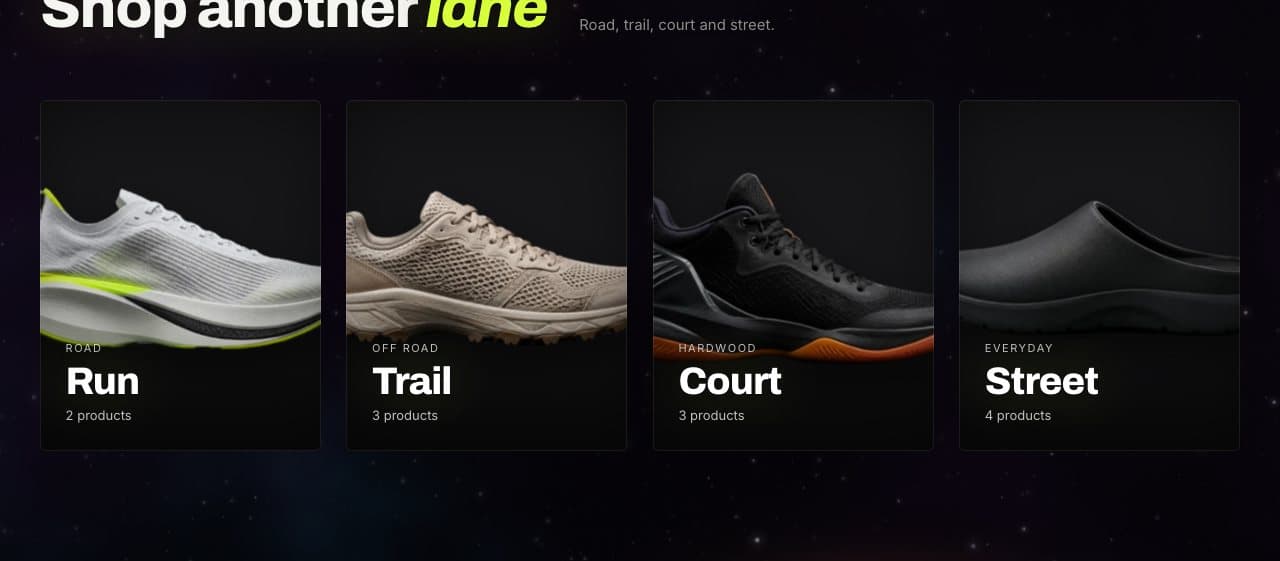
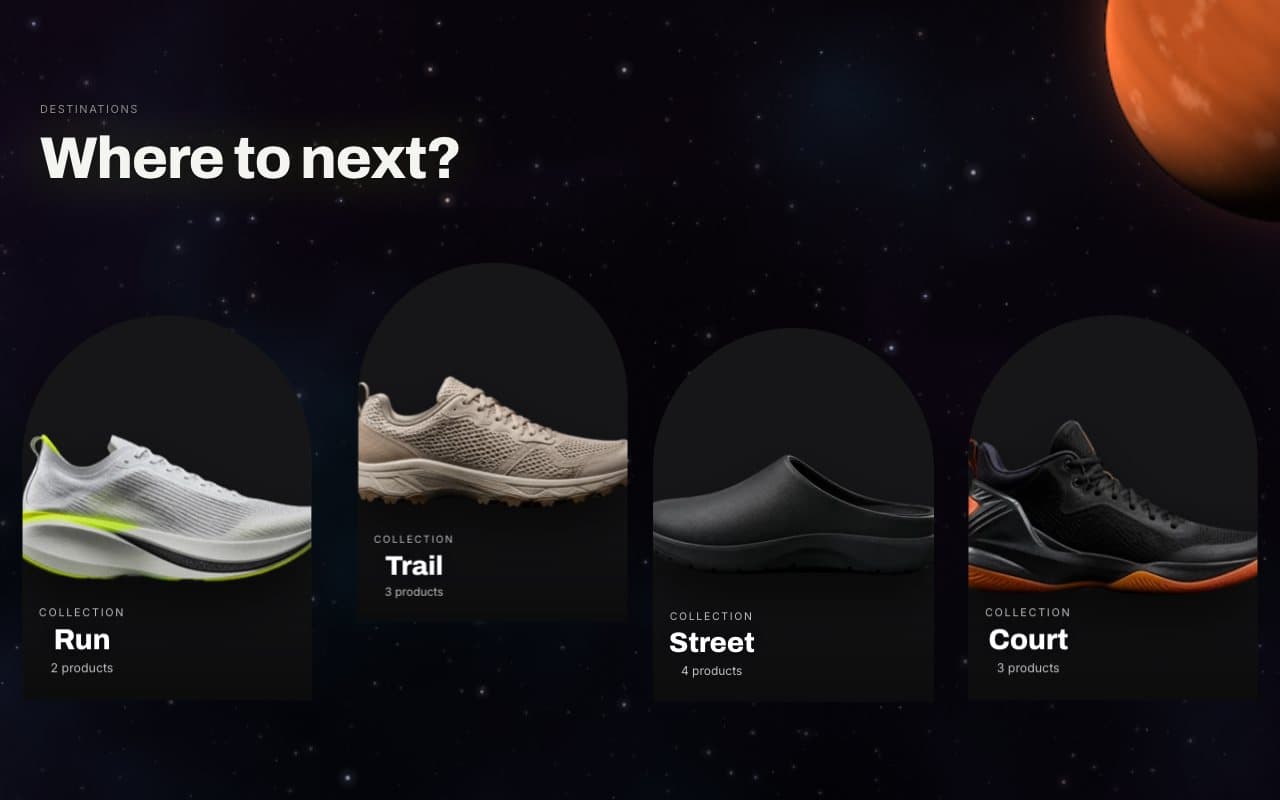
| Portals | Arched doorways into collections, products or images, with a peek inside on hover. | Up to six blocks: Collection, Product or Image, each with an image override, kicker, title and detail line. |
| Collection space | Chosen collections as tall doorways in the world. | Pick Collections and Columns on desktop (2 to 4). |
| Product universe | A collection spread across a field with depth. | Product source, Number of products (4 to 24), Columns (2 to 5), Layout density, Show product type filters and Enable spatial mode. |
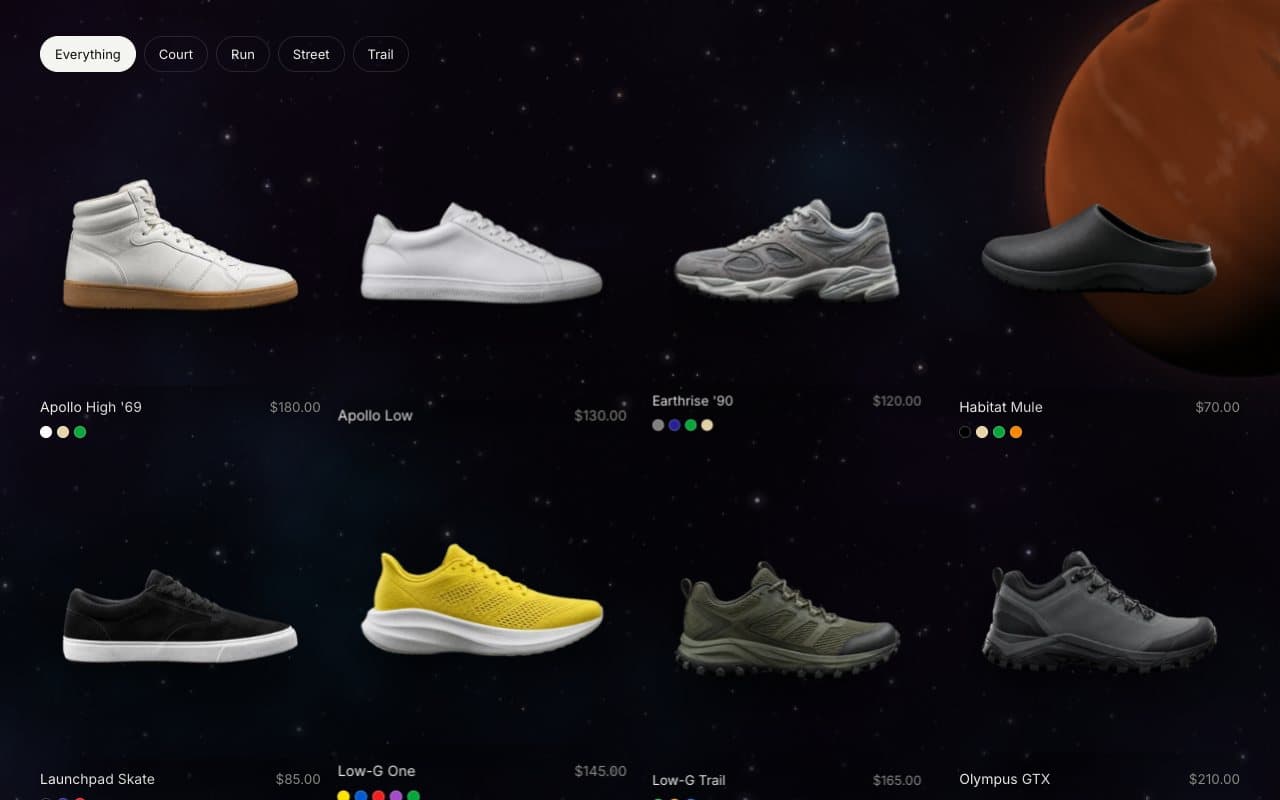
Story space
Text, quotes, images, video, a product and a collection placed at near, middle or far depth, each drifting at its own speed as the page scrolls. Up to twelve blocks: Image and Video (caption, shape, depth), Text, Quote (with author), Product and Collection (with depth).
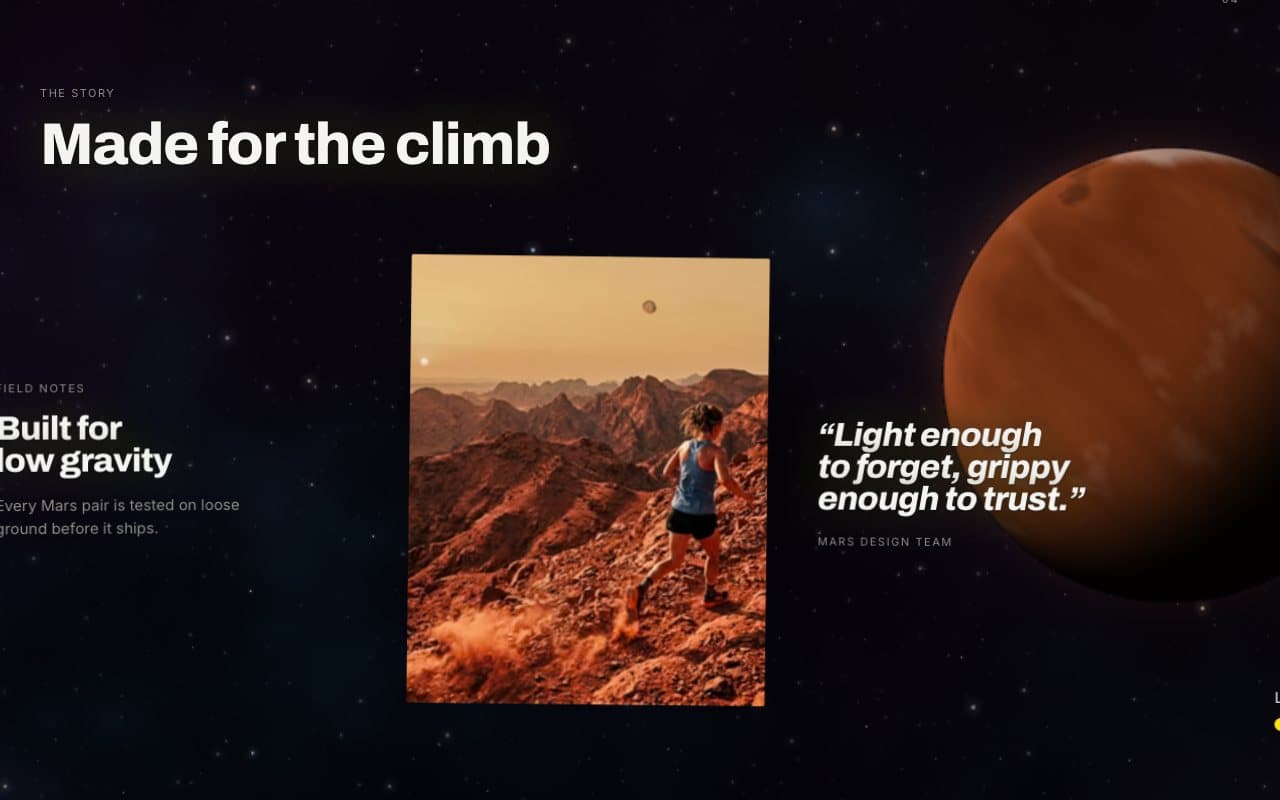
Your world
A shelf that adapts to the shopper. Returning shoppers see what they explored and products picked for them; first-time visitors see a short invitation and new arrivals. Blocks, once each: Recently viewed, Recommended, Buy again (signed-in customers with orders only) and New for you (from a collection), plus app blocks.
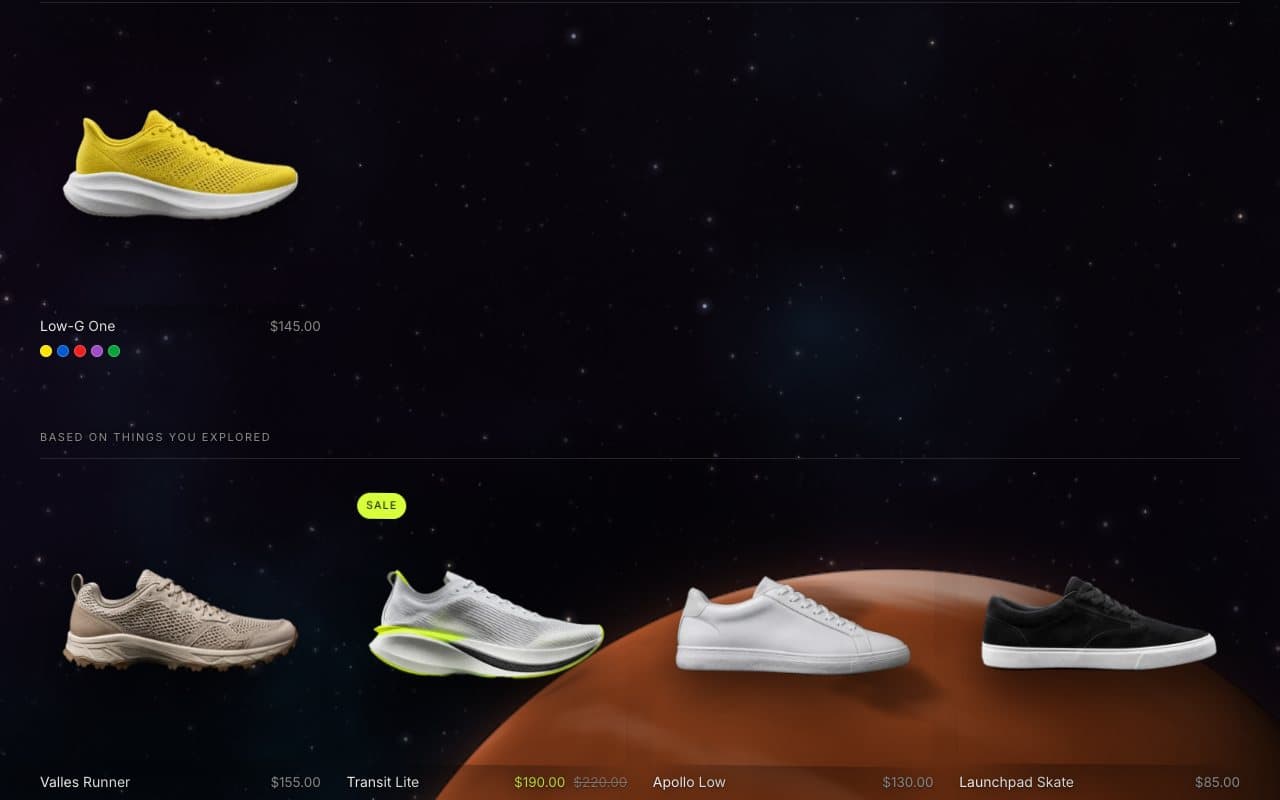
Needs Returning shoppers and Remember recently viewed products in Theme settings › Personalization.
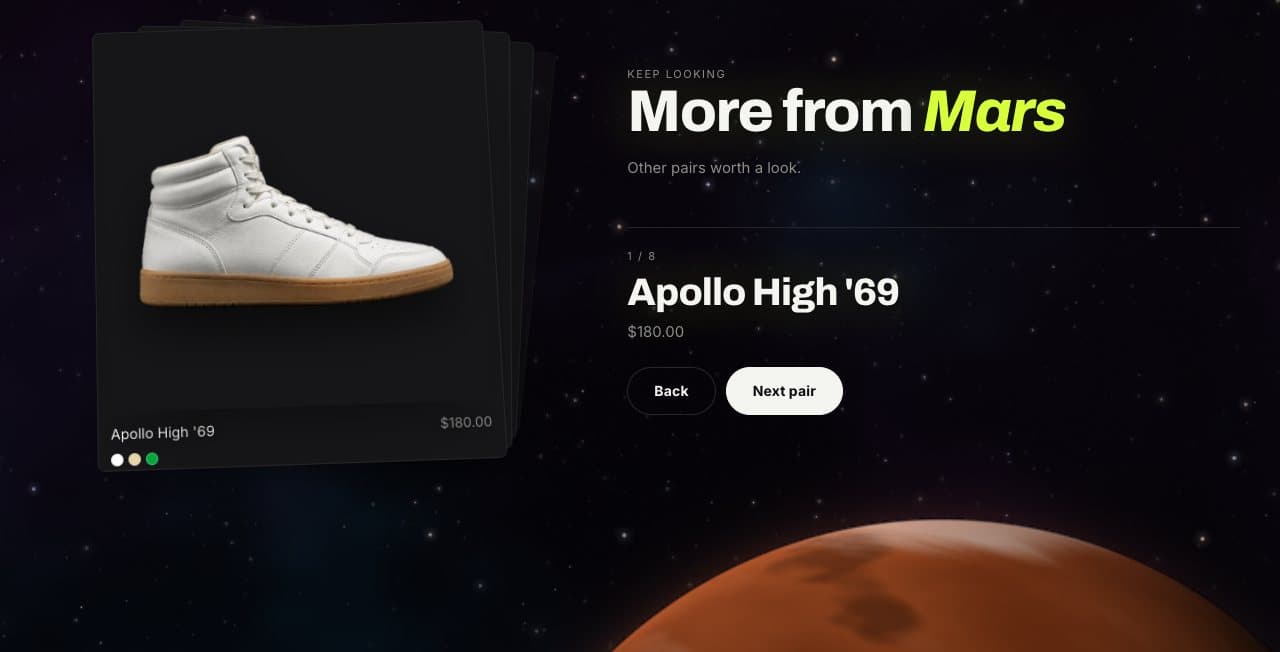
Product deck
Products stacked as a deck of cards; swipe or use the arrows to deal the next one. Choose a Collection or Products, how many cards (3 to 12) and whether the text sits left or right.