Product page
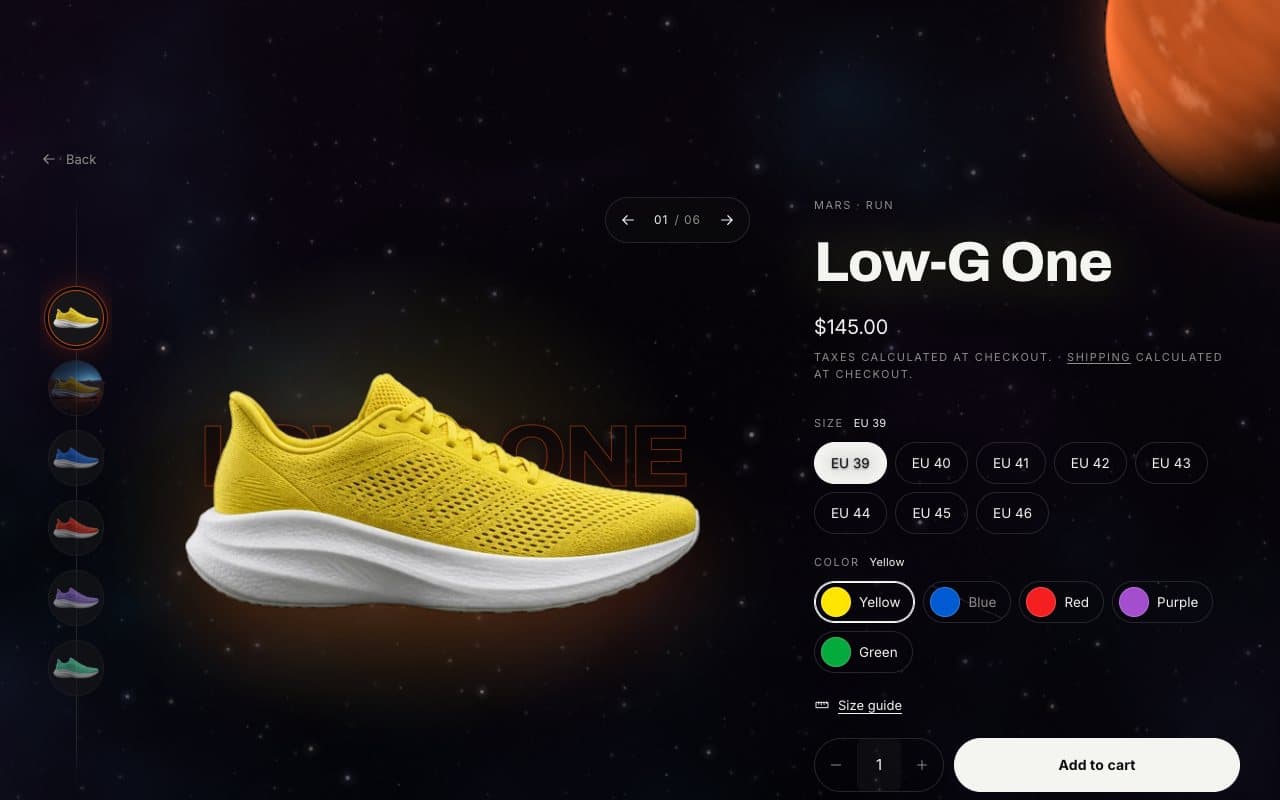
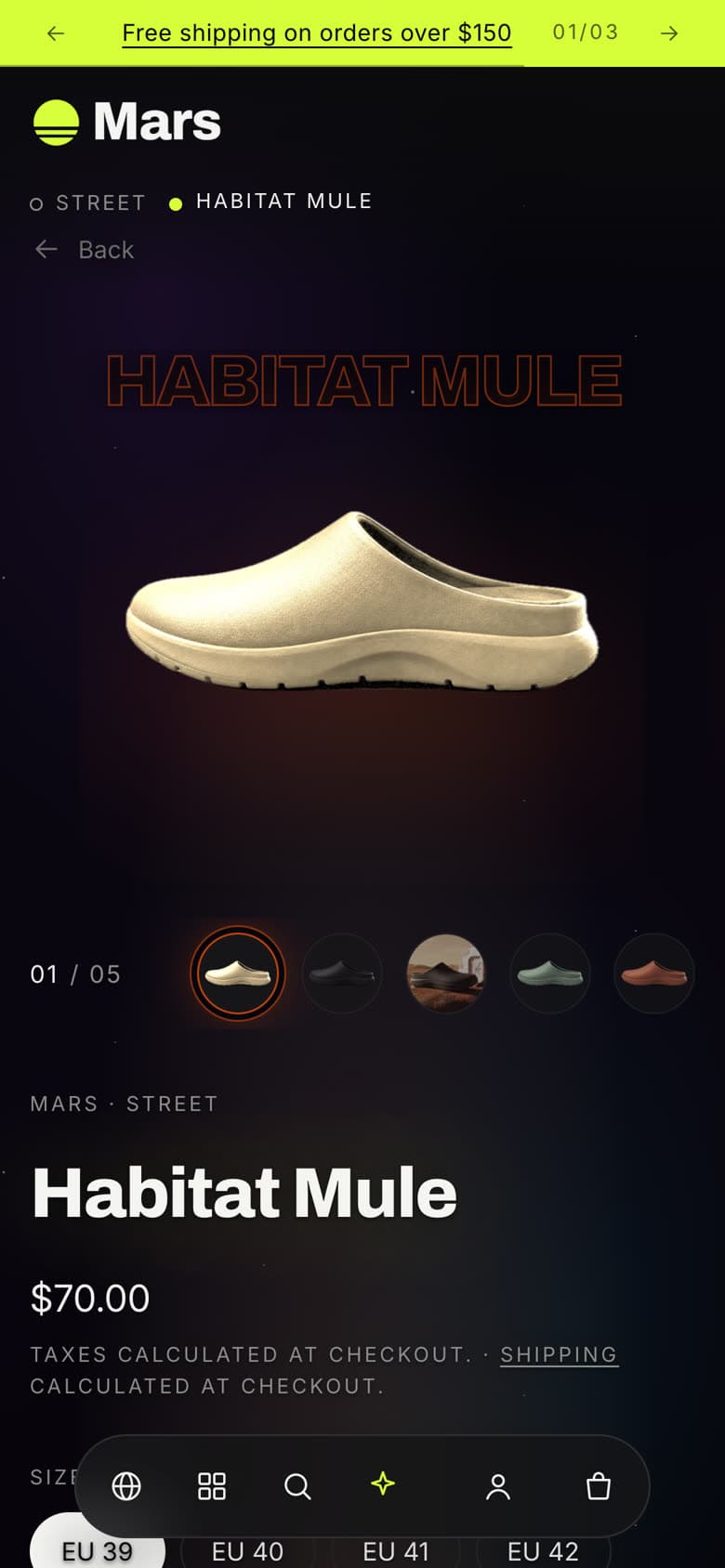
The product page is built around the Product focus section: the product floats on a stage with its name set large behind it, and the details sit beside it as blocks you can reorder.
Product focus settings
| Setting | What it does |
|---|---|
| Open on the 3D model | When a product has a 3D model, it becomes the main view and wears the selected color when the model includes it. |
| Blend product photos into the page | Fades the photo backdrop and adds a soft light in the product’s color. |
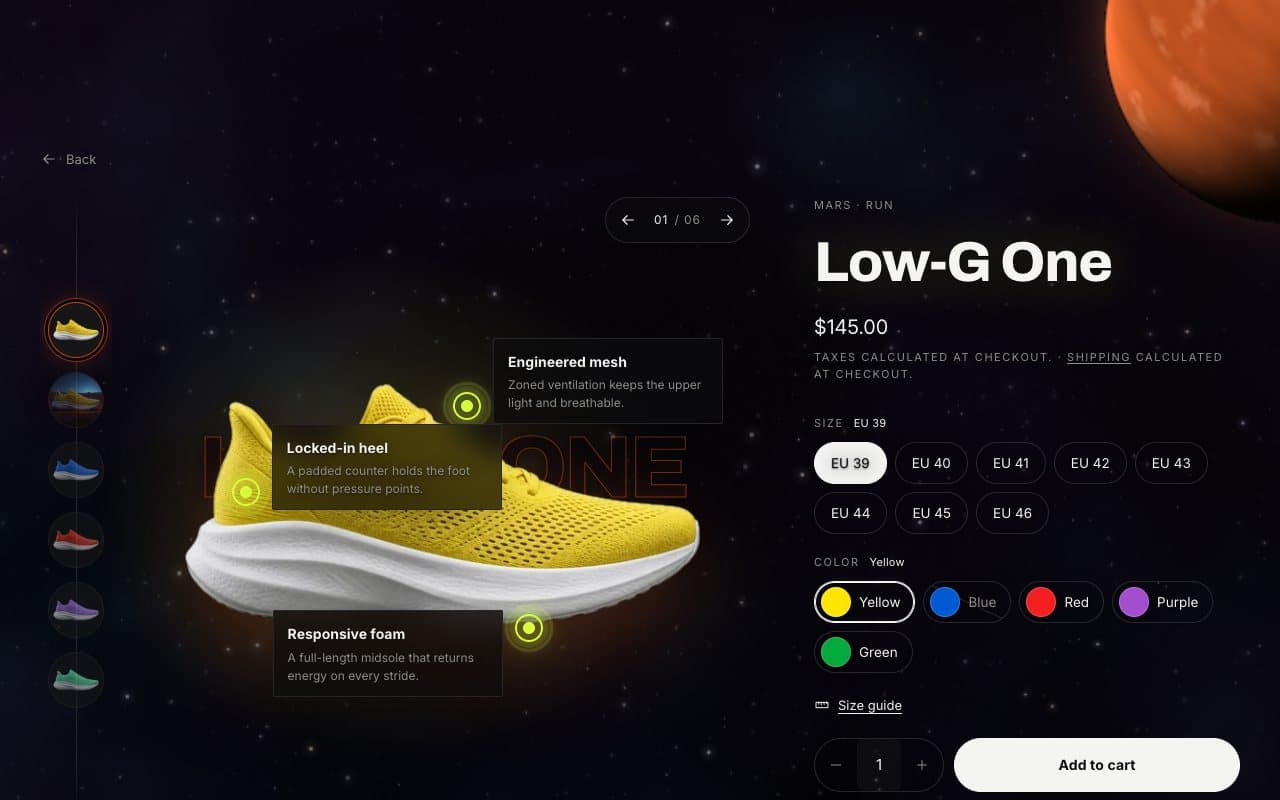
| Show hotspot labels | When off, shoppers tap a hotspot to read it. |
| Show related products around the product, Related heading, Related products | Recommended products from Shopify under the product, 2 to 8. |
The image rail scrolls when a product has many images. Clicking the main image opens a full-size viewer with a loupe, deep zoom and a strip of all views.
Blocks
| Block | Notes |
|---|---|
| Small label | Defaults to the vendor and product type. |
| Vendor, Title, Price | Once each. |
| Variant picker | Colors show as swatches when the option is connected to the Color category metafield. |
| Buy buttons | Quantity, dynamic checkout buttons and Let customers send gift cards to someone. |
| Description | Optionally a short version. |
| Text | Any extra text. |
| Size guide | Opens a page with your size chart. Create the page first, then choose it here. |
| Share | Share links. |
| Feature hotspot | Up to six. Pins a feature to the first product image; set the title, text and position from the top left. |
| Space (tab) | A tab with the product description, your own text or a page. |
| Custom Liquid and app blocks | Reviews, subscriptions and other apps. |
Tip
Use the product.feature-tour template for products you want to explain with hotspots, and keep the default template clean for the rest. Assign it in the product’s Theme template field in the admin.
Under the product
The default template adds Multicolumn for delivery and returns, Collapsible content for questions and a Product deck of more products. Replace or remove them like any other section.